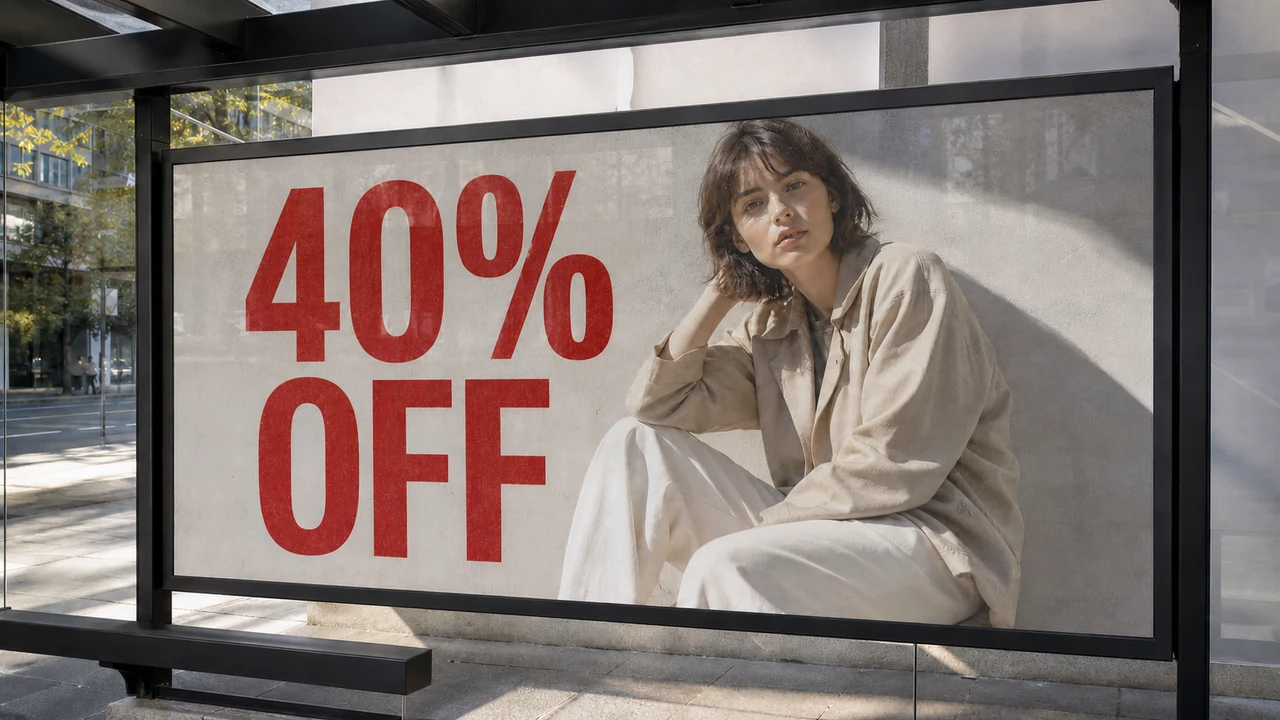
You are staring at a promotional banner just before a flash campaign goes live. The graphic looks sharp, the color balance is dialed in, and the product mockup sits cleanly against a soft gradient background. There is only one problem: the price badge displays $49.99, but marketing just cleared the item for a weekend flash drop at $29.99. You check your project folders, ping your shared team drive, and scan your downloads, only to realize the original design file is nowhere to be found. There is no layered PSD, no Figma project link, and no vector asset archive available. All you have is a single, flattened image file.
In a layered design file, correcting this mistake is a type-layer edit: you double-click the numeric string, type the new digits, and export a fresh file. When an asset has already been rendered out to a raster format, however, that text layer disappears completely. The typographic metadata is baked directly into an uneditable grid of colored squares.
For years, the standard advice for handling this situation involved launching heavy desktop software or starting the entire graphic over from scratch. If you did not own a subscription to Adobe Photoshop or want to spend a long session manually repainting digital textures, you were essentially out of luck. Fortunately, raster image processing has evolved. You can now modify baked-in letters directly within a modern web browser without opening a complex editing suite, sacrificing your visual aesthetic, or repainting individual pixels by hand.
Change Text in Image
Update words in finished images with our free online image text changer and style matching.
The Reality of Flattened Bitmaps: Why You Cannot Just Highlight the Words
To understand why modifying an exported graphic feels so frustrating, it helps to understand what happens during image export. When you save a composition as a JPEG, PNG, or WebP, the authoring software discards vector paths, font families, tracking settings, and layer hierarchies. The typography ceases to be text; instead, it becomes a permanent pattern of color values arranged across a two-dimensional grid.
Every character edge blends into adjacent background pixels through anti-aliasing. If the original text sits over an intricate texture, a photographic background, or a subtle color gradient, those background shades are irreversibly fused with the character outlines. The file stores no memory of what the background looked like behind the letters before the text was applied.
Because of this structure, standard desktop viewers and general office software cannot recognize the shapes as editable glyphs. To alter the message, you have to solve two distinct graphical challenges at the exact same time: you must remove the old letterforms while reconstructing the concealed background pattern underneath, and you must generate replacement characters that faithfully adopt the perspective, lighting, color weight, and typeface characteristics of the original design.
The Flawed Workarounds Most People Try First
When faced with an urgent change like turning $49.99 into $29.99, people usually cycle through a series of quick fixes that rarely yield acceptable results for professional publishing.
The most common shortcut is pasting an opaque color rectangle or digital sticker over the old number and typing the new figure on top using a basic design utility. While this technique takes minimal effort, the output immediately looks patched together. Even if you pick a color that matches the adjacent backdrop, flat solid swatches destroy any natural gradient progression, film grain, or paper textures present in the original composition. The patch creates a visible boundary box that draws unwanted attention directly to the edit. Anyone browsing your storefront can instantly spot the mismatch, which undermines user trust and makes the graphic appear amateurish.
The alternative traditional path is turning to free open-source desktop image editors such as GIMP or similar offline photo manipulation tools. In theory, these programs provide clone stamps, healing brushes, and perspective transforms that can erase the original characters and reconstruct the background. In practice, this manual retouching path demands steady dexterity and significant patience.
Using clone and heal tools requires you to sample surrounding pixels repeatedly, paint over each digit without creating noticeable repeating patterns, match variable lighting angles, and then manually scour web font repositories hoping to identify a typeface that resembles the original styling. For marketing managers, small business owners, and non-designers working against strict deadlines, navigating a dense desktop interface with dozens of complex brush palettes is rarely an efficient use of time.
Modifying Flattened Copy Through a Browser Still-File Changer
A browser-based text modification engine tackles flattened files without relying on raw source layers or destructive manual retouching. Rather than treating typography as an immutable patch of pixels, the platform isolates typographic shapes from underlying imagery through contextual optical analysis. When you need in-place lettering adjustments on an unlayered graphic, head over to Change Text in Image rather than struggling with manual clone brushes.
Modern neural engines detect character clusters along with their approximate stroke weights, colors, and perspective angles. You supply the exact replacement copy yourself, directing the system toward the specific phrases or figures that require revision. Working through Edit Text in Image keeps the process lightweight, allowing you to anchor a detected text line so edits stay aligned with adjacent elements.
Comparing Your Options: Desktop Retouching vs. Browser Text Inpainting
Choosing the right approach depends on the software access you have, your technical comfort level, and the turnaround time your project requires:
| Dimension | Manual Sticker Overlay | Traditional Desktop Retouching (e.g., GIMP) | Dedicated Browser Text Inpainting |
|---|---|---|---|
| Visual Quality | Poor; leaves harsh geometric seams and eliminates background textures. | High if executed by an expert; inconsistent for casual users. | High; aims to match surrounding lighting, gradients, and font styling |
| Software Setup | None; available in generic office or presentation apps. | Requires full software installation, local resource management, and configuration. | Operates entirely within any modern web browser without local installation. |
| Learning Curve | Negligible; basic shape and text insertion. | Steep; requires mastering clone stamps, healing brushes, layers, and manual kerning. | Minimal; direct in-place edits on detected text lines |
| Font Sourcing | Manual guessing; requires local font files installed on your operating system. | Manual hunting across font libraries to match style, weight, and tracking. | Automated; the model derives letterform aesthetics directly from visual context. |
| Turnaround Effort | Low effort, but yields an unusable result for professional branding. | Extended; requires multiple manual retouching passes and fine-tuning. | Streamlined; processes targeted replacements directly on the uploaded still file. |
Workflow Considerations and Credit Allocation
Because raster formats discard font metadata, every adjustment relies on best-effort matching against visible context rather than an original font file. Clean PNGs or high-resolution JPEGs yield noticeably crisper results because blurred compression artifacts make boundary isolation difficult. When you rely on Replace Text in Image, feeding high-clarity source files helps the model reconstruct the background texture behind the modified characters cleanly.
Trial credits become available after login so you can test your own assets first. You can inspect the rendered letterforms at full scale to judge how well the typography aligns with your layout. This hands-on review lets you evaluate the visual fit directly before deciding to commit further.
The Bottom Line
A flattened raster graphic without a source PSD or vector file no longer requires you to rebuild an entire asset from scratch or settle for an unsightly patch box. By shifting away from manual pixel cloning and utilizing a browser-based text modification system, you can update critical details like prices, dates, and slogans directly on existing imagery. The system handles the complex tasks of background restoration, font matching, and perspective alignment automatically, allowing you to salvage valuable creative assets and meet tight marketing deadlines without specialized desktop software.