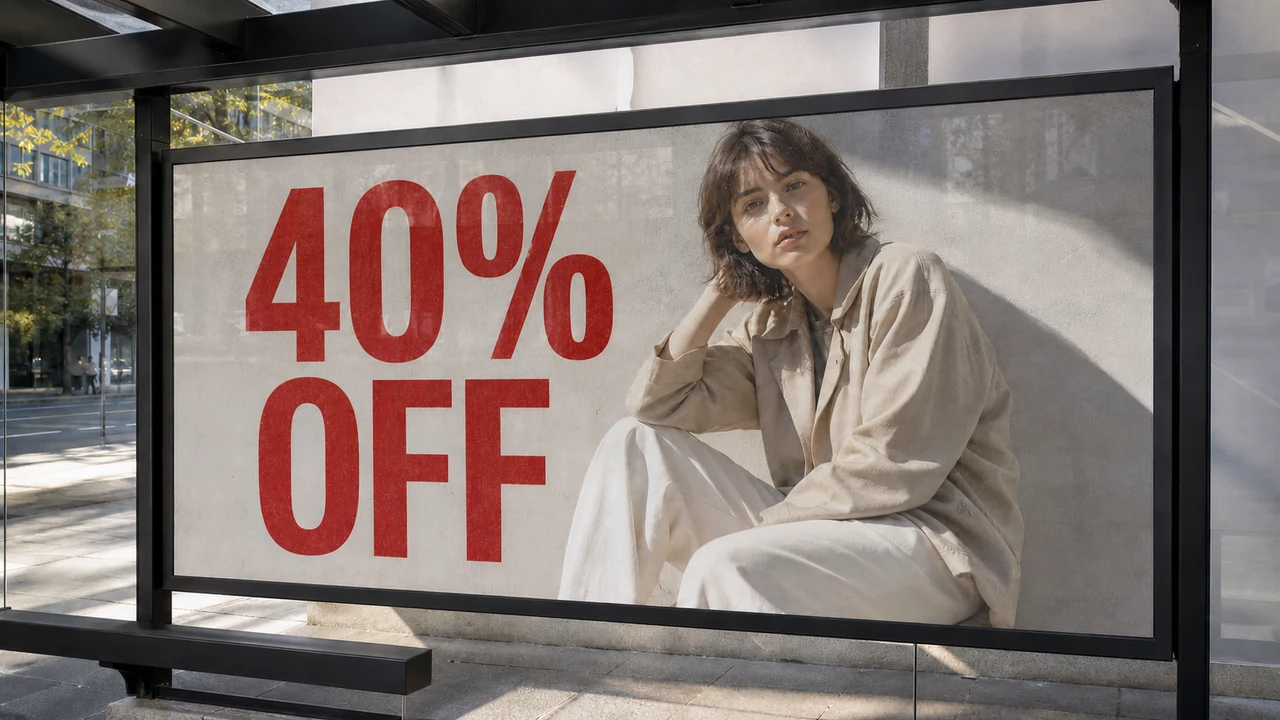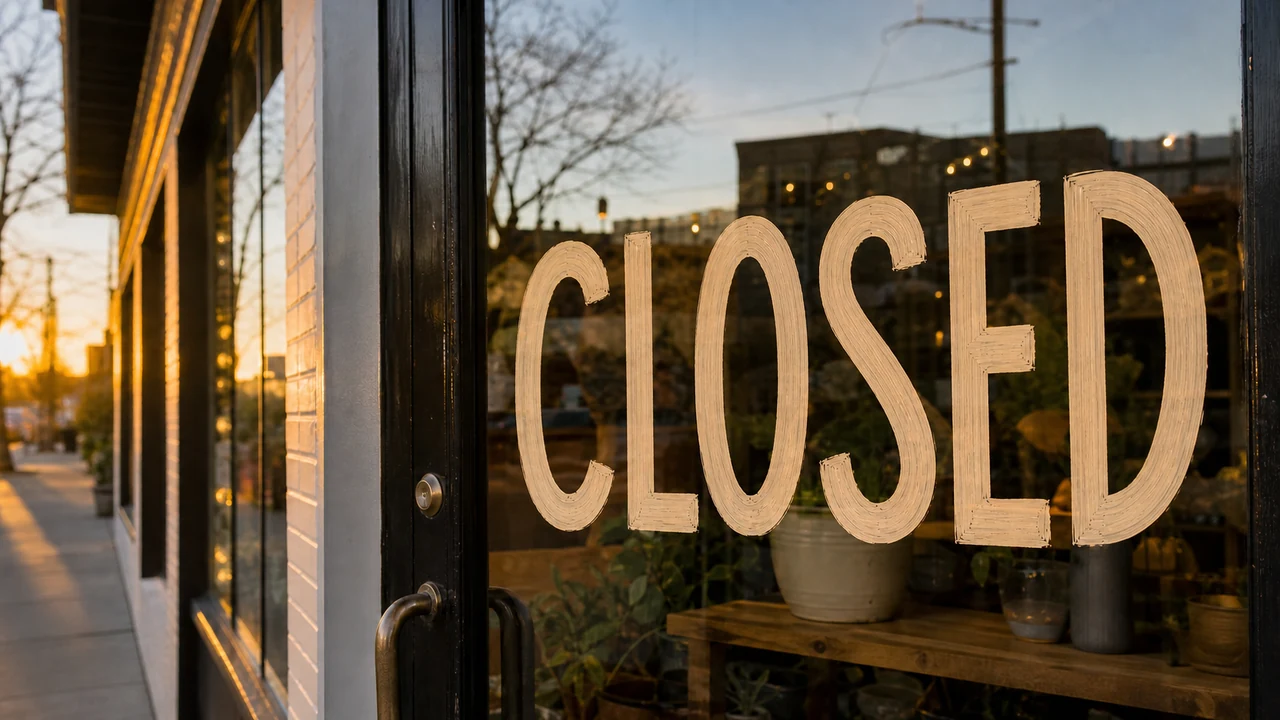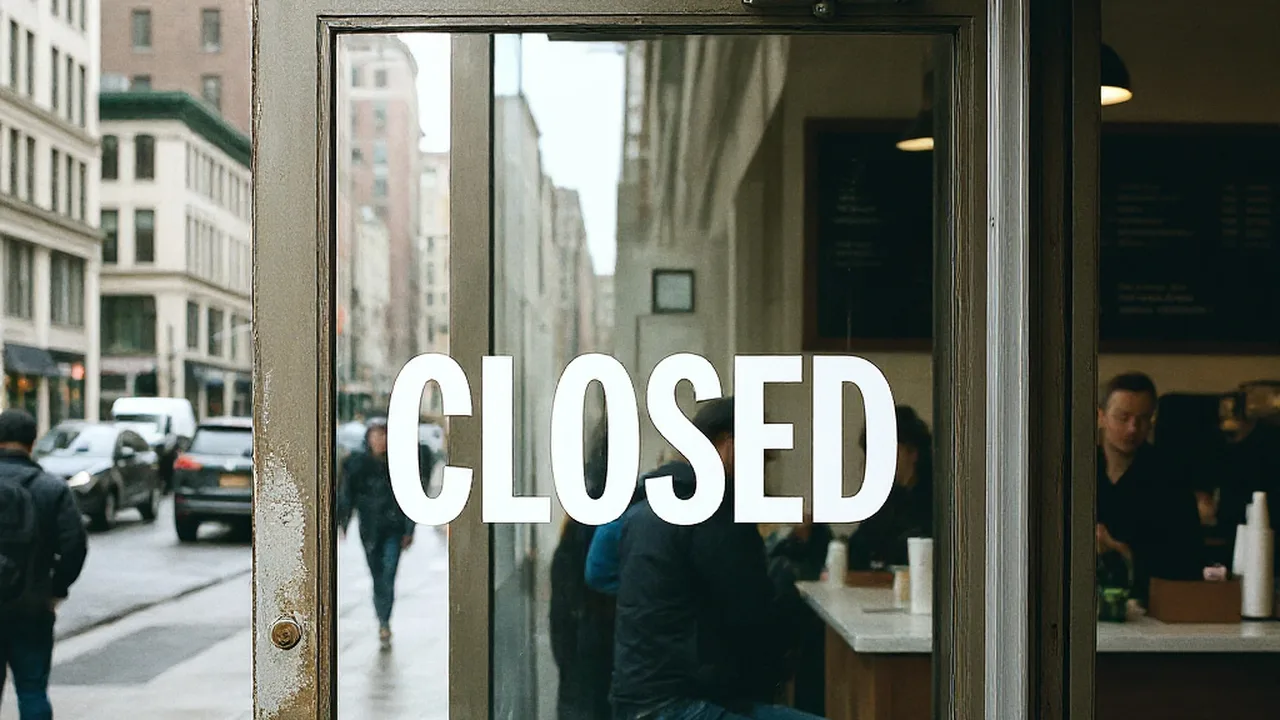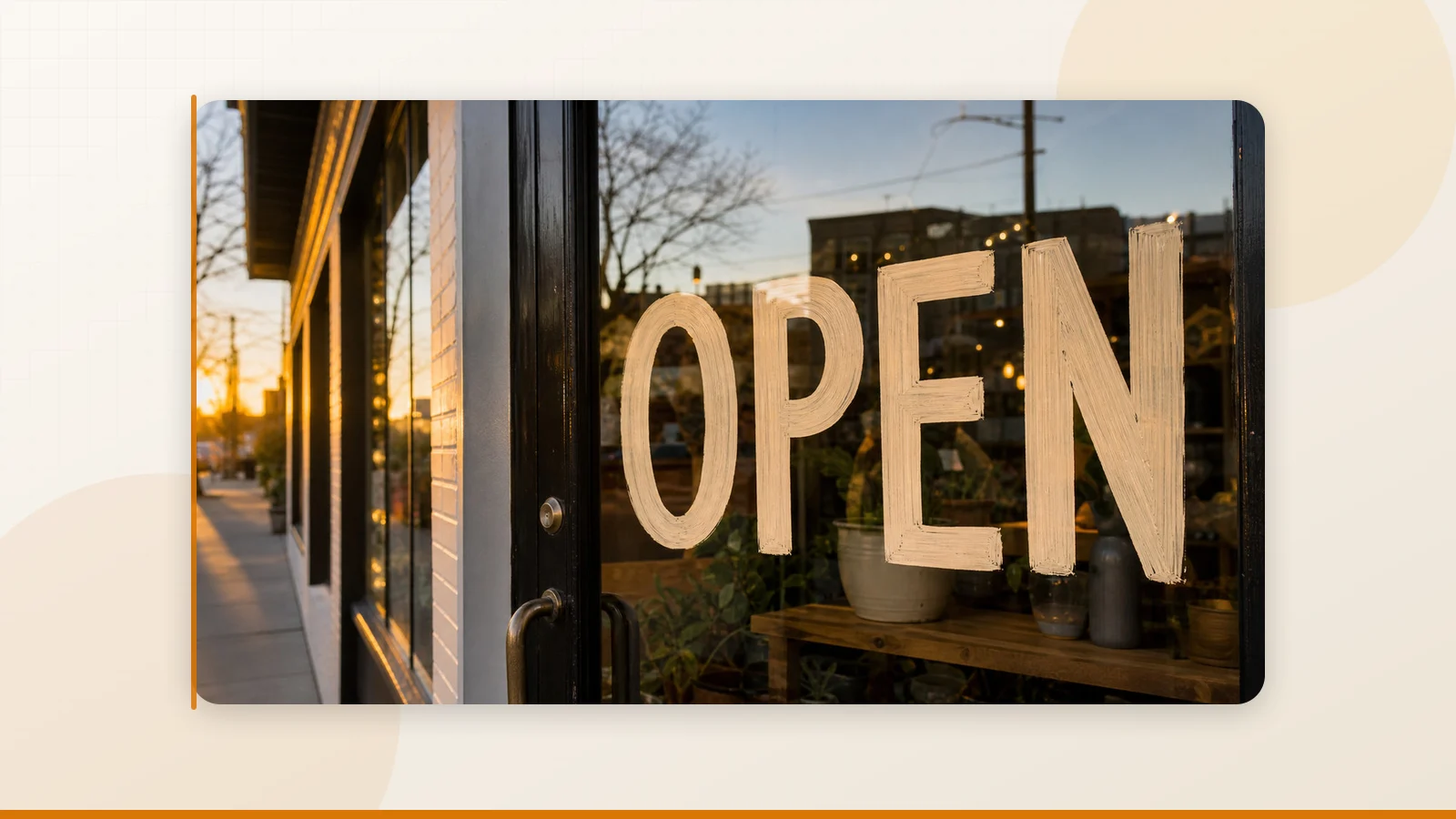
A developer on Reddit asked a question that resonated with hundreds of people: "Is there a free, open-source tool to edit existing text in images seamlessly?" Seven months later, the thread is still active — people keep asking "did you find anything?" and the answer keeps being "no."
I decided to stop waiting for someone else to build it and actually test every option I could find. Here's what I learned — and why the answer is more nuanced than you'd expect.
Edit Text in Image
Edit text in finished images with our free online image text editor.
The Reddit Thread That Hit a Nerve
The original post on r/webdev laid out the frustration perfectly:
"With AI doing everything from spinning up full-stack apps to cloning voices and faces, you'd think there'd be a simple, free tool where you can upload an image and just replace the text that's already in it. Not add a new text layer. Not slap a sticker on top. Actually edit the existing text and have the new text match the original font, style, colors, shadows, background — everything."
The ideal workflow they described: upload image → edit text → download → looks untouched.
Sounds simple, right? It's not. The replies poured in with suggestions, but months later, the original poster still hadn't found a working solution. Neither had the dozens of people who kept checking back.
What's Actually Out There: A Brutally Honest Landscape
I went through every tool, app, and GitHub project mentioned in that thread and beyond. Here's the reality:
Category 1: Traditional Editors (Photoshop, GIMP, Canva)
Verdict: They work, but they don't solve the problem.
These tools let you erase text and type new text on top. But you're doing everything manually — matching the font by eye, cloning the background pixel by pixel, adjusting letter spacing and color. A single text change on a complex background can take 20–40 minutes.
For developers and non-designers, this isn't a solution. It's a chore.
Category 2: "Add Text" Apps and Online Tools
Verdict: They add text. They don't replace it.
Dozens of apps let you place a text box over an image. Some have nice fonts. Some have shadows and outlines. But they're all doing the same thing: layering new text on top. The original text is still visible underneath unless you manually erase it first.
If you've ever tried this, you know the result always looks "off" — the font doesn't match, the background shows through, and the edit is obviously fake.
Category 3: iOS-Only Apps
Verdict: Some actually work — but only on iPhone.
One app that kept getting praise in the Reddit thread was an iOS app that users called "unreal" and "the best app ever." The problem? It's iOS-only. No web version, no Android, no desktop. If you're on a Windows PC, a Mac, or an Android phone — which is most people — you're out of luck.
Category 4: AI Inpainting Tools (Stable Diffusion, etc.)
Verdict: Powerful but impractical for text replacement.
AI inpainting can remove objects and regenerate areas of an image. Technically, you can erase text with inpainting and then add new text. But the workflow is complex, requires running a local model or using an API, and the results are inconsistent — especially for text that needs to match a specific font and style.
One Reddit user reported spending 30 minutes with an AI tool to replace some non-standard font text. The result was "not perfect but pretty authentic." That's not exactly a ringing endorsement for a supposedly automated process.
Category 5: Open-Source Projects
Verdict: Promising in theory, lacking in practice.
This is the category the original poster was most hoping for. And honestly? There's no mature, well-maintained open-source project that handles "edit text in image" as a complete workflow. There are individual components — text detection models, inpainting algorithms, font recognition libraries — but nobody has stitched them together into a usable tool.
The gap between "technically possible with enough engineering" and "upload, click, download" is enormous.
Why This Problem Is So Hard (It's Not What You Think)
The reason nobody has built a perfect free tool isn't lack of effort or interest. It's that "seamless text replacement in images" requires solving four hard problems simultaneously:
- Text detection — Accurately finding and segmenting every text region in an image, including curved, rotated, or partially obscured text.
- Background reconstruction — After removing the text, filling in the background so it looks natural. This is especially hard with gradients, textures, and complex scenes.
- Font analysis — Identifying the font family, size, weight, color, and style of the original text. This is an entire research field on its own.
- Text rendering — Generating new text that matches the analyzed style and composites seamlessly into the reconstructed background.
Each of these is a non-trivial AI or computer vision problem. Doing all four well, in a single click, is why this tool doesn't exist as a free, open-source solution yet.
The Tool That Actually Does It: ReWords AI
After going through every option in that Reddit thread and then some, the tool I found that comes closest to the "upload → edit → download → looks untouched" workflow is ReWords AI.
Here's why it stands out from everything else I tested:
It Replaces Text, Not Overlays It
This is the fundamental difference. ReWords AI doesn't put a text box on top of your image. It detects the existing text, removes it, reconstructs the background, and generates new text that matches the original style. The output looks like the text was always there.
It Works in Any Browser
No app to install. No iOS requirement. No local GPU needed. Open rewordsai.app in any browser — desktop or mobile — upload your image, and edit.
The Workflow Is Actually Simple
- Upload a PNG, JPG, or WebP image.
- Click on detected text or draw a box around text that was missed.
- Type your replacement.
- Generate and download.
One credit per image. New users get a free edit after signing in — no credit card needed.
It Handles Real-World Scenarios
From the Reddit thread, people wanted to:
- Fix typos in screenshots for client deliverables
- Update prices on product photos for e-commerce listings
- Change dates on event posters without reopening the design file
- Correct garbled text in AI-generated images
- Localize packaging text for new markets
ReWords AI handles all of these. Is the output perfect every time? No — and they're upfront about that. Results depend on image quality, text complexity, and background texture. But for the use cases above, it consistently produces usable output.
What About the Free / Open-Source Requirement?
I know — the original Reddit question specifically asked for free or open-source tools. Let me address that directly.
As of today, there is no free or open-source tool that does what ReWords AI does in a single, usable workflow. The individual components exist (OCR models, inpainting pipelines, font libraries), but stitching them together requires significant engineering effort and ongoing maintenance.
ReWords AI offers a free trial edit — enough to test whether it works for your use case. After that, it uses a credit-based model. For developers with integration needs, there's an API in beta (contact support@rewordsai.app).
Is it free forever? No. But after seven months of that Reddit thread sitting unanswered, I'd argue the question isn't "is there a free tool?" — it's "is there a tool that works?" And right now, this is the one that does.
A Quick Comparison Table
| Approach | Works? | Free? | Browser-Based? | Seamless Output? |
|---|---|---|---|---|
| Photoshop / GIMP | Manual only | GIMP is free | Desktop only | Depends on skill |
| Canva / Add-text tools | Overlay only | Freemium | Yes | No |
| iOS-only apps | Yes | Varies | No (iOS only) | Yes |
| AI inpainting (SD, etc.) | Partially | Yes (local) | Varies | Inconsistent |
| Open-source projects | Incomplete | Yes | Varies | No |
| ReWords AI | Yes | Free trial | Yes | Yes |
The Bottom Line
The Reddit community asked for this tool seven months ago and still hasn't found a free, open-source answer. That's not because the community isn't resourceful — it's because solving text replacement in images is genuinely hard. Until someone builds and maintains an open-source alternative, ReWords AI is the closest thing to the "upload → edit → download → looks untouched" workflow that the r/webdev community was looking for. Try the free edit and see for yourself.