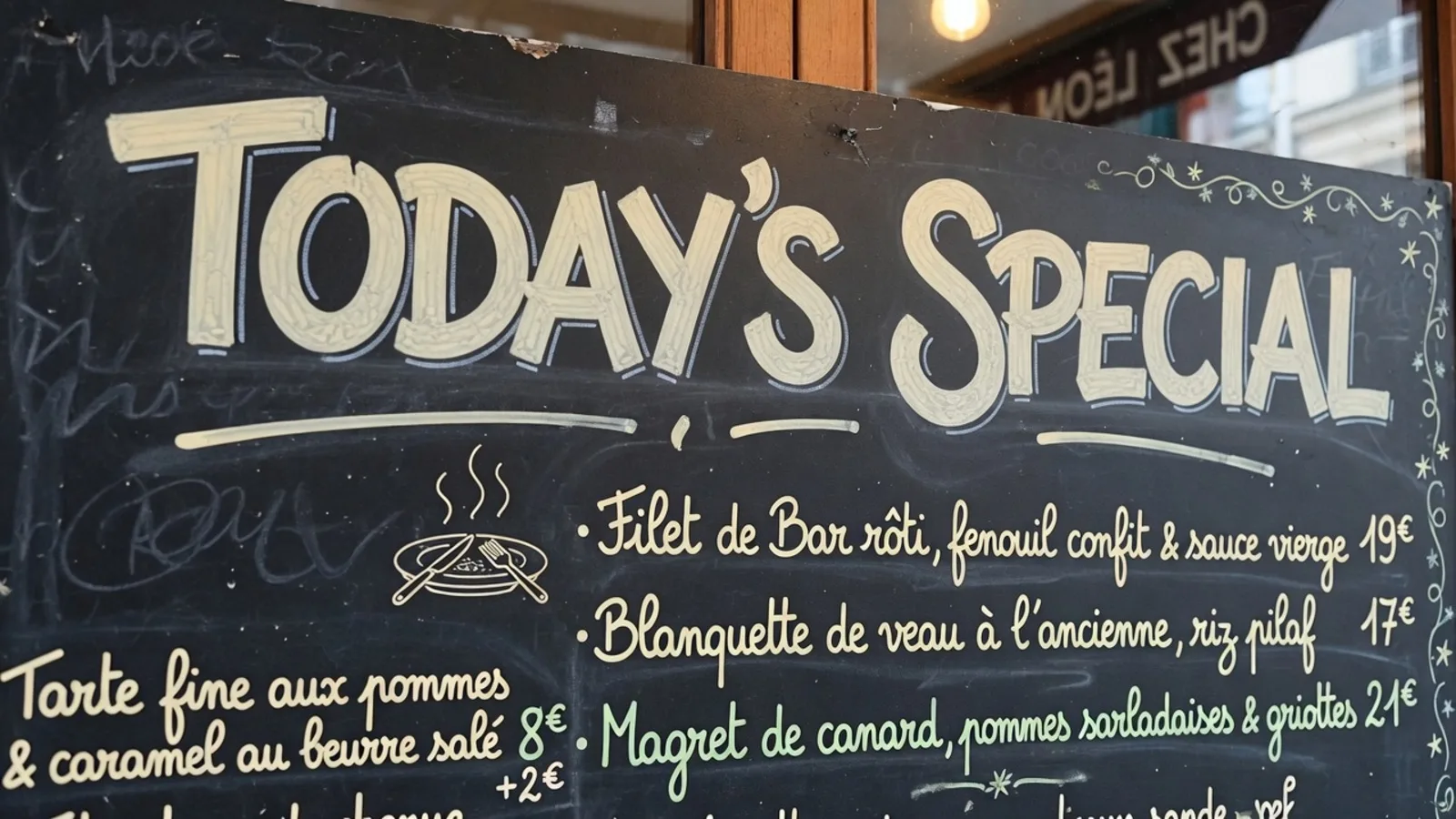
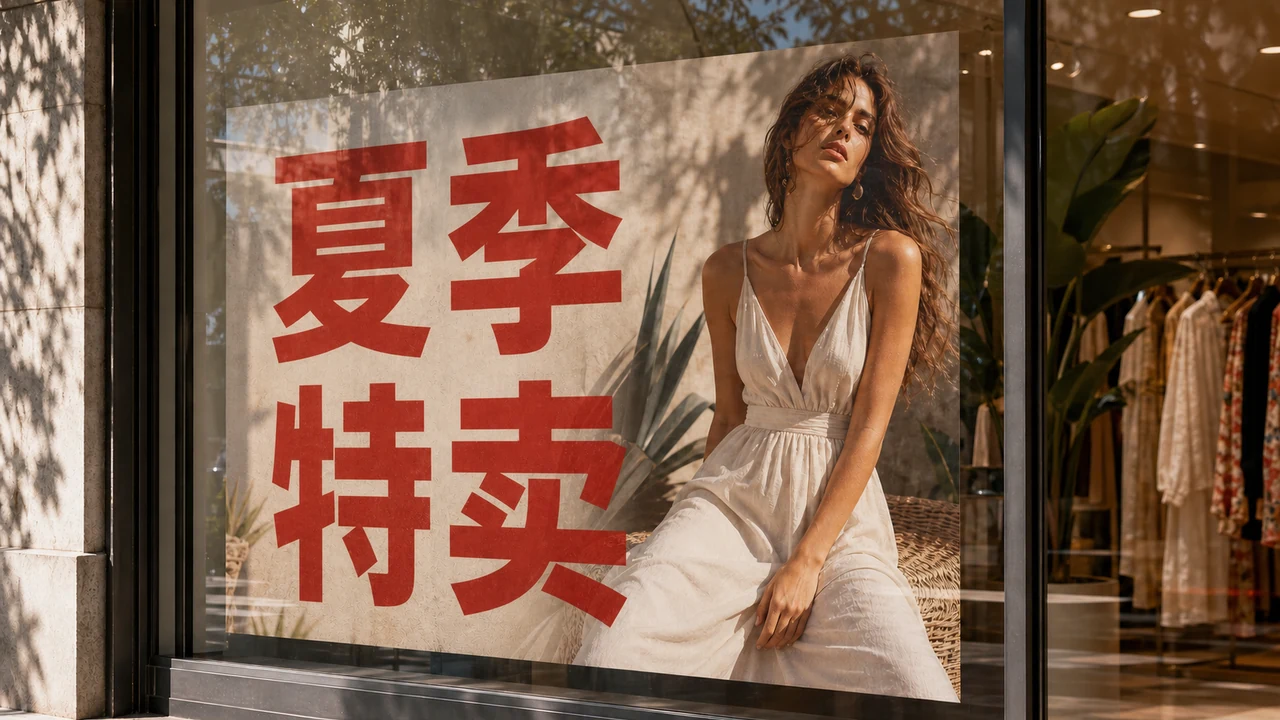
I recently found myself staring at a crisp photo of an informational municipal board in Madrid, where a prominent navy banner displayed the bold word ENCUESTA across the heading. You look at that single word and immediately want an English replacement, wishing you could swap it to SURVEY so your remote team can understand the mockup before a client review. You open a search tab hoping to translate image to English without paying upfront fees, only to land on promises that blur the line between temporary screen overlays and permanent file creation.
A few minutes later, you drag that graphic into a browser window and discover a frustrating landscape of conflicting tools. Some utilities paste an awkward digital text box across your picture, while others lock the final download button behind an aggressive monthly subscription paywall. The purpose of this guide is straightforward: to clarify exactly what is genuinely free when you want to translate an image to English online, distinguishing between instant reading overlays and credit-based graphic reconstruction.
Google Translate Camera
Upload photos to our free online camera text translator for clean in-image translation without jitter.
The Two Different Meanings of Free When Translating Pictures
When you search the web for zero-cost solutions, search engines tend to bundle two completely separate technical workflows under the same label. The first category gives you a reading overlay or extracts raw text, which helps you understand the meaning of foreign words while leaving the original image untouched. The second category actually modifies the image canvas, removing foreign glyphs, repairing the underlying textures, and painting fresh English typography directly into the pixels.
If your only goal is comprehension, modern mobile operating systems and camera tools offer remarkable assistance without charging a single penny. For example, live scanning utilities like Google Translate Camera project translated phrases right over your viewfinder using lightweight optical character recognition. That type of translation is genuinely free because it only renders a transient interface layer on your personal screen without saving a newly synthesized asset.
The misunderstanding begins when you expect that same free tier to deliver a clean, downloadable graphic. Replacing painted letters on a background requires substantial generative compute, including text inpainting, color matching, and typography synthesis. Understanding this technical boundary saves you from endless frustration when searching for an image translator to English that balances free previews with realistic production costs.
Why Reading Overlays Cost Nothing While Re-lettering Requires Compute
Extracting text from a flat graphic is an established computer vision problem that runs comfortably on modern consumer hardware or cheap server endpoints. A basic scanner identifies pixel coordinates, detects letterforms, and routes the extracted strings to a machine translation engine. Because the tool never has to reconstruct background pixels or blend new lighting, software providers can afford to give away reading overlays indefinitely.
In contrast, re-lettering a finished graphic demands a much heavier rendering pipeline. When an engine removes a foreign word like ENCUESTA, it must intelligently invent what the wall, paper texture, or gradient looked like behind those removed letters. It then renders the replacement word SURVEY, matching the perspective angle, kerning, stroke thickness, and lighting of the surrounding artwork.
Running those visual diffusion and synthesis models requires expensive GPU infrastructure that cannot be offered on an unlimited zero-cost basis. Many online tools that advertise free image translation simply hide this reality behind mandatory watermarks or harsh resolution limits. Knowing this distinction helps you evaluate what a platform can genuinely offer without falling for deceptive marketing traps.
What You Can Inspect at Zero Cost Before Spending Credits
A practical, honest web tool allows you to verify its text reading and translation accuracy before you ever commit credits or currency. On platforms designed for finished graphics, you can upload a still PNG, JPG, or WebP file to test the detection stage. Text detection and machine-suggested English translations cost zero credits, so you never pay just to see whether the system noticed your headline.
Guests can upload an image and get one suggestion per job directly in the workspace without logging in. You can inspect the bounding boxes, review the machine's suggested phrasing, and decide if the software grasped the layout. If you want to see how this workspace handles file uploads and detection, you can review the landing page on Translate Image to English to inspect the initial setup.
Because machine translation can miss colloquial tone or regional nuance, you maintain complete control over the text before any pixels are altered. If the engine suggests POLL when your design context specifically calls for SURVEY, you simply type the correction into the field. You own the wording and editorial accuracy, ensuring your final graphic communicates the exact message you intend.
How Trial Credits and Resolution Tiers Work for Clean Graphic Exports
Once you decide to turn your translated text into a newly rendered file, the process transitions from free inspection to computed generation. ReWords does not offer unlimited free renders, nor does it maintain a batch processing API for massive programmatic dumping. Instead, you receive trial credits after logging in, giving you the ability to test authentic image exports on real project files.
When you are ready to export, the system spends credits based on your selected output canvas resolution. Generating a 1K render costs 10 credits, a 2K export spends 20 credits, and a high-resolution 4K render uses 30 credits. This tiered structure lets you test smaller drafts without depleting your balance when you want to preview how the lettering sits against the background.
During this preparation phase, you can also lock specific lines to protect them from unintended re-generation. When you toggle a lock on a detected line, you are freezing that specific text element rather than managing an intricate Photoshop layer stack. To explore how line-level controls and replacement styles behave across varied graphic formats, take a look at Translate Text in Image.
Realistic Expectations: Best-Effort Lettering and Finished Files
When you use an automated image translator to produce a finished graphic, it is vital to approach the results with practical expectations. The resulting file represents a best-effort lettering look designed to visually harmonize with your original artwork. It is not a lossless vector reconstruction, nor does it extract or package the proprietary font file embedded in the original artwork.
Furthermore, automated image translation does not provide legal clearance or trademark validation for public branding assets. You remain responsible for verifying copyright permissions, factual claims, and linguistic appropriateness for the audience you serve. You should never rely on automated platforms to strip watermarks or bypass copyright protections on restricted media.
By treating the tool as an intelligent visual assistant rather than a fully autonomous design studio, you get the best possible outcome. You inspect the text detection for free, refine the English copy with your own editorial judgment, and spend credits only when you need a rendered graphic export. This transparent balance protects your creative budget while keeping your graphic workflows moving smoothly.
The Bottom Line
Translating an image to English online is completely free whenever your goal is simple comprehension through reading overlays or text extraction. However, generating a clean, finished graphic with reconstructed background textures and tailored typography requires genuine GPU compute that cannot be sustained on an unlimited free basis. Platforms like ReWords provide zero-credit text detection, free guest suggestions, and trial credits upon login so you can inspect quality before spending credits on 1K, 2K, or 4K exports. Knowing which side of that line your project falls on ensures you choose the right tool without unexpected surprises.