I remember standing in front of an approved photograph of a rustic bakery display, where a fresh sourdough loaf rested beside a small handwritten chalkboard tag marked $4.50. The morning window light, the flour dusted across the crust, and the warm atmosphere of the scene had already been signed off by the creative director. Just before the promotional launch, the bakery owner told us that the retail price had officially increased to $5.00.
If you have ever managed marketing assets or visual campaigns, you know how disruptive that tiny price revision can be. You do not want to alter the golden crust, substitute the background tiles, or re-stage the entire shot with a new loaf. You simply need that single price tag updated while preserving the exact atmosphere and composition of the photograph.
AI Image Text Editor
Replace, fix, or remove words with our free online AI image text editor and style matching.
The Fundamental Misunderstanding of Baked-In Lettering
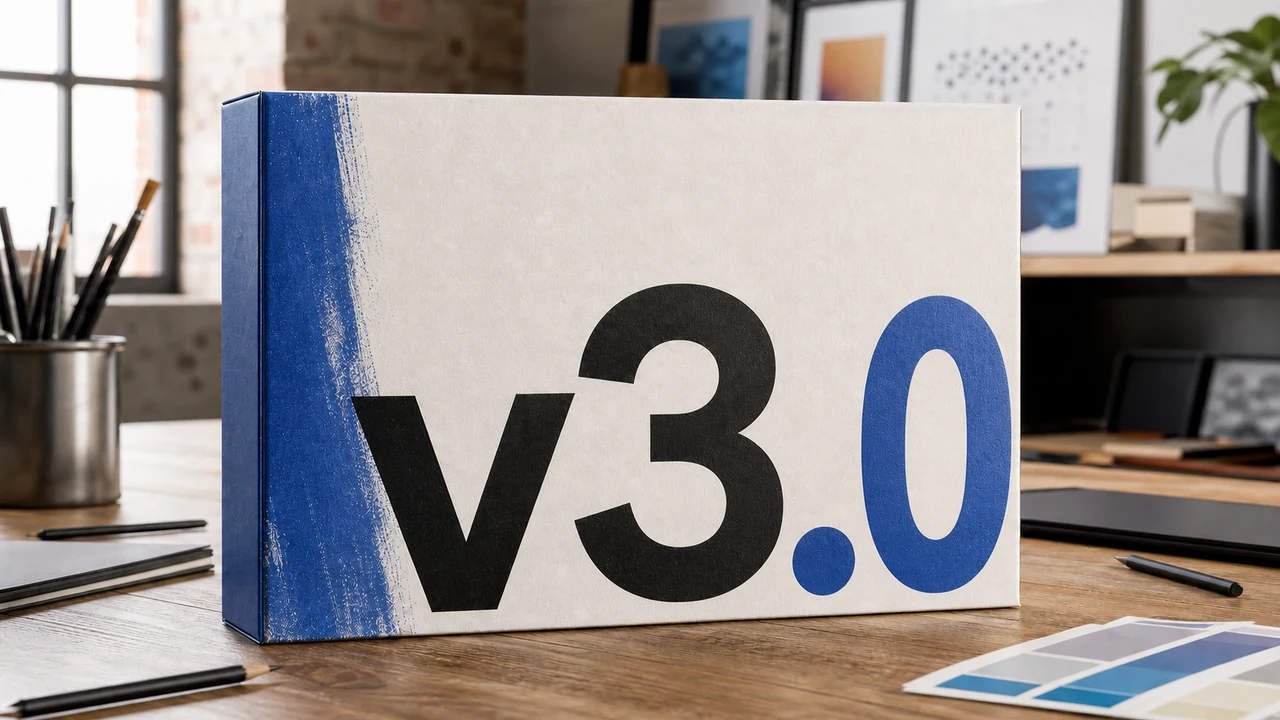
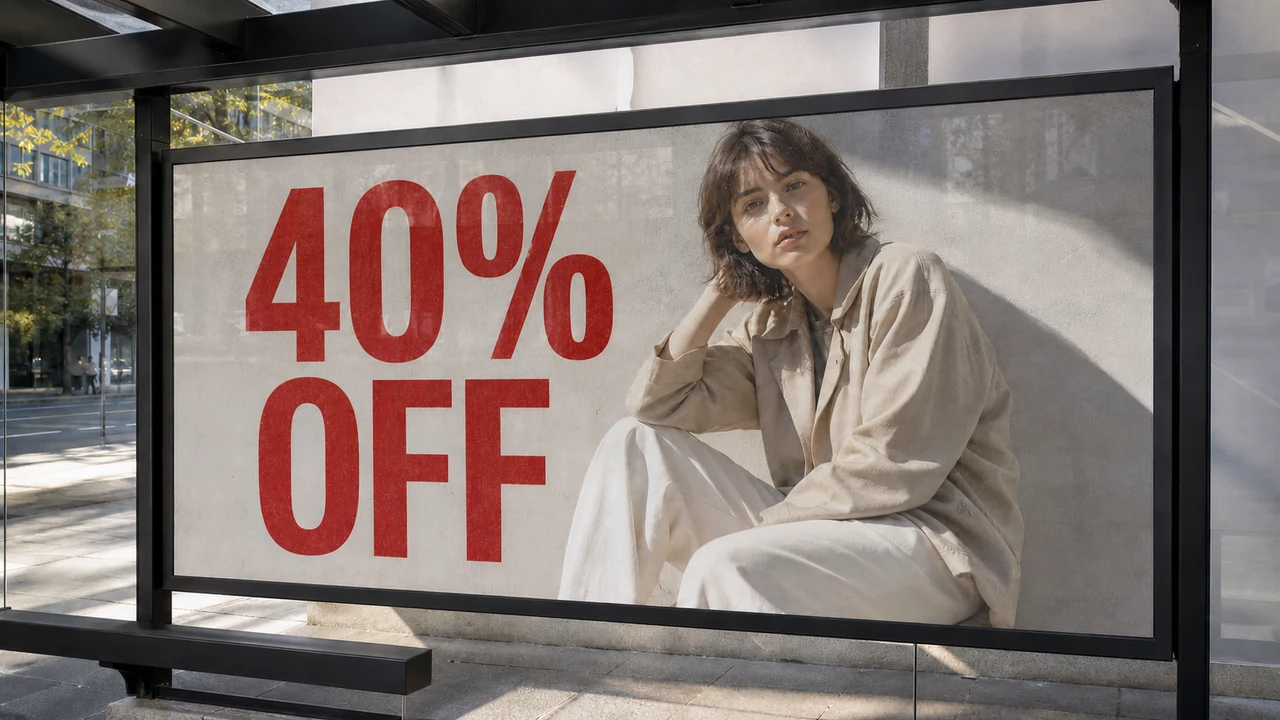
When creators search for an AI Image Text Editor, they are usually trying to solve this exact problem without rebuilding their project from scratch. Many people assume this term describes a generative prompt tool that invents whole pictures, while others imagine a traditional graphic canvas where you drag floating text boxes over an existing picture. In reality, tools designed for baked-in lettering represent a distinct technical category that treats typography as physical surface pigment embedded within the scene.
To understand why ordinary software struggles here, you must look at what happens when a design is exported as a static PNG, JPG, or WebP file. During export, all vector outlines, kerning values, and independent typographic layers collapse into an unlayered raster matrix. The characters become fused with surface reflections, wood grain, cast shadows, and camera noise, which makes standard typography editing impossible without extensive manual repainting.
Three Competing Models for Modifying Visual Text
When you attempt to modify text on a flattened image, you generally have to choose between three distinct software approaches. Each method approaches visual data from a completely different perspective, and each produces very different results for your production workflow. Examining these three models clarifies why conventional tools frequently fall short when dealing with static type.
The first approach relies on full-image generative diffusion models. If you modify your prompt or run an image-to-image pipeline, the underlying model attempts to redraw the entire scene from top to bottom. Even with precise prompt descriptions, the bread loaf changes shape, the ambient lighting recalibrates, and the approved character of the photograph disappears. That lack of predictability makes full re-generation unsuitable for assets that have already passed client review.
The second approach relies on traditional graphic editors such as Photoshop, Figma, Canva, or GIMP. In these programs, you place a new vector text box on top of the raster image and attempt to cover the old lettering. Unless you spend considerable effort manually clone-stamping the background, the original text remains visible underneath. Even after cleaning the surface, modern digital fonts rarely match the optical grain, perspective distortion, and natural lighting of the surrounding photograph.
The third approach detects the spatial boundaries of existing characters, lets you enter replacement text, and repaints that isolated patch directly into the static raster surface. This is the operational model behind ReWords. Instead of redrawing the entire composition or floating an unblended sticker on top, the engine synthesizes new lettering directly into the material texture of the image.
How Contextual Repainting Operates in Practice
When you upload a graphic to Edit Text in Image workflows, the engine first runs an optical detection pass across the canvas. This detection process maps out existing text blocks, establishes their spatial boundaries, and costs zero credits to execute. If you decide that a detected line is unnecessary, leaving its input field blank simply removes those characters from the visual surface without requiring extra steps.
A fundamental principle of this architecture is that you retain direct editorial control by typing the replacement text yourself. The software does not attempt automated translations, nor does it insert speculative guest phrasing into your design. Because you input every character manually, you retain complete authority and legal responsibility over final wording, brand compliance, and contextual accuracy.
As you prepare an image for processing, you can use the Lock feature to safeguard specific text lines across the canvas. Unlike layer locking in Photoshop, which isolates an entire design layer, this function locks a detected line of text so the model leaves those exact characters untouched during generation. This allows you to revise a single price or word while ensuring adjacent headlines, captions, or legal disclaimers remain entirely undisturbed.
When you are satisfied with your text configuration, triggering the generation step applies credits based on output resolution. Processing a 1K resolution image consumes 10 credits, a 2K render uses 20 credits, and a full 4K render requires 30 credits. Trial credits become accessible once you complete sign-in, allowing you to evaluate rendering fidelity before scaling your usage.
Style Synthesis, Font Approximation, and Boundaries
Users often wonder whether an AI text editor identifies and applies the original font files. In practice, the system does not install, license, or reference identical font files from a type foundry. Instead, it analyzes the visual attributes of surrounding characters, estimating stroke width, corner rounding, edge feathering, and illumination to synthesize a coherent visual match.
Because the engine generates characters through visual estimation, the output is not a mathematically lossless typographic file. It is a best-effort aesthetic synthesis designed to integrate naturally into textured backgrounds like chalkboards, painted signs, or printed banners. It provides visual plausibility within the image, though it does not guarantee compliance with rigid advertising review standards or strict typography guidelines.
This targeted synthesis makes it practical to Change Text in Image files across marketing campaigns, seasonal menus, and localized promotional banners. You no longer need to hunt down original project files that may have been lost, flattened, or archived years ago. The physical context of the photograph remains anchored, while the lettering updates to match your current operational needs.
Understanding what an AI image text editor cannot do is just as important as knowing its capabilities. The platform does not offer an unlimited free generation model, nor does it feature a high-volume batch API for unmonitored mass generation. Furthermore, the technology is intended for legitimate creative maintenance rather than bypassing copyright notices or erasing third-party watermarks.
I see this category of tooling as a practical companion for creators who value visual stability over endless generative iteration. When you have already invested hours into perfecting an asset, minor text updates should not force you back to the drawing board. By treating rendered type as an organic element of the canvas, modern repainting tools bridge the gap between static photography and flexible messaging.
The Bottom Line
An AI image text editor represents a distinct class of creative software tailored specifically for static, flattened imagery. It does not regenerate the entire image to alter a single phrase, nor does it paste rigid graphic overlays that clash with natural lighting. By detecting existing lettering, allowing direct manual text entry, and repainting localized patches, it gives you surgical control over finished PNG, JPG, and WebP assets.
By understanding how detection, character locking, credit consumption, and visual matching function, you can set realistic expectations for your editing workflow. You maintain direct control over your copy, and the system ensures that your replacement words sit naturally within the existing composition. When you need to turn a $4.50 label into a $5.00 sign, targeted visual editing keeps your approved artwork intact.
Sources
- Technical overview of AI text inpainting and image typography
- Analysis of text editing methods in visual AI models
- Practical considerations for neural text replacement in static graphics
- Generative artificial intelligence and deep visual synthesis
- Principles of prompt engineering and conditioning
- Latent diffusion architectures and visual texture synthesis