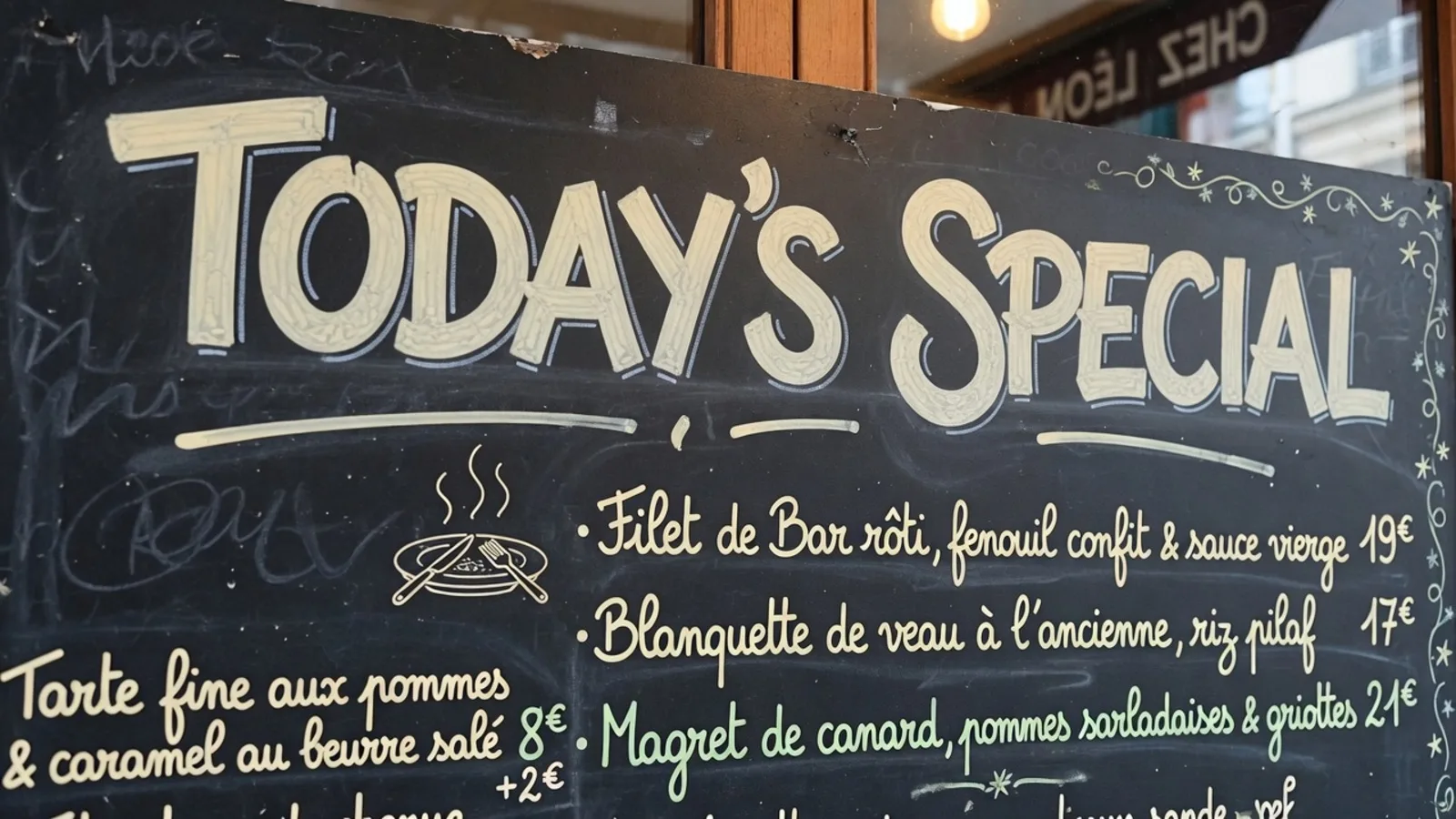
I keep a test file on my laptop screen whenever I evaluate localization pipelines: a retail promo banner with bold, angled lettering reading FREE SHIPPING against a textured background. When colleagues ask how to handle an asset like that, I first ask what kind of output they actually need to deliver. People searching online to translate text in an image often conflate two fundamentally different technical tasks.
If your only goal is reading comprehension while browsing a foreign shop, a live camera overlay or a raw text string is all you need. But if you are managing an advertising rollout or preparing marketing materials for another country, you need an exportable graphic file where the translated words replace the source text directly on the canvas. That gap between temporary comprehension and permanent graphic replacement defines the entire tooling landscape.
Translate Text in Image
Auto-translate baked-in words and repaint visuals with our free online image translator.
Comprehension Versus Asset Delivery
Graphic translation divides cleanly into comprehension utilities and visual asset synthesis. Comprehension solutions, including camera viewfinders and snapshot readers in travel tools, project translated phrases onto a display so you can understand a sign or a product package. Their utility ends the moment you grasp the meaning, leaving the original graphic file completely untouched.
Standard optical character recognition utilities follow a similar logic by extracting text strings to your system clipboard. You can paste those extracted words into documents or bilingual glossaries, but the graphic itself remains unaltered. Text extraction does not change a single pixel, does not reconstruct layout geometry, and does not consume generative rendering credits.
Asset delivery, however, demands an entirely different technical architecture. Marketing managers, app publishers, and digital creators need a finished image where the localized copy sits naturally within the original artistic composition. Fulfilling that requirement means the system must balance character detection, contextual translation, background inpainting, and stylistic rendering within a single pipeline.
The Structural Challenge of Flattened Rasters
In professional graphic applications like Photoshop, Figma, Canva, or GIMP, editing text is straightforward because design projects preserve discrete layers, vector paths, and editable font assignments. Flattened raster formats such as PNG, JPG, and WebP discard that structural metadata during export. Every letter, shadow, texture, and color gradient merges into a single grid of colored pixels.
When an engine processes a flattened raster graphic, it cannot simply modify an existing text layer or alter digital typography. The system must perform visual inpainting, erasing the original lettering while reconstructing the hidden background texture underneath. Once the background is restored, it must paint the new wording back onto the canvas while matching the angle, perspective, and lighting of the scene.
Because this process relies on visual synthesis rather than typographic vector files, painting back copy is an effort to match the visual impression of the original lettering. It does not load the exact original font file, and the output is not lossless. It is also not a substitute for certified or sworn translations intended for legal filings or official regulatory reviews. As the operator publishing the final asset, you remain fully responsible for the chosen wording.
Detection, Review, and the Inpainting Pipeline
Replacing text inside an image requires a coordinated chain of detection, translation suggestions, human verification, and visual synthesis. The engine begins by identifying text regions, mapping character coordinates, and proposing a suggested translation in your selected target language. You choose whichever target language fits your audience, rather than being restricted to any single language pair.
Human verification forms the crucial midpoint of this architecture because automated machine translation can easily misjudge brand tone or creative taglines. Once the system presents its suggested text, you can refine individual words or choose to Lock a specific line. When you Lock an item, you are pinning an identified text line to preserve its wording, rather than locking a layer inside a graphic editor.
This intermediate review ensures that flawed translations or awkward line wraps never consume rendering resources unnecessarily. If you want to see how this intermediate environment connects detection to inpainting controls, you can explore the workflow directly on Translate Text in Image. Giving you full oversight over the detected text prevents awkward phrasing from being burned permanently into the output image.
Tailored Workflows for User Interfaces and Target Scripts
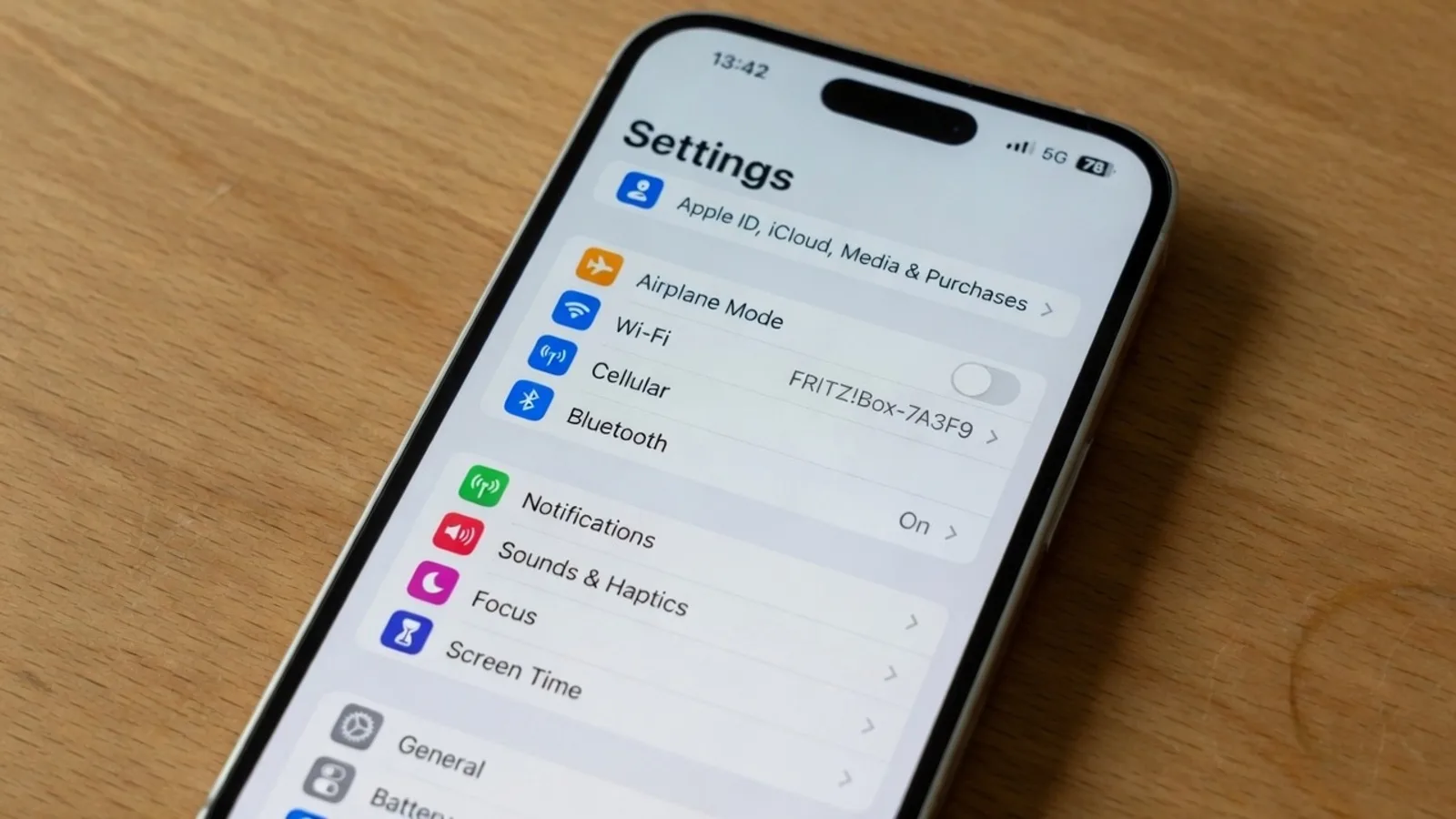
Different categories of visual media impose distinct constraints on typographic reconstruction. While promotional posters allow for expressive typography and flexible margins, software screenshots require strict spatial alignment. User interfaces feature tight button boundaries, compact navigation bars, and dense data tables where even minor text overflow can ruin the design.
To address those interface requirements, our Screenshot Translator focuses on preserving technical UI geometry, system fonts, and rectangular boundaries. The engine prioritizes crisp bounding boxes and clean background restoration so translated menus and button labels maintain their functional appearance. This dedicated focus ensures that UI captures remain legible and properly proportioned.
Script characteristics also influence how replacement text must be formatted across different language targets. For teams standardizing international marketing assets for English-speaking markets, localized copy often contracts and requires adjustments to baseline alignment. When that specific direction is your objective, using Translate Image to English provides a workflow tuned to Western typographic proportions and horizontal balance.
Operational Boundaries and Resource Economics
Understanding how a tool allocates its resources is essential when integrating it into your regular production routine. ReWords AI focuses strictly on static visual assets in PNG, JPG, and WebP formats. It is not designed for live camera streams, real-time video feeds, or augmented reality display overlays.
Our credit structure separates the initial text exploration from final pixel rendering. Unregistered guests can test the detection pipeline and receive one suggested translation per task without signing up. Accessing trial credits requires creating an account and logging in, which enables you to test full-resolution graphic generation.
Running character detection and reviewing suggested translations does not deduct any credits from your account. Generation credits are consumed only when you trigger the final render to paint the translated words into the image. The credit cost is determined by output resolution: 1K resolution requires 10 credits, 2K requires 20 credits, and 4K requires 30 credits.
We do not offer unlimited free image generation, nor do we provide a bulk API for automated background scraping. Each generated graphic involves intensive visual inpainting that synthesizes textures and glyphs directly into the canvas. Because the system is built for deliberate asset production, each image benefits from manual inspection before committing credits.
Layout Dynamics and Typographic Adaptation
Text expansion presents one of the most stubborn hurdles in visual localization across global markets. Translating concise source copy into languages with longer word structures often causes text blocks to expand dramatically. When that happens, an automated system must adapt font sizing, line breaks, and tracking to keep the text within its original graphical boundary.
Traditional desktop publishing engines handle these layout shifts using OpenType layout rules and manual kerning adjustments. When synthesizing raster pixels, an inpainting engine must reconstruct these subtle typographic behaviors dynamically. The system works to preserve stroke weight, contrast, and visual rhythm so the new words feel grounded in the original design.
When working across diverse writing systems, the engine must also respect specific script conventions such as diacritics, ascenders, and descenders. Mishandling these visual nuances results in text that looks unnatural to native readers. By analyzing the surrounding artwork, the engine attempts to balance replacement copy against neighboring visual elements.
Maintaining Creative Control in Localization
Automating image translation should never mean surrendering editorial authority over your brand materials. High-visibility marketing banners, product listings, and localized tutorials require precise terminology that aligns with your brand voice. Giving you the power to review and edit text strings ensures that your creative standards remain intact.
By combining automated suggestions with line locking and manual text overrides, modern inpainting tools eliminate the guesswork of early generative models. You no longer have to hope that a model interprets a trademark or technical term correctly. You confirm the exact copy before committing generation credits, ensuring that the resulting image meets your expectations.
This hybrid approach allows localization teams to bypass the tedious manual labor of erasing backgrounds and searching for matching fonts in graphic editors. You spend your time reviewing terminology and confirming layout balance instead of performing repetitive pixel retouching. The workflow accelerates asset turnaround while keeping human judgment at the center of the process.
The Bottom Line
Translating text inside an image is not a single generic feature, but two separate categories of software. If you simply need to understand foreign text on a sign or document, standard OCR utilities and camera viewfinders provide immediate comprehension without modifying the underlying artwork. But when you need an exportable graphic where the translated words become part of the composition, you require a specialized inpainting engine.
ReWords AI provides that asset delivery pipeline by uniting character detection, editable translation suggestions, and resolution-tiered inpainting for static PNG, JPG, and WebP files. It is not lossless, and it does not replace sworn legal translation, but it gives creators practical control over localized marketing and UI assets. Recognizing whether your project requires temporary reading or permanent pixel replacement ensures you pick the right tool every time.
Sources
Discussion on image text replacement and visual inpainting techniques Analysis of multilingual text recognition and graphic translation workflows Technical considerations for AI-assisted image localization and typesetting Wikipedia overview of Natural Language Processing Google ML Kit Text Recognition V2 documentation Wikipedia entry on Complex Text Layout