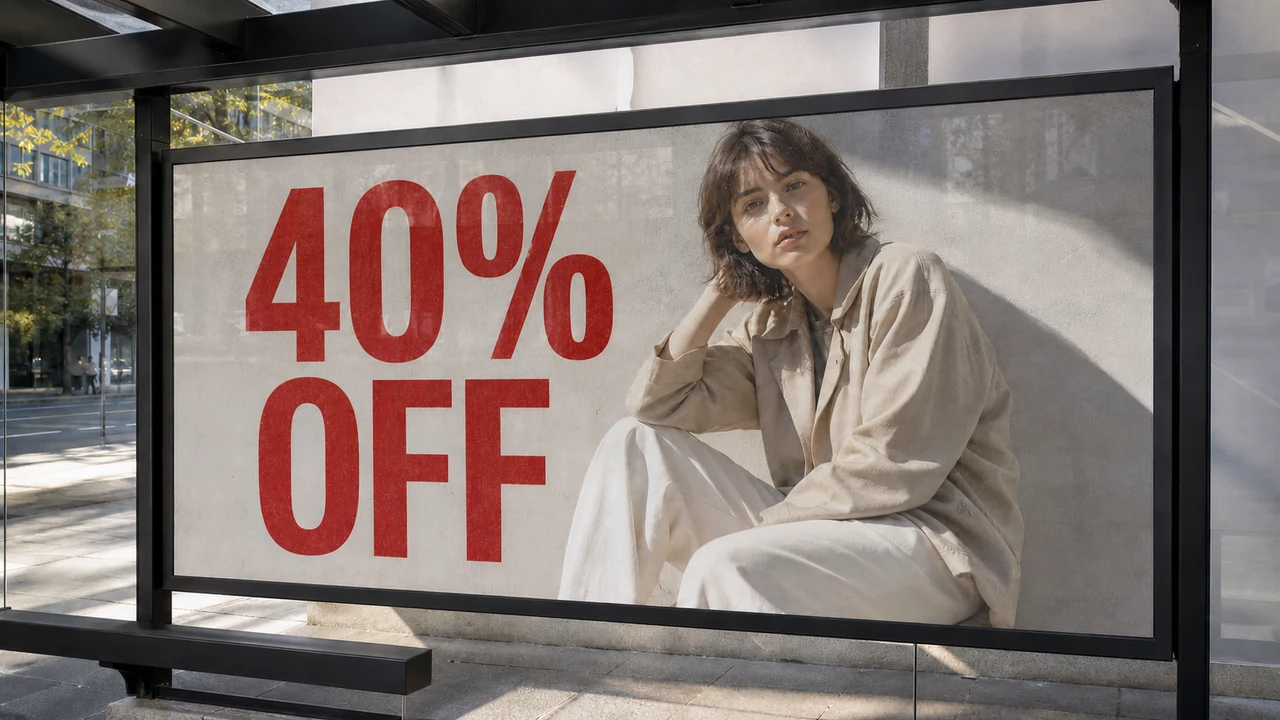
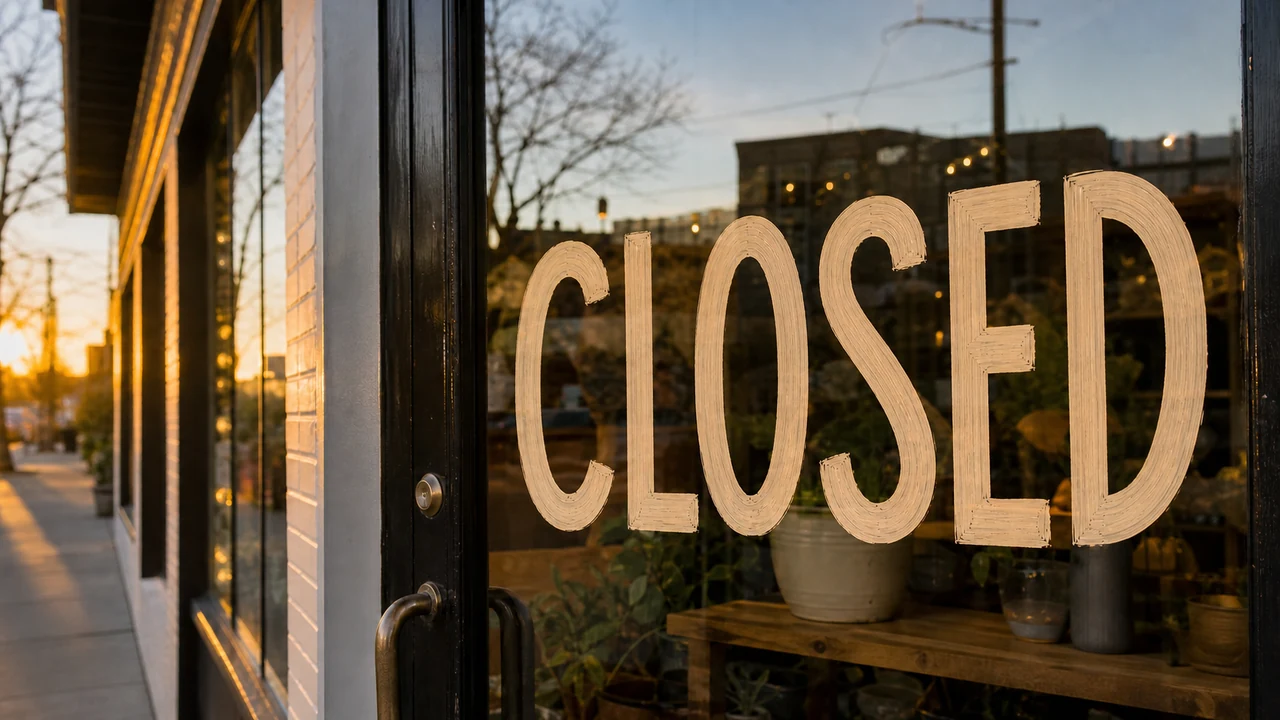
I recently stared at a promotional photo of a rustic chalkboard menu featuring the phrase LUNCH 11-2 written in white chalk. The cafe manager needed to shift the service hours to LUNCH 12-3 for an upcoming seasonal schedule change. The original design agency had delivered a flattened PNG file months ago, leaving no layered Photoshop document or editable vector file on our drive.
When you face a flattened graphic without live text layers, normal design workflows break down quickly. You either redraw the entire composition from scratch or settle for an awkward visual compromise. Most creators simply want to adjust those few digits on the board without ruining the authentic chalk dust, lighting, and wood grain behind them.
AI Image Text Editor
Replace, fix, or remove words with our free online AI image text editor and style matching.
The Limits of Traditional Raster Retouching
If you still possess the original project file with editable typography, you should always return to Adobe Photoshop or Figma. Those programs excel at modifying independent text layers while preserving underlying artwork in a nondestructive hierarchy. The real frustration begins when you only have a flat raster export in PNG, JPG, or WebP format.
Without separate layers, conventional desktop software forces you into destructive patch jobs. In programs like GIMP or general image editors, people often paint a solid color box over the old letters or spend considerable time dragging clone stamps across the damaged surface. Dropping a fresh digital font over that painted patch leaves an obvious mismatched block that clashes with the surrounding environment.
The core problem stems from how natural textures interact with surrounding light and camera grain. A flat digital typeface sits awkwardly on top of textured photography, lacking realistic noise, subtle shadows, and surface roughness. Anyone viewing the image will spot that pasted rectangle immediately, making an otherwise polished graphic look patched together.
Why Full Image Regeneration Ruins Approved Graphics
Many creators assume modern text-to-image generators offer a convenient alternative for making text revisions. However, diffusion models treat letterforms as integrated visual textures rather than discrete typographic layers. When an image model generates text, those glyphs are fused directly into the pixel composition during the rendering process.
If you re-prompt the entire scene just to change a couple of numbers, the underlying algorithm recalculates the entire image from scratch. The chalkboard changes angle, the background lighting shifts, and the surrounding details rearrange themselves unpredictably. That degree of variation ruins approved branding that your client or team has already signed off on.
What you actually need is targeted modification on an already finalized asset, preserving the rest of the canvas untouched. Maintaining pixel stability across the surrounding graphic is the primary reason creators turn toward specialized editing approaches. You want the original composition to stay identical while updating only the specific words that matter.
Targeted Modifications in Your Web Browser
A dedicated browser workflow eliminates the need to install heavy desktop suites on your machine. You can upload your static PNG, JPG, or WebP graphic directly to an AI Image Text Editor to begin working on the file. The system scans the canvas to locate letterforms embedded in the pixels without deducting any credits during the initial detection phase.
Once the system highlights the detected text, you retain complete authority over the replacement wording. You type the new phrase directly into the input field yourself rather than relying on automated translations or algorithmic guesses. If your goal is simply to clear an unwanted phrase, leaving the replacement input blank removes that line of text from the final render.
Complex marketing assets often feature multiple slogans or contact lines that must remain completely undisturbed. The editor allows you to lock recognized text lines so the regeneration process focuses strictly on your target modification. This lock feature anchors the specific detected line of text rather than functioning like a traditional desktop graphics layer.
Blending Replacement Characters into the Original Texture
When you need to Edit Text in Image, the underlying model re-synthesizes the selected region to match the surrounding lighting and stroke texture. The algorithm analyzes neighboring visual information to recreate the authentic visual characteristics of the scene. Instead of pasting a sterile vector font from your operating system, it paints replacement characters directly into the visual grain.
This synthesis process respects the camera perspective, surface roughness, and natural focal blur of the original photograph. When updating LUNCH 11-2 to LUNCH 12-3, the replacement digits inherit the powdery chalk texture rather than looking like an artificial sticker. That organic coherence keeps your promotional flyers looking sharp and credible across digital marketing channels.
Operating entirely within a web browser means you do not need expensive hardware or advanced technical training to update flat assets. You upload the file, specify the desired replacement characters, and evaluate the rendered outcome in your browser window. This straightforward approach removes tedious manual masking while protecting the visual style of your approved media.
Credit Costs and Technical Boundaries
Running neural synthesis models requires dedicated server infrastructure, which is why generation is tied to a structured credit model. You receive trial credits after creating an account and signing in so you can test the modification process. Detecting existing letterforms across your uploaded images remains completely free of charge.
When you choose to generate the revised image, credit deduction depends on your chosen export resolution. Producing an export at 1K resolution uses 10 credits, while generating at 2K resolution costs 20 credits. For large-format banners that require maximum visual detail, generating at 4K resolution uses 30 credits.
It is equally essential to understand the technical boundaries of neural letter synthesis. The tool strives to emulate the visual appearance, stroke weight, and environmental texture of your original typography. However, it does not locate the exact proprietary font file, nor does it deliver a lossless vector export. You maintain sole responsibility for reviewing final wording and confirming factual accuracy before publishing your graphics.
Replacing Words Baked Directly into Flattened Graphics
Marketing teams frequently inherit legacy campaigns where previous designers left behind only flat PNG or JPG files. In those moments, you need to Replace Text in Image by targeting words baked directly into the flattened graphic without disturbing the surrounding layout. That targeted capability saves you from having to recreate an entire marketing campaign from scratch.
To maintain service stability and responsible usage, the platform does not offer unlimited free exports or automated batch processing endpoints. You should always use this workflow on assets you own or have explicit permission to edit. Attempting to erase creator watermarks or tamper with intellectual property belonging to others is neither supported nor permitted.
Focusing on single images allows you to verify every visual detail on your promotional materials with confidence. The platform processes standard formats including PNG, JPG, and WebP smoothly across diverse design needs. You inspect the generated preview, verify the harmony of the revised characters, and download the finished asset for immediate deployment.
Choosing the Right Tool for the Job
Knowing when to rely on layer-based tools versus an online AI editor will save you substantial time. If you have the layered PSD or Figma file, you should open Photoshop or Figma to edit the text layer directly. Dedicated desktop suites remain the standard choice when building complex brand systems, drafting multi-page layouts, or creating vector illustrations from scratch.
Template platforms like Canva are also ideal when you want to arrange fresh components on an empty canvas. But when you face an existing raster graphic where typography is permanently merged into the background, an AI image text editor provides the most practical solution. It bridges the gap between impossible manual retouching and unnecessary full-scale redesigns.
Separating broader layout tasks from targeted raster revisions keeps your creative workflow efficient and calm. You no longer need to worry about orphaned raster files or last-minute schedule changes on finished collateral. A focused browser tool transforms what used to be a frustrating reconstruction project into a routine maintenance task.
Practical Tips for Clean Typographic Updates
Securing clean results when modifying flat raster images starts with uploading a high-quality source file. Using sharp PNG or uncompressed JPG images gives the neural model clearer edge boundaries to evaluate. Crisp visual contrast helps the system identify character contours accurately and blend replacement strokes seamlessly into the background.
When you enter your replacement text, try to keep the character count relatively close to the original phrase. Swapping LUNCH 11-2 for LUNCH 12-3 maintains the natural spacing and visual balance of the chalkboard layout. Extreme differences in length can force the model to condense letterforms or leave uneven gaps across the surface.
Make active use of the line-locking capability whenever you work on graphics with multiple text elements. Locking secondary headers or contact information ensures the neural model concentrates its processing power solely on the target phrase. That selective focus prevents unwanted alterations across nearby logos, borders, or surrounding typography.
The Bottom Line
Updating text on flattened graphics no longer requires rebuilding complex design files or tolerating messy clone stamp patches. A dedicated browser tool allows you to upload standard PNG, JPG, or WebP files and modify existing letters directly within the image. You keep full control over your wording while the neural model blends new strokes into the original surface texture.
With transparent credit pricing based on output resolution, free initial text recognition, and selective text locking, you can refresh marketing materials efficiently. Whether you need to adjust restaurant hours, correct a product code, or update seasonal promo banners, the process remains straightforward. You achieve polished, professional updates on flat images without relying on Photoshop or starting your design from scratch.
Sources
Zhihu Analysis on AI Text and Raster Image Editing Zhihu Overview of Typography Preservation in Neural Models Zhihu Discussion on Inpainting and Visual Consistency Adobe Photoshop Overview on Wikipedia Neural Network Fundamentals on Wikipedia Latent Space Representation on Wikipedia