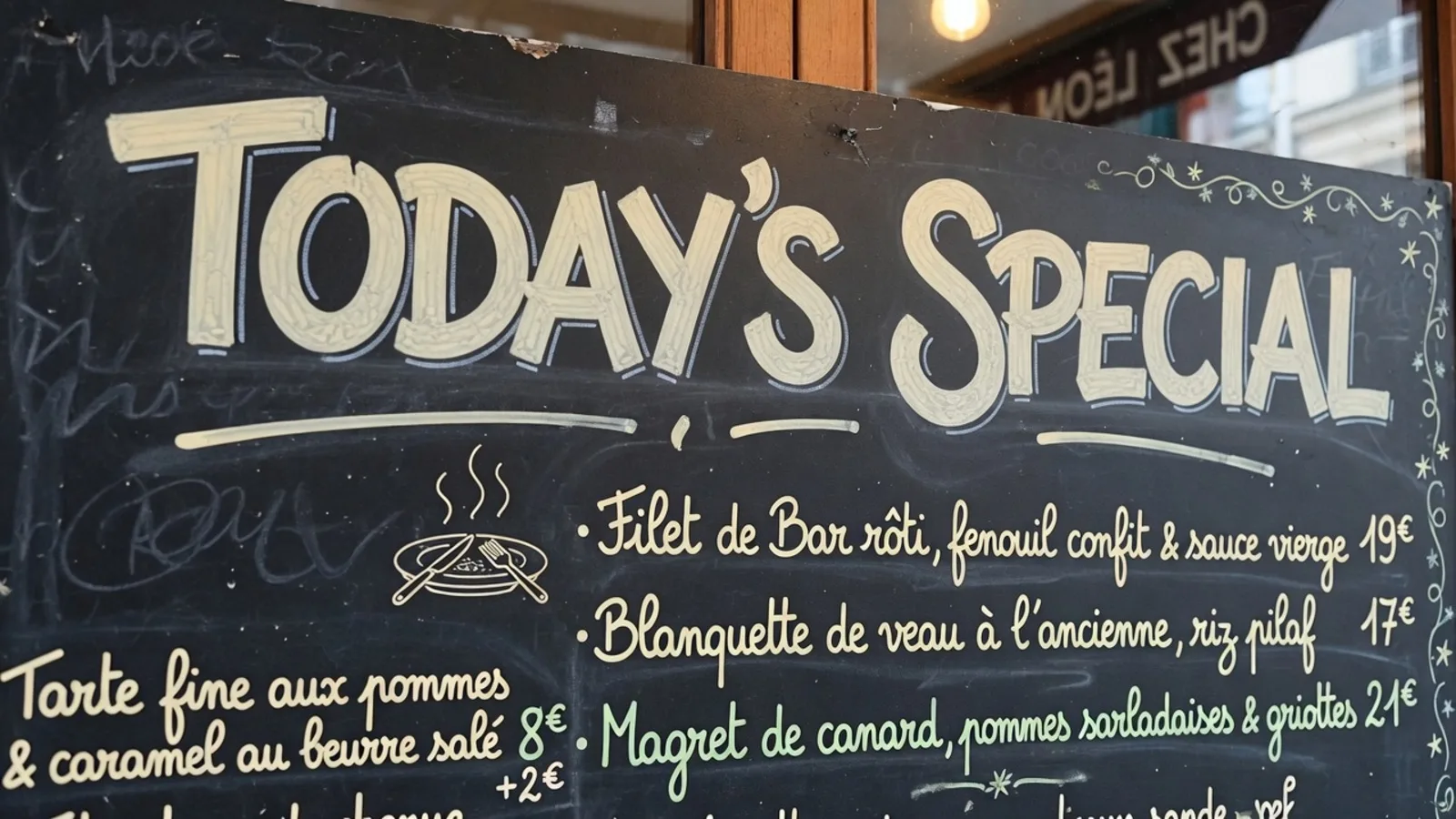
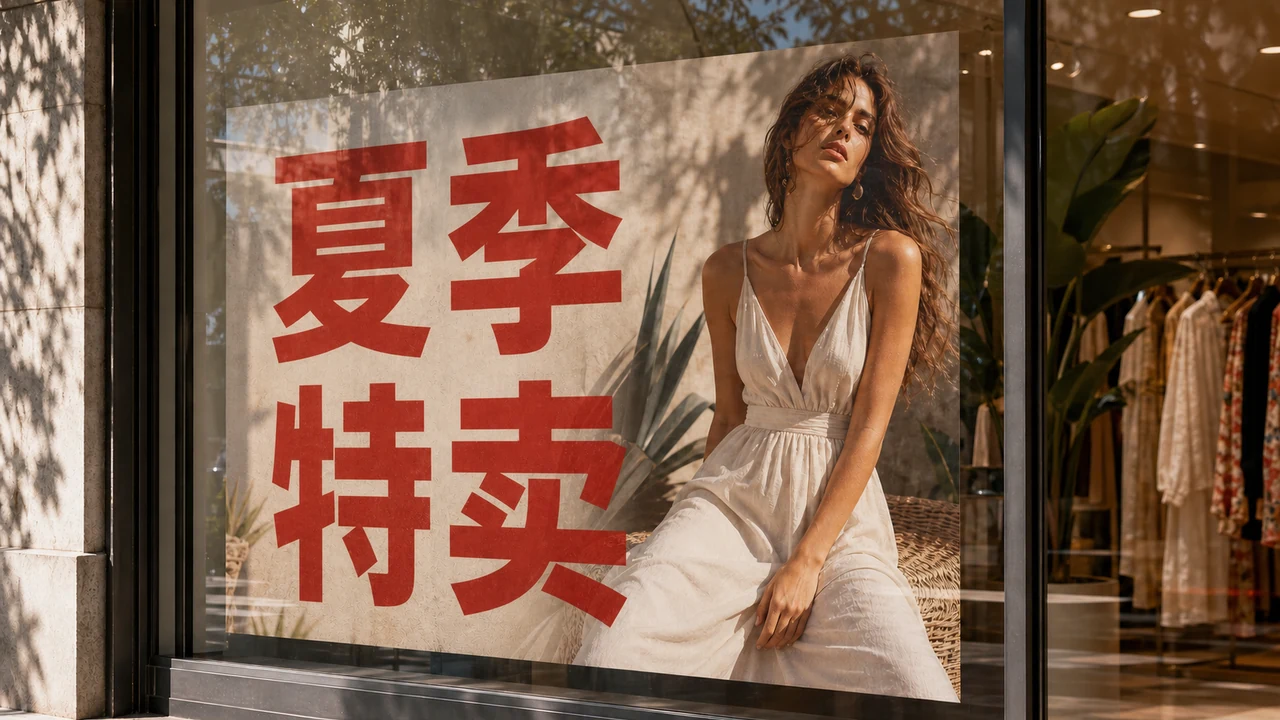
Imagine you are standing in front of a seasonal retail campaign, staring at a promotional window graphic with "SUMMER SALE" baked directly into the flattened pixels. You do not just need to understand what those words mean while standing on the sidewalk; you need a clean, distributable graphic that says "夏季特卖" to send to local store managers or post across regional social channels. Holding up your phone to read an augmented reality popup solves your personal curiosity, but it leaves you with zero production assets to publish.
In production workflows, this distinction between quick personal comprehension and actual visual delivery is where most image translation conversations derail. When your client or team asks for localized assets, handing them a screenshot of an augmented reality translation card over an unedited photo does not solve the job. You need to know what file you are actually walking away with before you pick a tool.
I often watch designers and growth managers mix up completely different technical pipelines because every tool markets itself under the same generic umbrella. If you search for visual translation in 2026, you will find phone viewfinders, raw text scrapers, and neural canvas repainters tossed into the exact same bucket. Each approach solves an entirely different stage of the localization cycle, and using the wrong one guarantees hours of redundant work.
Google Translate Camera
Upload photos to our free online camera text translator for clean in-image translation without jitter.
Camera and Photo Overlays: Built for Instant Reading
The first category covers camera viewfinders and reading tools, designed primarily to help travelers, shoppers, and researchers comprehend foreign text on the fly. When you snap a storefront sign or point your mobile lens at a menu using a tool like Google Translate Camera, the software identifies text regions and renders an overlay on top of your display.
What you walk away with here is strictly visual comprehension, not a modified source file. The underlying image file remains untouched in its original foreign language, while the translated words exist purely as a temporary software layer on your screen. If your only goal is reading what a sign says before ordering lunch, an overlay is the fastest path because it demands zero editing on your part.
OCR Text Extraction: Built for Rebuilding Layouts from Scratch
The second category is pure text extraction, commonly known as optical character recognition. OCR scans the input graphic, segments character shapes, and outputs editable plain-text strings directly to your clipboard or a text editor. Extracting text this way does not touch the original pixels, does not rebuild the visual layout, and does not consume image generation credits.
What you walk away with is raw copy that you must paste into a layout program like Figma, Photoshop, or Canva to recreate the artwork by hand. This path makes sense when you already have the original multi-layer design source files, custom vector typography, and dedicated design hours scheduled. If you lack the original editable project files, copying strings still leaves you with the heavy burden of manually matching colors, lighting, and background textures from scratch.
In-Place Repainting on Still Images: Built for Asset Delivery
The third category is in-place neural repainting on flattened graphics, which is where ReWords AI operates. Instead of serving as a live camera or an extraction scraper, this workflow ingests flattened static files in standard formats like PNG, JPG, and WebP. It first detects the existing lettering across the raster canvas and produces editable suggested translations in your chosen target language.
You inspect those suggestions before any pixels are modified. You can refine the translated wording directly, or lock a recognized line to keep specific brand names, acronyms, or proper nouns untouched during synthesis. Locking a line secures that specific recognized line of text rather than a multi-track Photoshop layer. Once you approve the text layout and trigger generation, the model repaints the translated text directly back into the canvas while reconstructing the background textures underneath.
What you walk away with is a ready-to-share, localized raster graphic rather than a floating viewer or a raw text document. If your target deliverable happens to be an English visual for global campaigns, you can explore the dedicated workflow on Translate Image to English to see how regional promo graphics transition without manual reconstruction.
Comparing the Three Approaches
Choosing the right method comes down to what artifact your workflow demands at the finish line. If you confuse comprehension tools with delivery engines, you will waste valuable time trying to turn screen grabs into marketing banners.
| Approach | What You Walk Away With | Do Original Pixels Change? | Primary Focus |
|---|---|---|---|
| Camera / Photo Overlay | A screen view with floating translated text over the image | No, the source image file remains untouched | Immediate comprehension |
| OCR Text Extraction | Raw editable text strings exported to clipboard or document | No, original pixels and visual layout are untouched | Manual design rebuilding |
| In-Place Repainting | A newly generated raster image file with translated text drawn into pixels | Yes, text pixels and backgrounds are repainted | Direct asset delivery |
Understanding the Trade-Offs of In-Place Repainting
Repainting text into flattened raster graphics is a practical engineering compromise, not a magic wand. The synthesis engine does its best to match the weight, angle, and visual feel of the original lettering, but it does not load the original proprietary font files. The resulting graphic is distinctly not lossless, nor is it a certified or notarized translation document.
You remain fully responsible for verifying the final phrasing, context, and legal compliance before distributing the graphic. Because neural repainting reconstructs the underlying image information, there is no unlimited free generation and no high-volume batch API pipeline. If you want to review the full browser interface, you can test the workflow on our Translate Text in Image page.
Editorial Control and Credit Usage
I believe creative tooling should always give operators explicit editorial checkpoints before spending rendering resources. In our system, guests can request a single translation suggestion per task to evaluate whether the detected wording fits their intent. Full trial credits become available after signing in, allowing you to test real image synthesis.
Detecting text and generating translation suggestions never consumes credits, giving you room to experiment with phrasing freely. Credits are only deducted when you explicitly click Generate to render pixels: 10 credits for 1K resolution, 20 credits for 2K resolution, and 30 credits for 4K resolution.
Which Approach Should You Pick?
If you are on the street trying to figure out what a sign says, stick to mobile camera tools that prioritize instant reading. If you are a designer who holds the original layered master files and needs absolute vector control, use OCR to grab the foreign copy and build the localized typography in your native design suite.
When you have flattened marketing banners, product packaging photos, or social banners with no editable source layers in sight, in-place repainting delivers a usable image without forcing you into an afternoon of manual retouching. The choice is never about finding an elusive universal tool; it is about matching your immediate need to the artifact you actually have to deliver.
The Bottom Line
Translating text inside an image has split into three distinct technical paths: reading through screen overlays, extracting text strings through OCR, and repainting translated letters directly back onto the canvas. None of these methods replace professional typesetting or legal notarization, and automated repainting is not lossless.
The best tool in 2026 is simply the one that hands you the final deliverable your task requires. Understand whether you need immediate reading comprehension, raw strings for a blank design canvas, or an in-place localized graphic, and your decision becomes obvious.
Sources
- Discussion on real-world challenges in image text translation and localized image generation
- Analysis of text recognition, visual inpainting, and layout reconstruction in raster graphics
- Overview of modern visual localization pipelines and practical font rendering approaches
- Wikipedia guide to software internationalization and localization principles
- Google Cloud Translation API documentation and architecture overview
- Wikipedia overview of font rasterization and digital typography rendering techniques