Last updated: September 2026
In my day-to-day workflow creating digital marketing collaterals, conceptual illustrations, product packaging mockups, and social media key visuals with generative AI, nothing matches the specific frustration of hitting a near-perfect generation ruined by a single typographical defect. The visual balance is exquisite, the lighting setup captures the exact ambient mood I envisioned, the subject anatomy is remarkably coherent, and the color grading feels tailor-made for publication. Yet, right in the center of the frame—or plastered across an otherwise striking signage element—the generated text contains a glaring flaw: an extra redundant letter wedged into a word, a missing stroke that turns an "E" into an awkward "F", or unnatural ligature warping that reduces crisp letterforms into melted, distorted glyphs. This recurring scenario where the macro composition succeeds brilliantly while the micro typographical detail completely falls apart is an everyday dilemma in commercial poster design, e-commerce graphics, and social media production.
Whenever creators encounter misspelled or malformed text in an AI generation, the immediate visceral reaction is often to tweak the prompt and hit re-roll. However, this brute-force approach frequently throws away the baby with the bathwater. Due to the stochastic mathematical foundations of modern latent diffusion architectures, even the most minute perturbation to a prompt string—such as adjusting a single punctuation mark, altering token weighting, or attempting to keep the exact same random seed while changing a single word—triggers butterfly-effect cascades across the iterative reverse denoising trajectory. Over twenty, thirty, or fifty sampling steps, subtle variations in latent Gaussian noise get amplified exponentially. The resulting output invariably features completely shifted perspective angles, redistributed volumetric lighting, altered facial expressions, and rearranged peripheral elements. The unique visual magic of the original image is permanently lost. Scrapping an otherwise stellar composition squanders both creative ideation time and valuable GPU compute. Instead of gambling in an endless loop of random seeds, we need a rigorous decision framework rooted in the computational mechanics of text rendering within diffusion models.
Edit Text in Image
Edit text in finished images with our free online image text editor.
Why AI Always Misspells Text in Generated Images
To make informed post-processing and editing choices, we must first confront the root cause of why generative computer vision architectures struggle so fundamentally with spelling and typography.
When we inspect how mainstream latent diffusion models synthesize imagery, it becomes evident that these neural networks operate on an entirely different paradigm than word processors or digital publishing software. Graphic design tools handle text as discrete typographic data—vector outlines mapped to standardized character code points such as Unicode, governed by strict kerning tables and syntactic rules. Diffusion models, by contrast, possess no linguistic concept of typing. Instead, they operate inside a continuous latent representation space where they are essentially attempting to "paint the visual likeness of letterforms" from raw statistical memory.
During large-scale multi-modal pretraining across hundreds of millions of image-text pairs, the model's visual encoder and cross-attention modules learn associations between text descriptions and high-dimensional pixel patterns. The network observes that certain visual shapes resemble letters, numbers, and signs. Crucially, however, the model lacks a native symbolic character sequencer, a token-level orthographic validator, or a deterministic spelling checker. When prompted to generate a phrase, the network does not compose individual letters in sequential phonological or grammatical order. Instead, driven purely by statistical gradient descent and probability distributions across learned latent clusters, it attempts to reconstruct high-contrast edge gradients, luminance transitions, and spatial contours that roughly correlate with what human typography looks like in natural scenes.
This foundational mechanism explains the distinct patterns of text generation successes and failures:
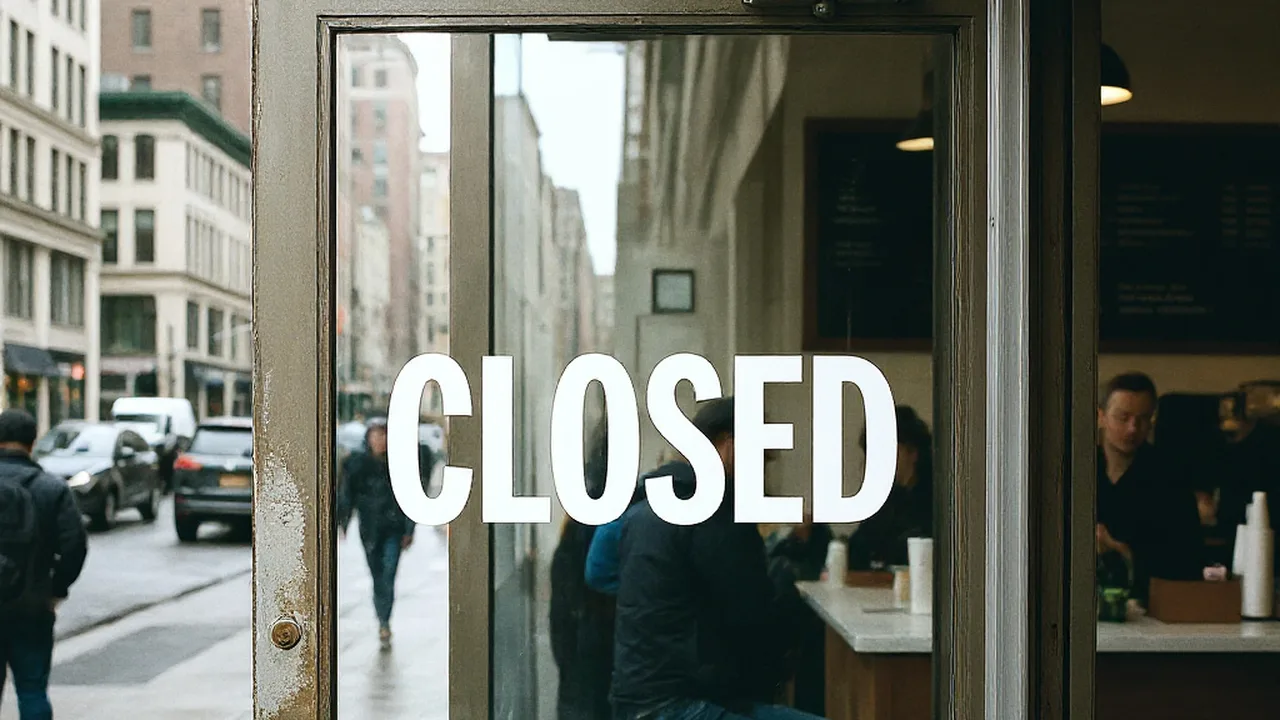
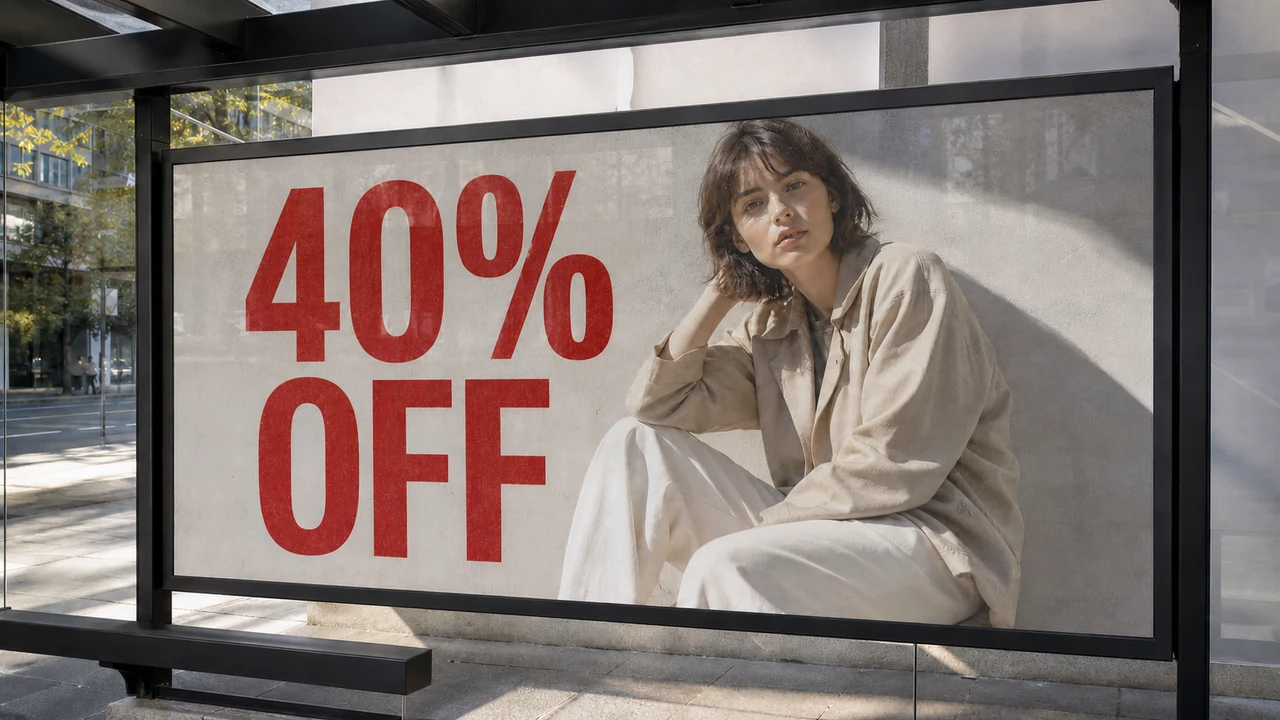
- High-frequency, short vocabulary: Extremely common, concise words that appear ubiquitously across training corpora—such as "OPEN", "SALE", "COFFEE", "CAFE", or "STOP"—are typically memorized as unified visual ideograms or holistic pictorial symbols. The model does not actively spell out O-P-E-N; it simply reproduces a familiar pixel cluster that consistently co-occurs with storefront scenes. Consequently, these short terms have a relatively high rate of rendering accurately.
- Complex, polysyllabic, or specialized words: The moment we introduce longer words, proper nouns, complex terminology, or multi-word sentences, the cross-attention mechanism struggles to allocate discrete spatial attention weights to each consecutive character. Because the token embeddings are diffused across high-dimensional feature maps, high-frequency stochastic noise during the denoising phase easily corrupts the delicate spatial margins between glyphs. The inevitable results are fused ligatures, repeated vowels, skipped consonants, phantom strokes, and unreadable typographical hallucinations. When your overall composition, perspective, and lighting are already balanced and captivating, throwing the entire generation away simply to fix a handful of corrupted letterforms is the least efficient strategy available.
Decision Tree: When to Re-roll, When to Inpaint, and Handling Illegible Texture
Faced with an AI-generated image suffering from typographical defects, I recommend categorizing the problem along three distinct pathways based on the structural integrity of the image and the realistic editing overhead required:
1. When to Re-roll the Prompt (Full Regeneration)
- Applicable Scenarios: You should choose a complete re-roll when the fundamental architecture of the image fails to satisfy your requirements, and the text error is merely one symptom of a broken composition. If the perspective grid is warped, the primary subject suffers from anatomical inaccuracies or uncanny distortions, the volumetric lighting conflicts with your scene hierarchy, or the overall artistic style deviates substantially from your creative brief, the typography is a secondary issue.
- Strategic Action Plan: In this scenario, attempting to salvage the text is a waste of time. When rewriting your prompt for the next generation pass, shorten the text requirements significantly. Favor ubiquitous short words over elaborate slogans. If the model you are using demonstrates persistently weak typographical control, strip textual requests out of the prompt entirely. Focus your prompt engineering solely on generating an immaculate, unencumbered background canvas or character illustration. By relegating text insertion to a downstream design step, you eliminate typographical noise during diffusion. Additionally, introduce explicit negative prompt tokens targeting garbled glyphs, distorted typography, overlapping lettering, and messy watermark artifacts. This prioritizes subject fidelity, compositional harmony, and textural quality during the primary generation pass before you ever worry about lettering.
2. What to Do When Text Blurs into Indistinct Texture (The Failure Case)
- Applicable Scenarios: This failure mode occurs when characters completely disintegrate into scrambled squiggles, pseudoglyphic artifacts, geometric smears, or high-frequency pixel noise that is tightly intertwined with the background substrate. You will frequently observe this phenomenon on distant neon signs, small product ingredient labels, weathered rustic textures, or within scenes exhibiting heavy motion blur, shallow depth of field, or intense lens flare. In these instances, the intended text has completely lost its alphanumeric structural integrity and collapsed into an ambiguous visual texture.
- Failure Conditions & Structural Breakdown: Under these circumstances, automated optical character recognition (OCR) and text-detection algorithms cannot reliably establish bounding baselines, x-heights, or glyph contours. The corrupted region is no longer recognized as semantic language; it is parsed by computer vision algorithms as raw image grain and chaotic pixel gradients. Forcing an automated text-replacement pipeline onto such high-frequency noise creates severe visual artifacts. Because the algorithm cannot deduce the original typographic layout or spatial trajectory, attempting to superimpose new letterforms directly over the unparsed noise causes the system to misinterpret background artifacts as stroke segments. This results in unnatural edge halos, harsh color banding, muddy fringing, and disjointed luminance seams that immediately signal synthetic manipulation.
- Strategic Action Plan: Do not attempt in-place direct character replacement on collapsed textures. The professional remedy is a staged two-step restoration. First, bring the image into a raster graphics editor or an inpainting tool to paint out the defective zone. Use cloning, patch tools, or generative fill to eliminate the mangled noise and reconstruct a pristine, texture-consistent background plate (such as clean wood grain, smooth metallic sheen, or seamless brickwork). Once the underlying substrate has been restored to a clean surface, lay down fresh typographic elements on a separate layer. This clean-slate restoration prevents residual noise contamination and yields a polished, commercially viable outcome.
3. When to Edit the Finished Image (Direct In-Place Replacement)
- Applicable Scenarios: This path represents the ideal candidate for targeted post-processing. It applies when the macro image—including character anatomy, environment, material shading, and global illumination—is virtually flawless, and the generated text retains a crisp, well-defined baseline, distinct glyph edges, and unambiguous typographic hierarchy. The only flaw is a localized spelling mistake, such as an extra letter (e.g., rendering "COFFEE" as "COFFEEF"), an omitted vowel (e.g., "Stduio" instead of "Studio"), or a minor deformed crossbar on an otherwise crisp capital letter.
- Strategic Action Plan: Here, the existing image already provides an irreplaceable typographic template, capturing the exact perspective vanishing points, surface curvature, ambient shadow occlusion, and reflective highlights. Tearing down the entire composition would be counterproductive. The most elegant, cost-effective solution is to perform targeted in-place text reconstruction directly on the flattened bitmap file (whether in PNG, JPG, or WebP format). For tasks requiring selective bitmap text modification, utilizing Edit Text in Image provides a practical solution to isolate defective glyphs, wipe the erroneous strokes, and synthesize contextually harmonized characters. While the model attempts to match the surrounding lighting and style, users should inspect adjacent pixels after rendering, as inpainting does not guarantee that outside pixels remain untouched or that original fonts are cloned with mathematical perfection.
Traditional Photoshop Workflows vs. Dedicated AI Text Inpainting Engines
When dealing with exported raster graphics that lack non-destructive multi-layer project files, traditional retouching methodologies expose significant friction and manual bottlenecks.
From my years of hands-on retouching experience across commercial production environments, working with flattened bitmap typography inside Adobe Photoshop mandates an inescapable two-stage procedural sequence: you must painstakingly reconstruct the background before you can superimpose new typography.
The manual retouching workflow demands considerable labor:
- Background Erasure & Surface Synthesis: The retoucher must deploy the Spot Healing Brush, Clone Stamp, and Content-Aware Fill to meticulously remove the existing rasterized characters pixel by pixel. When working over flat, untextured vector backgrounds, this is manageable. But when the typography spans complex textures—such as weathered stone, woven linen, brushed aluminum, or rough wood grain—erasing the letters inevitably smears the high-frequency surface details, leaving behind telltale blurry patches and unnatural repetitive patterns.
- Typographic Matching & Stylistic Replication: Once the base surface is retouched, the artist must hunt through extensive font libraries to find a commercial typeface that matches the weight, serifs, terminal geometry, and stroke thickness of the original generation.
- Spatial Transformation & Lighting Integration: The newly placed vector text must be manually rasterized and transformed to match spatial perspective, lens barrel distortion, and surface curvature. The artist must manually construct drop shadows, bevels, inner glows, directional color gradients, and ambient bounce lighting.
- Noise & Texture Matching: Finally, to keep the new vector text from looking like a flat sticker floating above the photograph, the retoucher must apply artificial Gaussian noise, film grain, and subtle blur filters to mimic the camera sensor characteristics and diffusion compression artifacts of the base image.
This manual process breaks down entirely when text spans heterogeneous physical materials. Imagine a stylized title sitting across a compositional boundary where the left half rests on dark, rough oak planks and the right half overlaps translucent, glossy glass with specular highlights. Content-aware fills will bleed the wood tone into the glass, while standard vector text fails to interact naturally with the contrasting light transmission properties of both substrates.
In sharp contrast, dedicated finished-image text replacement platforms merge background reconstruction and typographic synthesis into a single unified inference step. By leveraging deep multimodal semantic diffusion backbones, the engine inspects the localized context around the target text box. As it erases the incorrect letterforms, it automatically extracts and transfers the native perspective transformation matrix, chromatic ambient cast, directional key lights, and micro-surface noise directly from the surrounding image data. It then paints the corrected glyphs directly into the pixel array with perfect spatial and photometric coherence. When dealing with typographical flaws in generative artwork, deploying Fix Text in AI-Generated Images eliminates the tedious multi-step Photoshop pipeline, delivering native-looking typographic corrections in seconds.
Standard Operating Procedure, Technical Specifications, and Credit Rules
Executing an in-place text replacement on an exported flat image involves a clean, four-stage operational workflow:
- Image Ingestion and Channel Initialization: Upload your flattened image containing the typographical defect in standard PNG, JPG, or WebP format. Note that while the system accepts these common bitmap formats, spatial inpainting does not guarantee entirely lossless color channel handling or immutable color profiles. It is highly recommended to verify your source image's color profile beforehand and visually inspect the exported output across target viewing environments to catch any subtle gamma, bit-depth, or hue shifts.
- Text Region Segmentation: The platform's automated layout detection model scans the canvas to identify existing text clusters and displays interactive bounding boxes around detected phrases. You can simply click a recognized text container to select it, or manually draw a tight rectangular box around the specific misspelled characters. The platform currently supports rectangular bounding boxes rather than polygon selections. When working with tight leading, intricate kerning, or steep perspective angles, drawing a snug rectangular box gives you clear boundary control; always verify that the box edges do not clip adjacent valid letters or delicate visual decorations.
- String Correction and Case Specification: In the text prompt field, type the corrected target string. Pay meticulous attention to capitalization, spacing, and punctuation marks. The generation engine treats your input as explicit orthographic instructions, so entering "Studio" versus "STUDIO" dictates whether the replacement model renders title-case or uppercase glyphs within the selected area.
- Generative Synthesis and Pixel Blending: Review your configuration and click generate. The cloud-based neural rendering pipeline processes the masked region, erases the defective strokes down to the latent canvas, synthesizes the new character geometry aligned with the contextual perspective, and executes edge blending to ensure seamless integration with the surrounding image.
Operational Specifications and Credit Consumption Architecture
To maintain predictable operational budgeting across different production requirements, the platform enforces clear tier-based credit rules and system specifications:
- 1K Resolution Generation: A single image generation or edit at 1K resolution consumes 10 credits. This tier provides rapid turnarounds and is exceptionally well-suited for social media graphics, web thumbnails, banner ads, and iterative draft reviews where extreme magnification is unnecessary.
- 2K Resolution Generation: Processing an image at 2K resolution consumes 20 credits. This medium-high tier strikes an ideal balance between fine textural fidelity and credit efficiency, making it the standard choice for full-width website hero images, digital publications, and client presentation mockups.
- 4K Resolution Generation: High-fidelity processing at 4K resolution consumes 30 credits. This tier maximizes pixel dimensions and localized detail, engineered for ultra-high-definition displays, digital banners, and high-resolution assets where dense pixel coverage is preferred.
- Resolution Selection and Preview Verification: Users select from 1K (10 credits), 2K (20 credits), or 4K (30 credits) tiers based on intended delivery formats, followed by close 100% zoom preview verification of rendered glyphs and edge transitions.
- User Trial Allocation: Every newly registered user receives one free trial edit opportunity upon logging in (trial access is restricted to a single test edit and is not unlimited free usage).
In practical production workflows, planning your credit expenditure strategically yields substantial cost savings. If your immediate deliverable is an Instagram post or a mobile messaging graphic, running your correction at 1K resolution for 10 credits delivers outstanding visual utility without unnecessarily drawing down your account balance. Conversely, if you are preparing assets for high-resolution digital displays or print production, choosing 2K or 4K provides greater pixel headroom; however, 4K rendering does not inherently guarantee absolute print sharpness, which always depends on physical dimensions, viewing distances, paper stock, and vendor proofing. Because trial access is limited to a single complimentary edit rather than unlimited free usage, I strongly advise taking full advantage of this initial opportunity by running a focused test on your most challenging typographical segment. Zoom in to evaluate how cleanly the system resolves font styling, lighting gradients, and background textures before committing credits to final assets.
Capability Boundaries, Technical Limitations, and Legal Compliance
While dedicated AI text inpainting represents a massive leap forward in digital post-production, maintaining realistic expectations regarding the underlying technology is vital for avoiding production pitfalls.
Glyph Reconstruction Boundaries and Non-Vector Realities
It is critical to remember that neural text replacement operates by synthesizing new raster pixel distributions based on visual probabilistic modeling; it does not construct or manipulate a live, scalable vector font layer. Consequently, certain typographical edge cases present inherent challenges:
- Exotic Display Fonts and Calligraphy: Heavily customized display typefaces, intricate graffiti lettering, hand-lettered brush calligraphy, and complex ornamental blackletter scripts possess non-standard glyph geometries that may not map cleanly onto the model's learned typographic priors. In such cases, the synthesized replacement may approximate the general weight and color of the text while exhibiting slight variations in terminal flourishes, ligature connections, or serif curvature.
- Extreme 3D Extrusions and Non-Planar Warping: When text is mapped onto highly distorted non-planar geometries—such as spherical surfaces, folded cloth banners, ripples in liquid, or dramatic three-dimensional perspective extrusions with heavy beveling—the engine must simultaneously predict both typographic spelling and complex physical surface deformation. The algorithm cannot guarantee a 100% exact replica of the original font family, nor can it promise mathematically flawless, artifact-free blending on every pass. Output fidelity is intrinsically dependent on the resolution of the source file, the visual cleanliness of the background substrate, and the stylistic complexity of the surrounding letterforms. As with all diffusion-based editing tools, results vary. Users should approach generative text editing with an objective understanding of these constraints rather than treating the system as an automated clone of a vector layout application.
Ownership Verification and Legal Compliance Standards
Beyond technical execution, I must underscore the paramount importance of intellectual property integrity and strict legal compliance when altering raster images:
- Verification of Rights and Licensing: Before uploading and modifying any visual asset, you must verify that you hold legitimate ownership, commercial licensing rights, or explicit operational authorization to alter the source image. Modifying imagery generated through your own AI workflows or proprietary studio assets is fully compliant, but scraping third-party digital artwork, photography, or brand collateral without authorization violates copyright laws and terms of service.
- Strict Prohibition Against Fraudulent Alterations: It is strictly forbidden to deploy text replacement technology for the falsification or tampering of official identification cards, passports, driver's licenses, tax invoices, bank statements, purchase receipts, diplomas, legal contracts, or governmental documentation. Furthermore, using these tools to strip artist signatures, erase copyright watermarks, forge brand endorsements, or misrepresent corporate trademarks is illegal and unethical. Generative post-processing technology is engineered to empower creative professionals, eliminate tedious manual retouching, and rescue high-value aesthetic concepts from random diffusion glitches. It must never be weaponized to deceive, commit fraud, or infringe upon the proprietary creations of other artists.
Whenever you generate an exceptional visual asset whose only flaw is a frustrating typographical slip, remember that throwing away the entire canvas is no longer necessary. You can easily leverage Edit Text in Images Online to redeem your complimentary trial edit, test the inpainting fidelity firsthand, and rescue your best creative concepts without wasting precious compute on repetitive re-rolls.
Sources
- Native Photoshop Typography and Flat Image Layer Editing Logic
- AI Text Inpainting Mechanisms and Capability Boundaries
- Copyright Verification and Legal Compliance for Secondary Image Editing
- Why AI Misspells Text in Images
- How to Fix Text in AI Images
- TextDiffuser: Diffusion Models as Text Painters and Editors