I sat at my studio desk yesterday afternoon staring at a flattened PNG proof of our official business card design. Our lease had recently been renewed, but our physical office had shifted two doorways down the corridor, changing the address line from SUITE 12 to SUITE 18. The design agency that originally created our branding assets went out of business years ago, leaving us without open vector files or packaged fonts.
Staring at the static raster graphic on my screen, I knew that traditional photo manipulation software would turn this small edit into a tedious chore. Recreating the delicate linen texture of the card background while trying to clone away the existing letters would consume hours of manual retouching. I needed a direct way to swap out the room number while maintaining the natural paper grain and typography alignment of the existing print proof.
Before jumping into raster editing tools, you should always check whether your master artboard remains accessible. If your business card layout is still open inside Adobe InDesign, Illustrator, or Canva, you ought to open that original project and modify the active text container there. Modifying individual pixels is an emergency approach intended solely for situations where you only hold a flattened, exported image file.
When working strictly with a static proof, a specialized Business Card Text Editor allows you to update printed information without rebuilding the entire graphic layout. You upload your flattened image file, inspect the automatically detected text regions, and enter your corrected details directly into the corresponding text box. The editor synthesizes replacement lettering that conforms to the existing style while blending seamlessly into the paper background. This direct workflow avoids the frustration of searching for lost font files or paying for an entirely new identity package.
Modifying commercial collateral comes with serious responsibilities regarding identity verification and intellectual property ownership. You should only edit card proofs, portfolio mockups, or scanned materials that you personally own or have been explicitly authorized by your organization to modify. It is entirely unacceptable to use image editing software to forge another person's business card, misrepresent credentials, or impersonate legitimate corporate entities.
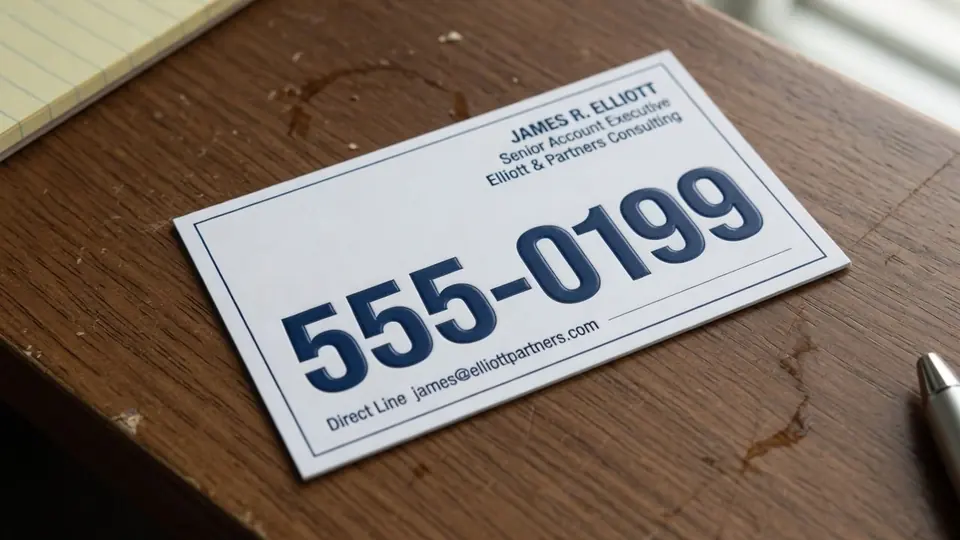
Many proof cards showcased in print shop galleries or digital portfolios display generic placeholder text, including familiar 555 area telephone numbers. Those fictional digits are placed there solely to help designers evaluate visual balance, character kerning, and line hierarchy. When updating a proof for real-world use, you must type your authentic contact details into the editor rather than treating sample numbers as usable values. Taking responsibility for your own input ensures that your final printed cards connect customers directly to your actual workplace.
Experimenting with modern raster text editing does not require an immediate financial subscription or upfront payment. When you register a new user account and sign in, you receive trial credits that let you test the system on your own image files. This initial trial tier allows you to evaluate the quality of text replacement on real stationery before committing additional resources to larger projects.
One of the most practical aspects of the system is that text detection consumes zero credits from your account balance. You can upload your business card image, examine how the software identifies character boundaries, and preview your typed modifications without spending any credits. Account credits are only deducted when you choose to generate the final rendered output file. The generation pricing is structured logically based on canvas resolution: a 1K render requires 10 credits, a 2K render costs 20 credits, and a high-definition 4K output consumes 30 credits.
It is essential to maintain realistic expectations regarding platform limits, because there is no unlimited free generation tier available. Each image generation draws from your allotted credit balance, ensuring dedicated server resources are applied to synthesize your high-resolution pixels. Furthermore, the platform does not provide a batch API, meaning every business card modification is performed as an intentional, single-image task.
When you choose to Edit Text in Image documents, the engine evaluates the visual context surrounding your target phrase. Instead of pasting a generic digital font over your graphic, it reconstructs both the letterforms and the paper texture underneath. In my case, changing SUITE 12 to SUITE 18 produced clean new numerals that matched the ink density and edge softness of the surrounding address text.
You should understand that neural pixel synthesis functions through best-effort visual matching rather than loading original font software. The platform does not inspect your operating system's installed font directory, nor does it deliver raw OpenType or TrueType font files. It analyzes stroke weight, serifs, letter spacing, and optical curves to draw replacement pixels that visually match the existing lettering. Because this process alters raster pixels rather than vector mathematics, it produces high-fidelity static images rather than infinite lossless vector curves.
The system supports common static image formats, including PNG, JPG, and modern WebP files. Uploading an uncompressed or high-quality export yields significantly better results than submitting a low-resolution thumbnail downloaded from a messaging thread. Clear, sharp pixel data allows the detection engine to trace letter contours accurately and rebuild subtle print artifacts with greater precision.
Working with dense business card layouts often requires preserving certain lines while changing others nearby. You can use the lock feature to secure any recognized text line, preventing the editor from altering those specific characters during generation. If you wish to eliminate an obsolete line completely, such as an abandoned fax number, simply leaving that field blank removes the line entirely.
When you need to Edit Text on a Business Card, maintaining typographic harmony across every line is paramount. In my project, the street address and city name remained identical, meaning only the suite designation required replacement. Typing the revised characters into the isolated field allowed the rest of the contact block to retain its original optical weight and spacing. The finished card looked as though it had been typeset correctly from the very beginning.
High-end stationery often incorporates tactile paper surfaces like cotton rag, laid paper, or subtle linen embossing. A simple digital text overlay tends to look glaringly artificial because it lacks the delicate shadows cast by paper fibers. The synthesis model accounts for these subtle surface variations, integrating the new ink layer into the existing background texture rather than floating on top of it.
Selecting the appropriate resolution tier depends on how you plan to use your revised card graphic. For quick digital previews, team review emails, or website mockups, a standard 1K export at 10 credits offers plenty of visual clarity. When preparing files for professional commercial printing, opting for a 2K or 4K export at 20 or 30 credits ensures crisp edges and readable fine print. Investing those extra credits into higher resolution pays dividends when cards are printed on high-density production presses.
To update your own stationery, begin by uploading your cleanest raster proof directly to the editing canvas. Review the highlighted text boxes to confirm that the system has properly located your address line, phone number, or job title. Type your new information into the corresponding field, verify that adjacent lines are locked if necessary, and submit the render using your preferred credit tier.
Even the most advanced image editing platform cannot protect you from simple clerical typos or spelling errors. Always take the time to double-check your newly entered numerals and letters before initiating the rendering process. Compare your typed submission against official company paperwork to ensure that building numbers, zip codes, and phone extensions are completely accurate. A momentary review prevents you from spending credits on a rendering that contains an overlooked typographical error.
Multi-line address blocks often feature varying font sizes, tracking values, and vertical leading across different rows. When revising a single line within a stacked block, the editor evaluates neighboring rows to maintain consistent visual hierarchy. This contextual awareness ensures that your updated room or suite number does not crowd the street address above or the city line below.
Freelancers and internal marketing teams frequently inherit outdated visual collateral without the accompanying source files. Rather than billing a client for hours of manual layout reconstruction, updating static proofs allows projects to move forward without unnecessary delay. It provides a reliable bridge between historical printed artifacts and present-day corporate communication needs.
Business Card Text Editor
Replace names, website URLs, and contact lines on finished business card graphics.
The Bottom Line
Updating a flattened business card proof is a fast and practical solution when your original layout files are permanently out of reach. Remember to reserve this tool for authorized documents you own, and always replace generic placeholder details with your genuine commercial information. By taking advantage of free trial credits and zero-cost text detection, you can confidently preview your edits before committing credits to final high-resolution renders.
Sources
- https://en.wikipedia.org/wiki/Stationery
- https://en.wikipedia.org/wiki/Paper_size
- https://en.wikipedia.org/wiki/Letterpress_printing