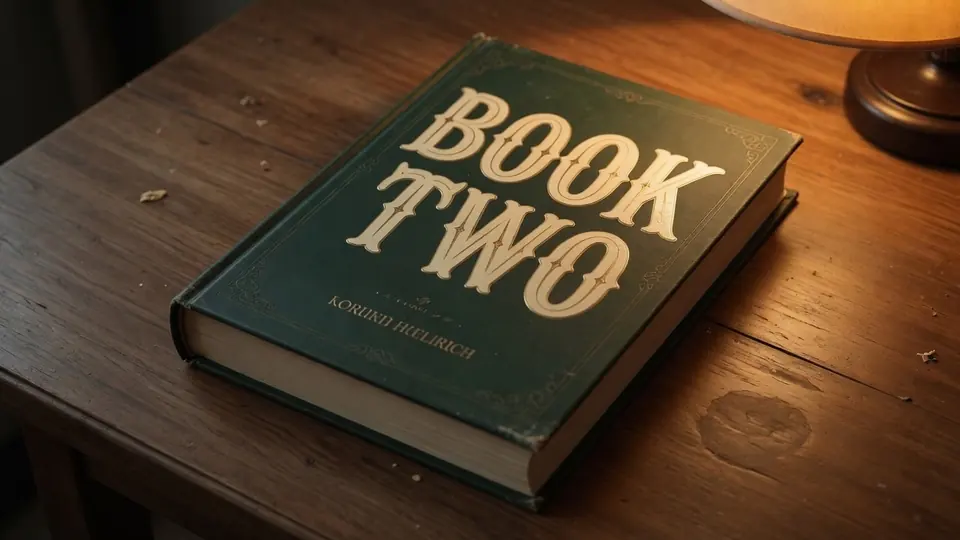
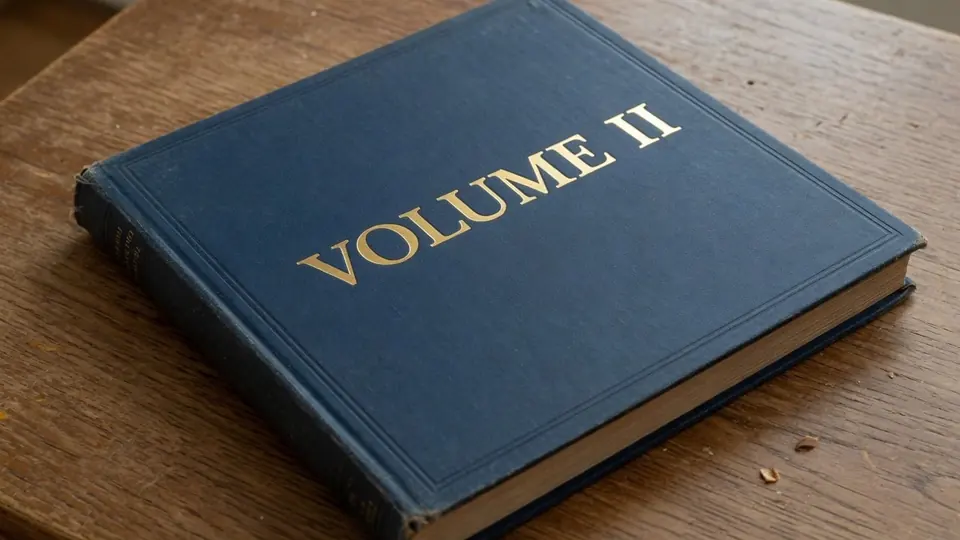
I was staring at a high-resolution export of a printed mock-up late yesterday afternoon. The subheader stamped across the cloth texture still displayed PART ONE because an assistant had flattened the artwork before updating the volume index. Opening the layout package was impossible because the master design files were archived on an offline drive at another studio.
You have probably faced a similar frustration when dealing with an isolated graphic asset. A photographer captures a stunning physical proof resting on a wooden desk, yet the heading still shows an outdated draft title or volume marker. When the vector project is out of reach, you have to work directly on the raster surface instead of starting over.
Edit Text in Image
Edit text in finished images with our free online image text editor.
When to Rely on Raster Editing Instead of Layout Software
Before touching any pixels, you should always check whether the original production document is accessible. If your layout is still sitting inside Adobe InDesign or Canva, you should open that project and revise the editable text frames there. Returning to the source tool guarantees that you preserve raw vector paths, exact font files, and original kerning tables without any compromise.
Direct image modification exists strictly for situations where you hold nothing more than a flattened picture. A promotional still, a camera photograph of a physical sample, or an exported WebP banner cannot communicate with vector layers anymore. In those specific moments, a pixel-level editor bridges the gap so you can update typography without rebuilding the background from scratch.
How Detection and Text Replacement Work in Practice
When you upload a graphic into ReWords AI, the system runs an automated optical scan across the canvas. This inspection pass identifies baseline positions, letter heights, and background texture without charging anything against your balance. You can inspect the extracted text boxes and confirm their locations before making any operational decisions.
Once the scan highlights the words, you simply type the replacement characters directly into the corresponding field. The engine replaces the detected characters while attempting to replicate the ink wear, paper grain, and lighting gradients of the surrounding area. If you want to explore this workflow on a basic graphic, you can test the general Edit Text in Image tool with your own test graphics.
Fine control matters when an image contains several adjacent lines of text. You can use the Lock feature to anchor any recognized text line that should stay untouched during the synthesis pass. If you want to remove an unwanted phrase entirely, leaving the input field completely blank clears those letters from the final rendering. The editor accepts common static image formats including PNG, JPG, and WebP files.
Understanding Credit Allocation and Resolution Choices
Nobody likes hidden surprises regarding tool costs or usage expectations. When you create an account and sign in, you receive trial credits to test the interface on real files. We do not maintain an unlimited free tier, nor do we advertise endless free access without consumption boundaries. Providing trial credits lets you explore the environment thoroughly before deciding whether to purchase additional credit packs.
The initial text detection phase consumes zero credits, allowing you to confirm that the software properly isolates PART ONE on your graphic. Credits deduct from your balance only when you confirm your changes and request a synthesized render. This separation lets you evaluate the bounding boxes and text recognition quality before spending your balance.
The cost of generating an updated image scales directly with your selected output canvas size. A standard 1K render costs 10 credits, which is well suited for quick web previews and social media thumbnails. Moving up to a 2K export consumes 20 credits, providing crisp detail for client review sheets and screen displays. When you need heavy graphics for high-density displays or detailed catalog proofs, a 4K export consumes 30 credits.
We purposefully avoid offering automated batch processing APIs because every book jacket requires careful human eyes to evaluate aesthetic fidelity. Focusing on one image at a time keeps your credit spend deliberate and prevents accidental balance drainage. Manual review ensures that every line of text receives the attention it deserves during generation.
Realistic Typography and Visual Synthesis Boundaries
It is vital to understand that neural pixel synthesis works through probabilistic visual matching rather than loading genuine font files. The tool analyzes stroke thickness, serif geometry, and ambient shadows to draw new letterforms that match their surroundings. Because this process produces raster pixels rather than mathematical vectors, it represents a best-effort stylistic recreation. It mimics the visual impression of the surrounding font without accessing the underlying digital type foundry files.
If your cover features an obscure custom display typeface, the synthesized result may exhibit subtle structural quirks upon ultra-close inspection. The system does not install OTF or TTF assets into your local system, nor does it deliver lossless vector paths. Authors and designers who utilize our dedicated Book Cover Text Editor appreciate this distinction because it sets realistic expectations for promotional mock-ups. For master mechanical files heading to an industrial offset press, you should still rely on native design software.
Ethical Standards and Legal Boundaries for Book Jackets
Image editing tools carry an ethical responsibility that every responsible creator must respect. You should only modify image files that belong to you, such as your own exported layout proofs or photos of your mock-up copies. Attempting to alter published cover art created by other authors or commercial publishing houses violates fundamental copyright principles.
Under no circumstances should you use an image editor to alter author names, publisher imprints, or legal attribution lines. Similarly, you must never modify the ISBN block, the barcode grid, or the formal copyright registration notices on any jacket. These identifiers serve critical legal and logistical roles throughout the international book trade.
When a title is already available on retail shelves, promotional photos shared online must represent the physical reality of the volume. Misrepresenting binding details, edition numbers, or catalog data damages reader trust and confuses inventory systems. Restricting your edits to internal proofs and authorized mock-up revisions keeps your publishing workflow safe and transparent.
Handling Mock-Up Photos and Background Lighting
Photographing a physical proof often introduces ambient shadows, lens distortion, and subtle paper glare. When you need to adjust wording on such an image, head over to Edit Text on a Book Cover to handle the optical variations. The algorithms take environmental factors into account so that the new characters blend naturally with the existing lighting.
Changing the wording from PART ONE to PART TWO requires paying attention to character count and visual balance. Because the replacement text contains a different number of glyphs, you should examine whether the resulting spacing looks natural against the jacket borders. If the new characters sit too close to an edge, adjusting the bounding box helps preserve harmonious margins.
After generating your revised image at the desired resolution, download the asset and review it at full scale. Look closely at the transitions between the synthesized letters and the textured cloth or paper background. If the lighting tone matches the surrounding cover, your updated mock-up is ready for presentation decks or social announcements.
The Bottom Line
Flattened image editing solves an urgent practical problem when source design files are out of reach. While you should always prefer native layout programs like InDesign whenever they are on hand, direct pixel synthesis rescues isolated mock-ups and promotional proofs. It allows you to swap volume numbers, refine subtitles, or eliminate draft labels without starting your photography over.
ReWords AI provides a measured environment where detection costs zero credits and output resolution tiers keep your credit consumption transparent. By understanding that the tool offers best-effort raster matching rather than vector typography, you can make informed decisions for your book marketing assets. Evaluating bounding boxes during the initial scan ensures you only spend credits on viable outputs while keeping your budget under control.
Use your free trial credits responsibly, respect publishing integrity, and keep your production timeline moving forward. Focus your revisions on assets you own, leaving commercial metadata and attribution blocks strictly untouched. When you treat pixel editing as a practical bridge for flattened mock-ups, it becomes an invaluable addition to your publishing toolbox.
Sources
- https://en.wikipedia.org/wiki/Bookbinding
- https://en.wikipedia.org/wiki/Endpaper
- https://en.wikipedia.org/wiki/Octavo