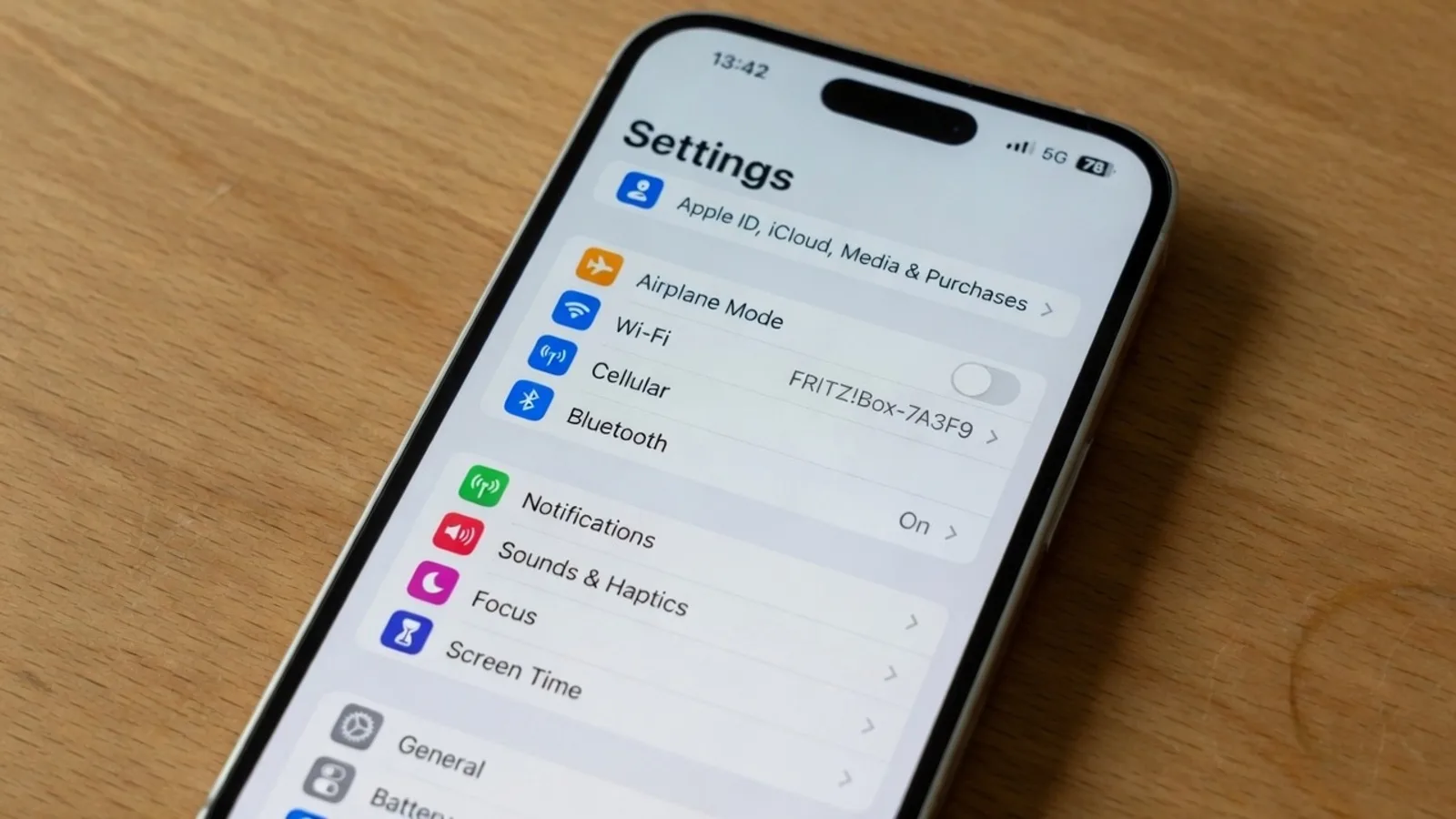
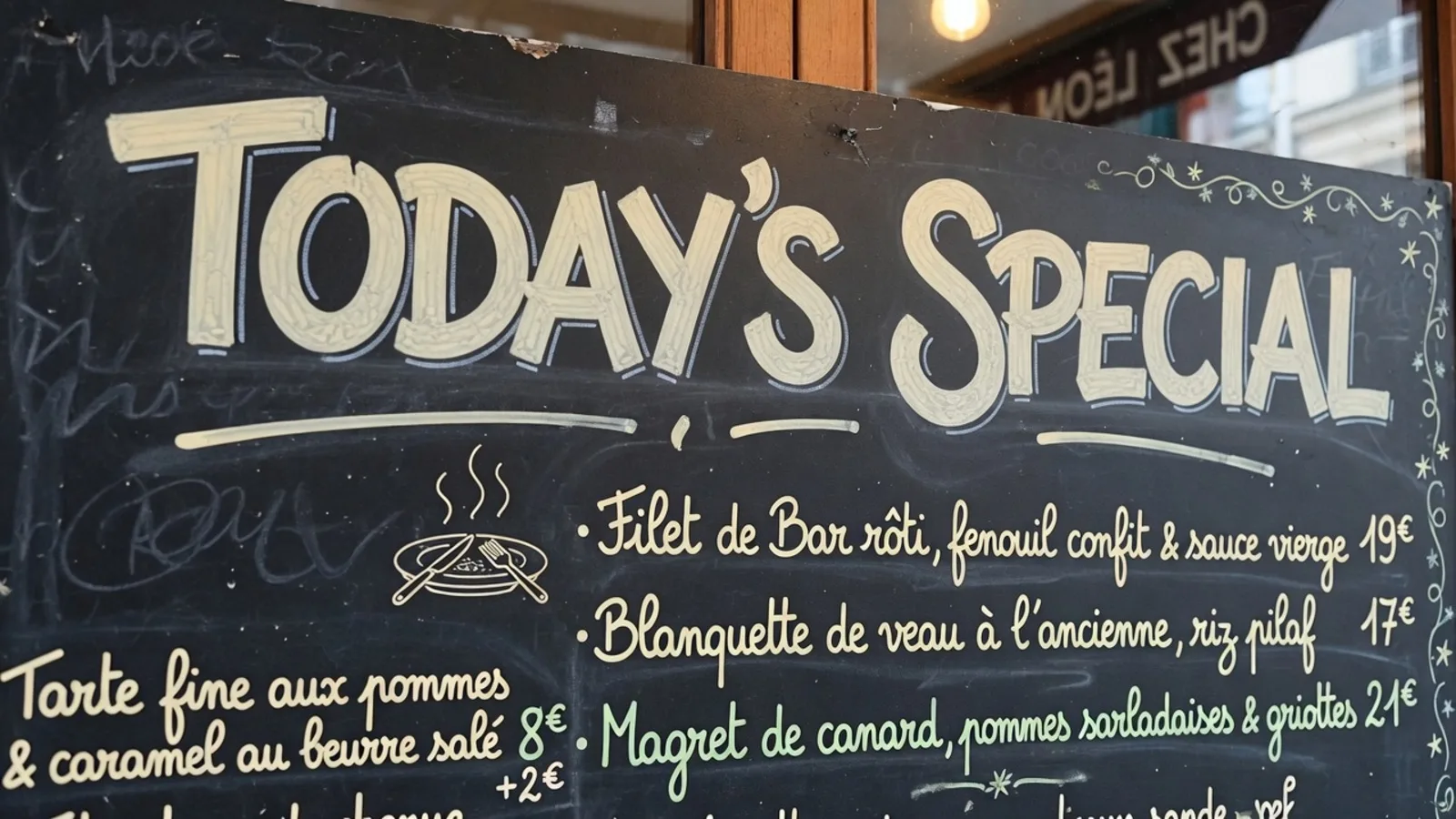
When you point your smartphone at a physical sign in a foreign terminal, live translation feels like magic. I have relied on handheld viewfinders for years while navigating transit maps, menu boards, and street signs abroad. Yet the moment you sit down with a high-resolution marketing asset or an infographic on your desktop, that live video feed cannot produce a clean, downloadable file.
Many people search for a free Google Translate Camera alternative expecting a browser tool that behaves identically to their phone app. In practice, live camera overlays solve real-time reading comprehension, whereas desktop graphic translation solves visual asset reconstruction. Understanding what is genuinely free—and where GPU computation begins—saves you from frustrating dead ends.
Google Translate Camera
Upload photos to our free online camera text translator for clean in-image translation without jitter.
Real-Time Mobile Overlays Are Built for Reading, Not Inpainting
Mobile translation apps specialize in instant optical character recognition piped directly into a live camera feed. They project translated words onto flat solid blocks or semi-transparent banners right above the original lettering on your glass display. This approach works wonderfully when you stand before a museum plaque 世紀 → CENTURY and simply need to know the historical era. The software serves your eyes in the moment without needing to rebuild the canvas underneath.
That live overlay pipeline requires remarkably little processing power compared to full graphic editing. Because the mobile operating system simply superimposes floating typography over a rolling video stream, it leaves the underlying image data completely unrendered. No server is reconstructing grain, removing complex vector geometry, or color-matching intricate background gradients. The service is free because reading comprehension does not demand the expensive machinery of generative image synthesis.
Why "Free Alternative" Searches Blur Two Different Tasks
When you run a web search for free alternatives, search engines bundle two entirely distinct user intents together. One group of users wants a quick viewfinder overlay on a handheld device to translate a printed document before their eyes. Another group needs an exportable graphic file where foreign text has been seamlessly removed and replaced with clean English typography.
If you upload a product banner or a technical manual into a mobile camera tool, you quickly notice its functional limitations. You cannot easily adjust character kerning, modify mistranslated terminology, or download a clean image without intrusive overlay boxes. When you drop an asset into a dedicated Screenshot Translator, you are no longer asking for a momentary glance through a viewfinder. You are asking for a finished visual document that maintains graphic coherence from edge to edge.
What Is Actually Free in a Still-File Workspace
ReWords functions as a specialized still-file workspace rather than a real-time camera viewfinder. In this browser environment, text detection and translation suggestions cost zero credits. You can upload an image, review every detected boundary, and verify the machine translation before committing any rendering resources. Guests get one suggestion per job to inspect the layout without needing to register an account upfront.
A lock represents a detected line, not a Photoshop layer. This distinction ensures that detected text bounds stay pinned to their optical coordinates during inspection rather than floating unpredictably across a canvas. Because detection is separated from rendering, you can inspect multi-lingual typography without triggering background compute. You retain full control over the composition before deciding whether an export is even necessary.
Crucially, the user owns wording throughout every phase of the workspace inspection. Machine translation provides a starting point, but domain-specific terminology, marketing slogans, and brand names often demand human nuance. You can rewrite, trim, or replace suggested phrases directly inside the editor at zero cost. This separation protects you from spending compute on unwanted or inaccurate draft phrasing.
The Economics of Generative Inpainting
Erasing text from an existing image is an entirely different engineering challenge than drawing text boxes over a camera stream. To remove typography from a patterned background or textured paper, the software must perform neural inpainting. High-performance GPUs analyze surrounding colors, lighting conditions, and textures to paint over the void left by deleted characters. This heavy compute cycle is where free reading tools draw the line.
Generating a painted PNG/JPG/WebP uses trial credits after login. 1K=10 / 2K=20 / 4K=30. These credit allocations reflect the computational load required to process higher-resolution pixel grids through neural pipelines. There are no unlimited free renders, and the platform provides no batch API for bulk generation.
Ethical image restoration also carries strict operational boundaries. ReWords enforces no watermark stripping under any circumstances to safeguard creator copyrights. The architecture focuses entirely on translating authorized documentation, original screenshots, and localized promotional graphics. By refusing to strip ownership markers, the system aligns strictly with professional publishing standards.
Understanding the Freemium and Trialware Model
Software economics have long recognized the distinction between freemium utilities and compute-heavy trialware. In traditional freemium mobile software, lightweight services remain free indefinitely because local device processors bear the minor overhead. When cloud infrastructure must synthesize entirely new visual textures pixel by pixel, a trialware model becomes necessary to keep the service sustainable. You get to test the engine's precision thoroughly before deciding whether to purchase ongoing capacity.
This model protects users from deceptive marketing promises that claim complete graphics editing at zero cost. Platforms promising unlimited free exports often degrade image resolution, inject their own watermarks, or hide essential export settings behind aggressive paywalls. In a clean workspace, transparency means you inspect typography for free and pay compute strictly when generating final files. That clarity ensures you never spend money guessing whether the OCR engine recognized your source language correctly.
When your daily project demands that you Translate Image to English, previewing the text mapping costs nothing. You can confirm that foreign idioms have been rendered accurately and that sentence breaks match your graphic layout. Once the text verification satisfies your standard, the neural inpainting pipeline generates the final reconstructed visual. You only invest credits in files that meet your exact professional criteria.
Best-Effort Lettering and Visual Harmony
Replacing text inside an existing graphic requires more than just deleting old characters and inserting system fonts. A live camera viewfinder simply pastes default monospace or sans-serif characters directly across your phone display. A dedicated graphic editor, by contrast, must blend replacement words into the surrounding artistic composition. The goal is to make the newly translated image look like an original asset rather than a hasty patch.
ReWords employs best-effort lettering to harmonize font weight, angle, and visual hierarchy with the source asset. While automated algorithms cannot guarantee access to proprietary commercial typefaces, they closely approximate optical scale and baseline alignment. This algorithmic styling avoids the jarring, misaligned text boxes common in live screen captures. When combined with clean inpainting, the rendered file presents a unified, publishable finish.
Maintaining manual editing rights over every line guarantees that typographic adjustments remain practical. If an English translation expands significantly beyond a compact foreign source phrase, you can adjust the wording to prevent awkward wrapping. The system accommodates natural language expansion while respecting the visual balance of the original design. Because you preview every lock before triggering inpainting, you avoid costly re-renders.
Choosing Between Live Camera Feeds and Still-File Editors
Deciding which tool to use comes down to the final destination of your translated content. If you are traveling through a train station or deciphering a restaurant bill, mobile camera apps are unbeatable. Their live screen overlays give you immediate comprehension without demanding a single cent or a user account. You read what you need, put your phone back in your pocket, and carry on with your day.
When you need an image file that will live on a website, inside a client slide deck, or across product packaging, camera overlays fall short. You cannot hand a client a screenshot covered in semi-transparent camera boxes and call it a finished deliverable. A dedicated still-file editor provides the control, resolution, and inpainting quality required for permanent assets. Understanding this distinction ensures you always apply the right tool to the right problem.
Free camera apps remain the gold standard for personal, on-the-fly reading. Still-image graphic workstations serve the distinct demand for visual publishing, pairing zero-cost text inspection with balanced trial compute. By respecting the technical boundaries of both formats, you can streamline your translation tasks without falling for misleading claims of unlimited free graphic rendering.
The Bottom Line
A live mobile camera app is genuinely free because projecting text onto a video feed requires minimal processing. Generating a clean, downloadable graphic with translated lettering and restored background textures requires dedicated GPU inpainting. In a still-file workspace, you can inspect OCR detections, review translations, and edit wording for zero credits. When you choose to export a finished visual, trial credits cover your initial high-resolution renders with complete computational transparency.