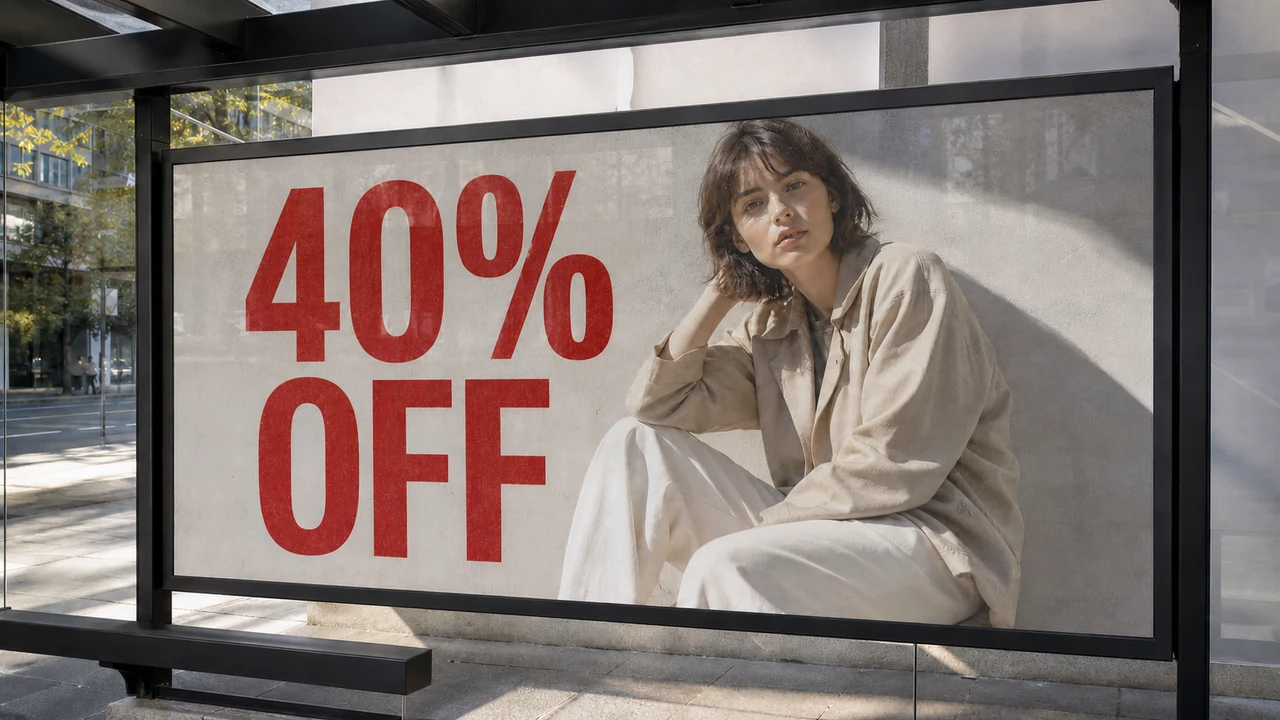
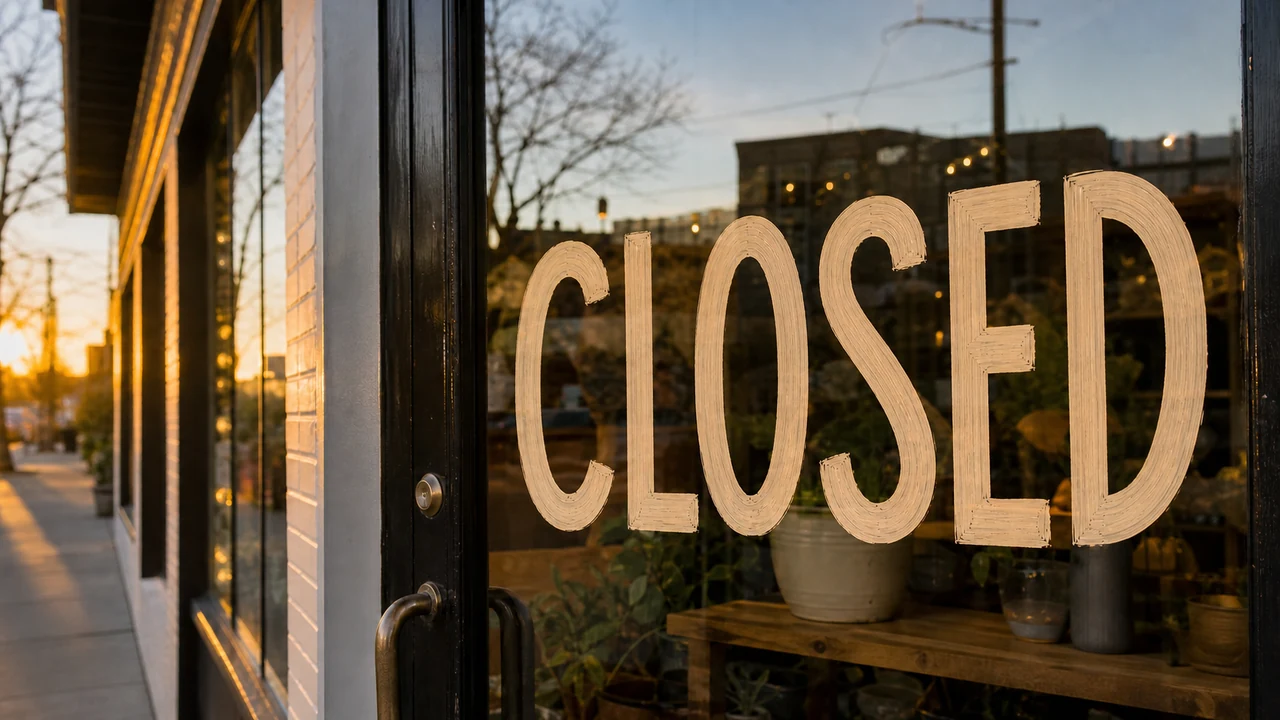
If you have ever had to update a marketing graphic at the eleventh hour, you know the sinking feeling of staring at flat pixels. Picture a promotional banner for a storefront: the hero graphic displays bold, metallic letters reading "COMING SOON" set against a textured brick wall and soft evening lighting. The store opens tomorrow morning, and you urgently need that phrase to say "NOW OPEN". Because you do not have the original layered Photoshop document or the proprietary font files, your instinct is to search for a free tool to change text in an image directly in your browser.
What follows is usually an exercise in frustration. Search engine results promise "100% free online graphic text changers," but when you upload your banner, you quickly discover that most platforms either slap a solid rectangle over your original art, add a blurry watermark across the center, or demand a paid subscription before letting you download a single rendered asset.
I want to peel back the curtain on how these tools actually function behind the scenes. There is a legitimate, high-fidelity way to Change Text in Image assets using modern web platforms, but understanding what can genuinely be free—and why full-resolution pixel generation requires computing resources—will save you from trial, error, and wasted effort.
Change Text in Image
Update words in finished images with our free online image text changer and style matching.
Why Adding Text Is Free While Editing Baked-In Text Is Not
To understand what you can accomplish without pulling out a credit card, you first have to understand the fundamental technical difference between overlaying text and altering rasterized text.
For nearly two decades, free web-based photo editors and meme generators have allowed anyone to place captions over pictures without charge. These utilities cost almost nothing for a service provider to operate. When you type letters into a basic canvas editor, your local web browser does the heavy lifting. The browser takes a standard font file, positions vector glyphs over your image coordinates, and exports a combined flattened file using client-side JavaScript. The hosting server barely consumes any CPU power, let alone specialized hardware.
The problem is that a basic overlay does not solve our "COMING SOON" scenario. If you paste "NOW OPEN" over your existing banner with an ordinary caption tool, the original letters still sit right underneath. If you attempt to obscure them with an artificial background swatch, you destroy the natural brick mortar, the ambient shadows, and the subtle lens reflections that made the photograph compelling in the first place.
When you need to alter lettering that has already been flattened into a PNG, JPG, or WebP, you are asking a system to perform three complex operations:
- Identify the exact spatial boundary and geometry of each letter character.
- Inpaint the occluded background, synthesizing the missing texture, grain, and lighting where the old characters once lived.
- Render replacement characters that match the surrounding perspective, depth of field, surface curvature, and chromatic noise of the original graphic.
This process cannot run inside standard client-side browser scripts. It requires server-side neural networks running on dedicated cloud graphics processors. Every single generation pass incurs concrete electricity, hardware rental, and bandwidth expenses. This is why services that promise "unlimited free raster edits" are almost always bait-and-switch operations designed to lure you into unexpected subscription traps.
What Actually Costs Nothing: Detection, Layout, and Review
Honest platforms do not hide their architectural realities. Instead, they structure their workflow so that the exploratory and preparation stages are open to you, reserving server-intensive generative passes for when you are fully ready to produce a final asset.
When you upload your "COMING SOON" graphic into a specialized editor, the initial stage involves optical character recognition and layout analysis. The system parses the pixel array, maps the coordinate boundaries of every word, and presents an interactive interface where you can inspect what the machine sees.
In this preparation phase, detection, parsing, and bounding-box inspection are offered freely. You can evaluate whether the engine accurately isolates "COMING SOON," inspect the baseline alignment, and review the surrounding scene without committing resources.
Crucially, you type the replacement string yourself. You explicitly input "NOW OPEN" into the text field.
During this stage, you also set operational boundaries. A lock represents a detected line of text that you want to keep intact so the model ignores it during generation. If your storefront banner also includes smaller subtext such as "Main Street Location" or a website address, locking those lines ensures the renderer preserves their original pixels with zero alteration while only repainting the headline.
Understanding Credit Economics: Resolution and Trial Allocations
Once you have reviewed the detected layout, verified your locks, and typed your replacement copy, the platform must send your job to an inpainting cluster. Because running these diffusion pipelines demands real infrastructure overhead, modern services manage this through transparent credit allocations rather than misleading "unlimited" claims.
After creating an account, you receive trial credits that allow you to test real, high-resolution graphic outputs on your own files. Rather than imposing arbitrary daily rate limits or delivering unusable watermarked files, credits align directly with computational workload.
Graphic generation follows a clear credit structure:
- 1K resolution costs 10 credits
- 2K resolution costs 20 credits
- 4K resolution costs 30 credits
When you use your introductory trial credits, you can decide whether your banner needs a fast 1K iteration for a digital newsletter or a 2K rendering suitable for website hero sections. You are not locked into guessing what the final output might look like; you spend your trial credits on actual, unblemished graphic exports that you can immediately deploy in production.
How to Work Efficiently with Free Trial Credits
Because trial allocations are designed to let you evaluate genuine quality without upfront payment, your goal should be to maximize the outcome of every credit you spend. When you prepare to Edit Text in Image projects, adopting a disciplined preparation routine ensures you do not waste credits on avoidable errors.
1. Crop to the Meaningful Context
If you have a 4000-pixel wide photo of an entire streetscape, but the only sign that needs revision is a 600-pixel sign hanging above the doorway, do not feed the entire raw photograph into a high-tier generation pass. Crop the image to focus on the sign and its immediate surroundings. This keeps your generation within a lower resolution bracket—such as 1K—saving your credits while maintaining sharp character clarity where it matters.
2. Verify Your Replacement Text Before Committing
Because the editor relies on you typing your replacement string rather than automated guessing, double-check your text entry field before triggering generation. Ensure your casing matches your aesthetic goals—whether you want "Now Open", "NOW OPEN", or "Now open!"—and confirm that character length roughly balances the visual footprint of the phrase being replaced.
3. Anchor Unchanged Lines with Locks
If your graphic contains multiple lines of typography, never let the renderer guess which areas to leave alone. Applying a lock to secondary lines ensures the model focuses its attention and pixel reconstruction on the specific letters you intend to swap.
4. Choose the Right Delivery Format
When your inpainting pass finishes, download the asset in the container that matches your publication pipeline. PNG maintains lossless crispness for crisp graphic lettering and fine background textures, while JPG and WebP provide optimized payloads for responsive web hosting.
Navigating the Reality of Modern Graphic Editing
When you set out to Replace Text in Image designs, separating marketing myths from engineering reality is the best way to protect your workflow.
True software-as-a-service platforms face real operational costs for every image they process. When a service claims to offer unlimited, completely unrestricted background inpainting with native typography matching at zero cost forever, one of three things is happening: they are selling low-grade vector overlays that do not actually reconstruct the background, they are degrading your image with destructive watermarks, or they are subsidizing massive GPU bills until their venture runway runs out.
By contrast, an honest model provides free detection, precise manual text input, protective line locking, and clear trial allocations that give you genuine, commercial-grade exports. You can test your banner, see "COMING SOON" become "NOW OPEN" with pristine textures intact, and verify that the technology meets your quality standards before ever investing in a larger credit pack.
The Bottom Line
You do not need to settle for flat canvas stickers or destructive watermarks to change text in an image online. What can realistically be free is the entire preparation workflow: uploading your asset, detecting character coordinates, reviewing layout boundaries, locking secondary text lines, and inputting your exact replacement string.
Because rebuilding rasterized pixels and matching real lighting requires dedicated server GPU computation, rendering the final painted PNG, JPG, or WebP is powered by trial credits upon login, scaled transparently at 1K=10, 2K=20, and 4K=30 credits. Approaching your edits with this understanding allows you to preserve your trial resources, refine your typography deliberately, and produce immaculate marketing graphics without unrealistic expectations.