I remember staring at an isolated product photograph where a small cardboard shipping box had a bright red promo sticker slapped across its top flap. The sticker carried the words LIMITED TIME in a bold condensed sans-serif, casting a soft diagonal shadow across the rough Kraft paper ribs below it. Rebuilding that graphic from scratch because the original design file was missing would have meant recreating the cardboard fiber texture, calculating drop shadows, and hunting down matching fonts just to swap two words.
That dilemma is familiar to anyone who manages localized visual assets under tight production deadlines. When all you hold is a flattened raster file, firing up layout software to recreate background textures and lighting feels like an exhausting detour. You do not need a complete graphic redesign; you simply want the words on the surface to speak a different language while the physical realism of the image stays intact.
If you still have access to the master production files with intact, editable text layers, your cleanest route is to stay inside standard layout suites like Photoshop, Figma, Canva, or GIMP. Working directly with native vector layers guarantees crisp geometric alignment and allows your typography styles to stay completely uniform across variations. You adjust the text frames, update the copy, and export your localized deliverables without having to reconstruct any underlying visual elements.
When you only inherit a flattened raster graphic where the letterforms have merged permanently into background gradients or photographic textures, in-place redraw becomes the practical choice. This approach isolates the lettering, reconstructs the occluded backdrop behind the glyphs, and renders localized phrasing directly onto the canvas in an aesthetic that respects the original lighting. It bypasses the entire rebuilding phase so you can publish a viable visual asset when source files simply do not exist.
If you already hold approved target copy from a professional copywriter and do not require automated phrasing suggestions, you should head straight to Edit Text in Image rather than requesting translation ideas. Translation engines focus on semantic interpretation between languages, whereas direct image text editing lets you supply custom wording immediately and focus entirely on visual replacement. Knowing whether you need linguistic help or purely typographic placement saves unnecessary revision cycles and eliminates redundant steps.
Working with static imagery requires clear operational expectations from the start. We are dealing strictly with standalone graphic formats such as PNG, JPG, and WebP, rather than processing a continuous camera feed from an augmented reality viewfinder. Those handheld camera utilities serve an admirable purpose when a traveler needs to read a physical sign on the street, but they do not deliver exportable, print-ready or web-ready creative files for publishing.
The core mechanics of in-place translation begin by locating where lettering lives on the canvas. When you upload a graphic to Translate Text in Image, the system first detects the lettering across the canvas and suggests replacement copy for your chosen target language. Because automated suggestions require human oversight, you can manually adjust the proposed vocabulary, or you can activate a Lock on any specific line to keep its existing text untouched while surrounding phrases get translated.
It is worth clarifying that locking a line here refers specifically to freezing a recognized string of letters within the detection index, rather than manipulating an editable layer in a Photoshop document. If your graphic features a registered trademark, a proprietary brand name, or a numerical SKU alongside descriptive marketing copy, you lock that specific text line to protect it from alteration. The localized generation will then leave that locked boundary undisturbed while rendering the translated words across the rest of the canvas.
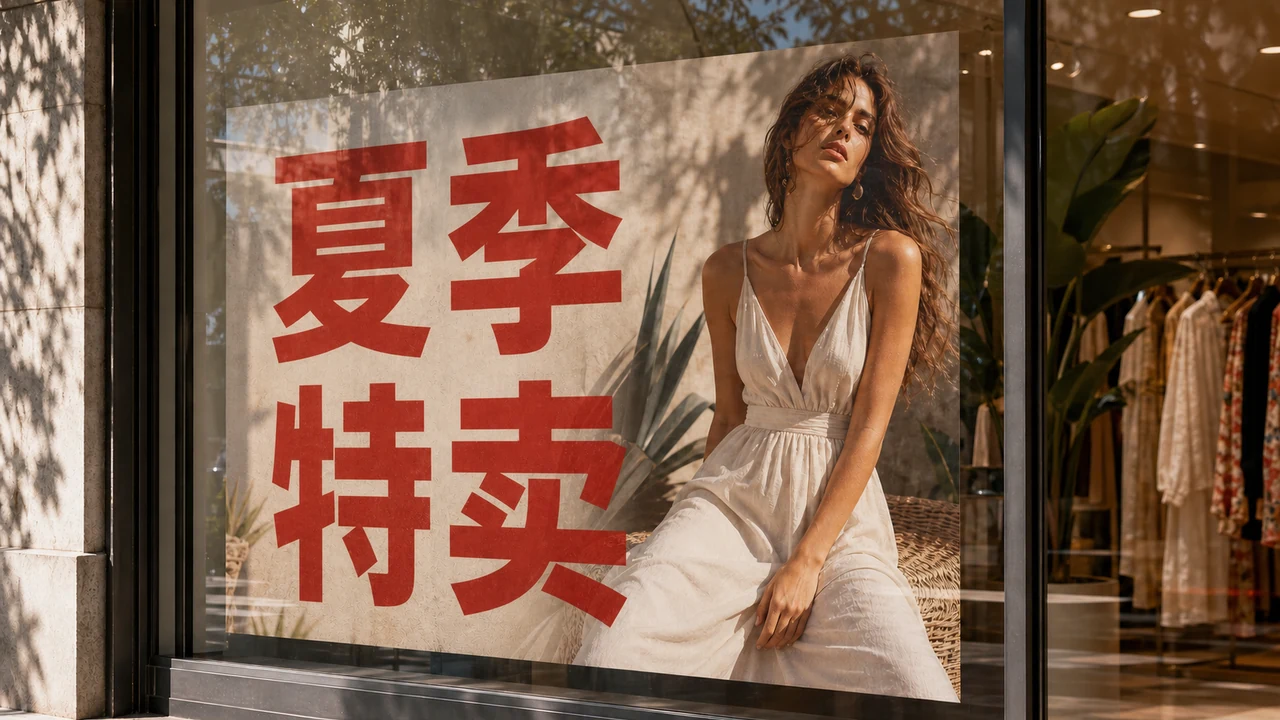
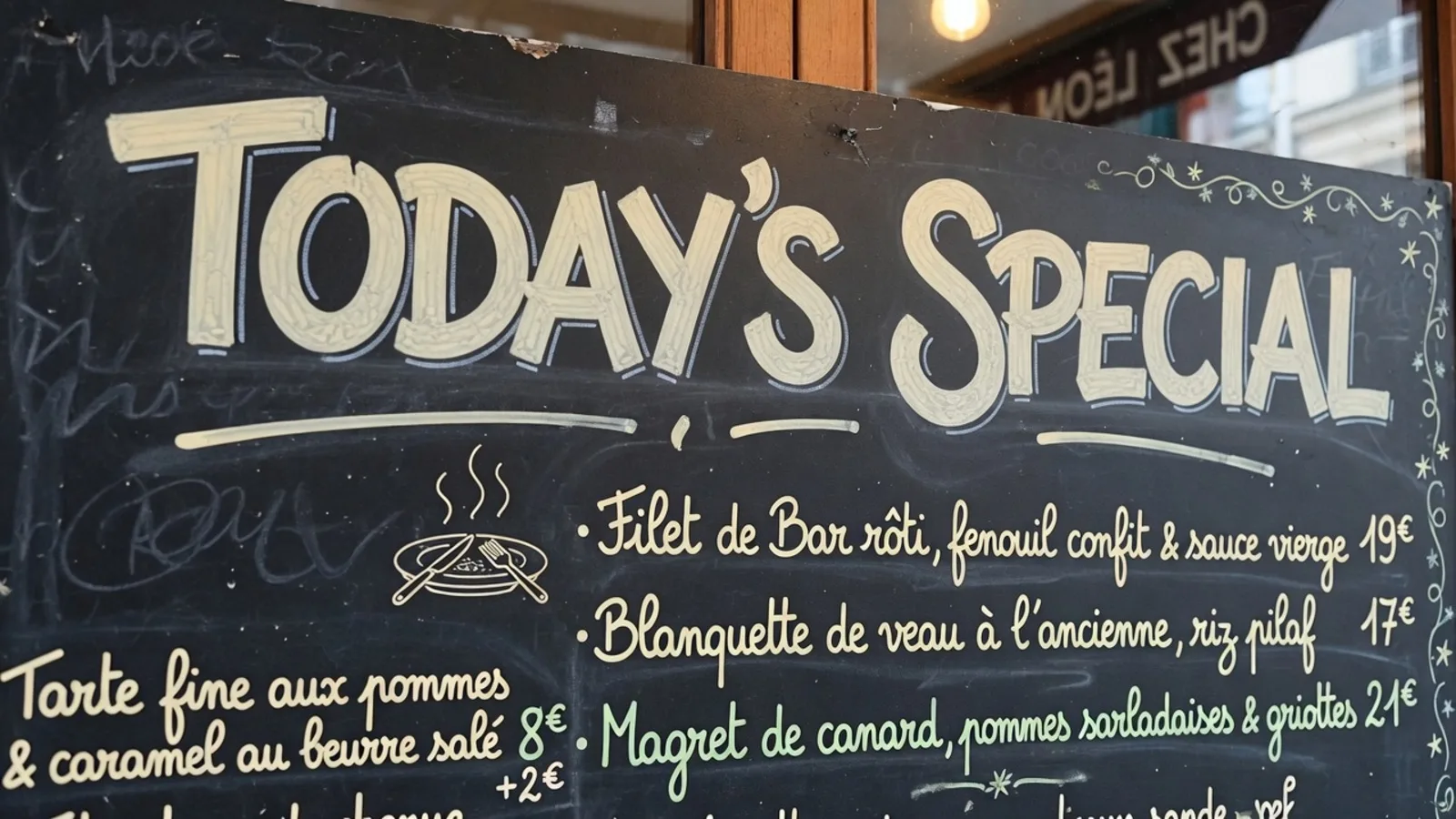
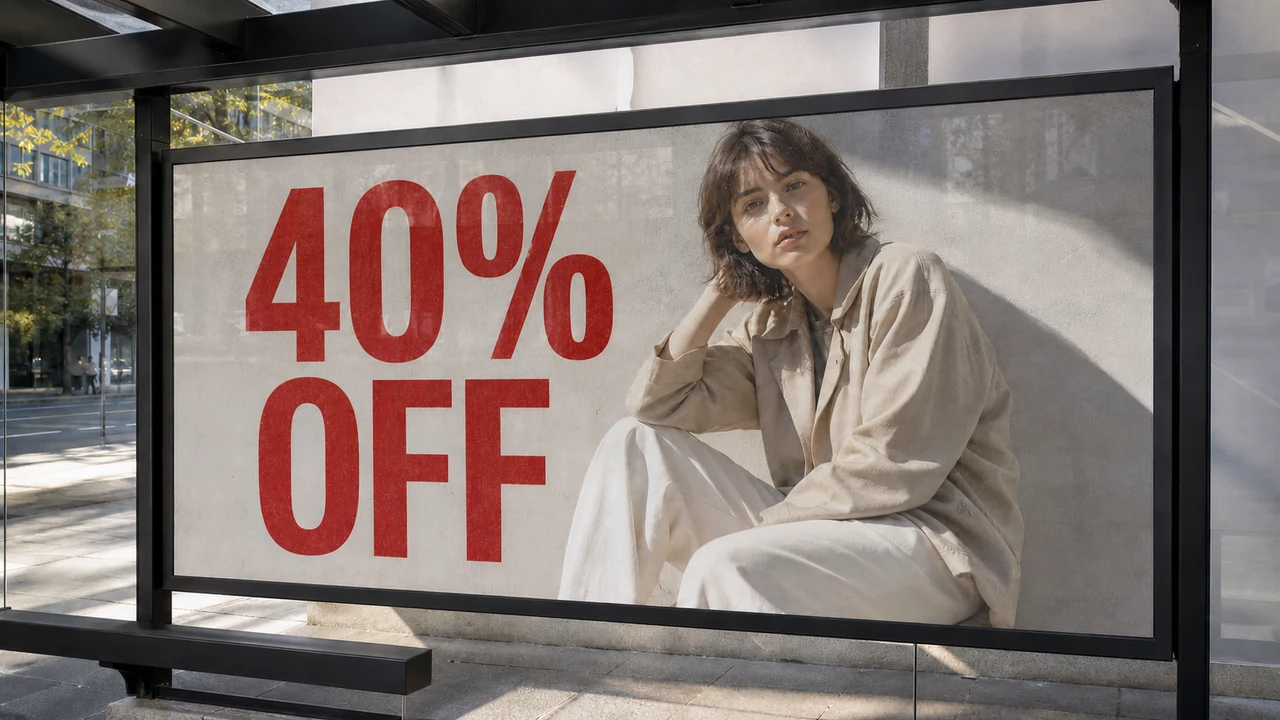
Anyone who has handled multilingual desktop publishing knows that translated phrases rarely occupy the identical physical footprint of their source text. A punchy English headline often sprawls into several additional syllables when translated into languages like German or Spanish, threatening to crowd surrounding borders. Conversely, translating verbose Western phrasing into Chinese or Japanese logograms typically collapses the character count while demanding greater vertical line height to preserve legibility against textured backgrounds.
Resolving this imbalance requires careful spatial judgment rather than relying on automatic geometric distortion. When a translated sentence grows noticeably longer than the original label, you must decide whether to tighten letter spacing, adjust word wrapping, or choose slightly more concise localized phrasing before triggering final rendering. Preserving visual harmony across an image is not about matching letter counts; it is about respecting margins, negative space, and visual hierarchy.
It is equally important to separate visual re-rendering from basic optical character recognition. Extracting text through standard OCR copies the raw characters onto your clipboard so you can paste them into a spreadsheet or translation memory. That workflow does not alter a single pixel on the canvas, does not reconstruct background textures, and does not consume generation credits because it abandons the original layout entirely.
Camera overlays, such as those found in consumer translation apps like Google Translate, occupy another distinct category. They superimpose rough digital text over an incoming view, providing quick situational comprehension without attempting to blend lighting, grain, or organic surface reflections. In-place redraw, by contrast, fills the canvas void left by the original lettering and paints the new text directly into the scene so the final asset looks like a cohesive photograph.
While global workflows frequently involve rendering foreign assets into English, the system treats your linguistic direction with equal flexibility across multiple language pairs. For teams managing worldwide imports or cross-border distribution, navigating toward Translate Image to English serves as a common bridge for internal cataloging and retail listing preparation. Yet English is merely one target option among many, and you can freely direct your output toward whichever regional audience your collateral needs to reach.
Because the system draws the replacement text to harmonize with the visual feel of the original lettering—rather than loading the exact proprietary font file used by the initial designer—you should always inspect the localized draft critically. The final output is an aesthetic match rather than a mathematically lossless vector file, designed for visual credibility rather than technical duplication. Furthermore, automated phrasing should never be mistaken for certified legal translation, meaning that you carry ultimate responsibility for confirming that all translated terminology and claims are accurate.
Understanding the practical boundaries of the tool helps maintain an efficient production workflow. Guests testing the environment can request translation suggestions once per task to evaluate linguistic suitability without spending anything. Once you sign in, trial credits enable you to test actual image generation, while text detection and suggestion reviews continue to cost nothing.
When you commit to final output creation, credit usage scales with canvas resolution: generating a 1K asset uses 10 credits, a 2K canvas requires 20 credits, and an export at 4K resolution utilizes 30 credits. There are no unlimited free generation passes, nor is there an automated batch API designed to process massive image dumps without human supervision. Every asset deserves conscious review because you remain fully responsible for the final wording, visual polish, and commercial claims in the images you distribute.
Edit Text in Image
Edit text in finished images with our free online image text editor.
The Bottom Line
Translating copy embedded inside a flattened image does not have to turn into an exhausting graphic redesign. When native source files are nowhere to be found, treating raster files with in-place redraw bridges the gap between raw OCR text extraction and time-consuming manual canvas reconstruction. You protect the organic textures, lighting, and shadow details of your original shot while updating the copy to meet your audience where they live.
By leveraging selective line locks, adjusting for spatial text expansion, and verifying your vocabulary before spending render credits, you keep full ownership of both the design aesthetic and the linguistic message. Keep your source assets clean, verify your copy thoughtfully, and let visual redraw do the tedious reconstruction work for you. When your graphic assets stay grounded in their real-world textures, your localized materials resonate far more effectively with their target readers.
Sources
Zhihu: Visual Layout and Text Localization in Digital Graphics Zhihu: Discussion on Modifying Flattened Text in Graphic Design Zhihu: Typography Hierarchy and Spatial Adjustment for Multilingual Images Wikipedia: Line wrap and word wrap Wikipedia: Kerning Wikipedia: Language localisation