If you hold your smartphone up to a foreign subway directory, you might watch a metro sign SALIDA → EXIT change before your eyes without touching a single button. I see people marvel at this visual feat every day, assuming their handset just performed graphic surgery on a photograph. In reality, you are looking at Google Translate Camera: a live, optical feed augmented on the fly for immediate comprehension.
It is undeniably one of the most practical travel conveniences developed for mobile devices over the past decade. Yet, there remains a persistent misunderstanding about what the feature actually produces and what it leaves behind once you lower your phone. By dissecting how this optical viewfinder operates, I want to clarify why it functions as a temporary reading aid rather than a finished image generator.
Google Translate Camera
Upload photos to our free online camera text translator for clean in-image translation without jitter.
The Core Mechanism: An Augmented Reality Viewfinder
When you trigger the camera tool inside Google Translate, your phone does not capture a photograph in the conventional sense. Instead, the application taps directly into the hardware viewfinder, streaming live visual frames from the camera sensor straight into an onboard computer vision pipeline. Optical character recognition algorithms scan these continuous video frames, detecting text clusters against variable real-world backgrounds in real time.
Once the software identifies foreign words, it calculates their scale, orientation, and perspective angle across consecutive frames. The rendering engine then masks out the original letterforms with a synthesized patch of background color and paints the translated words over your screen. You see translated English hovering directly over foreign print as long as your hand stays reasonably steady.
This visual interaction represents classic mobile augmented reality at work. The software creates an ephemeral heads-up display that lives purely within your mobile device's volatile memory. Nothing is written to your local flash storage, and no permanent image file is created while you scan your physical surroundings.
Where It Came From: The Lineage of Word Lens
To understand why this camera tool operates this way, you have to look back at its foundational engineering roots. Long before Google integrated seamless live translation into its mobile applications, an independent startup named Quest Visual pioneered the concept with a breakthrough utility called Word Lens. Word Lens astonished travelers because it replaced printed words on physical street signs directly through a mobile camera lens without requiring an active internet connection.
Google acquired Quest Visual in 2014, absorbing the core computer vision algorithms and engineering talent behind the technology. The primary design goal was never desktop-grade graphic reconstruction or publishing-ready asset creation. Instead, the engineering team optimized the pipeline for immediate, low-latency utility on pocket hardware.
The entire software architecture prioritized speed and glanceability so you could navigate an unfamiliar terminal or read an airport gate announcement while walking. Over subsequent release cycles, Google folded this technology into Google Lens and upgraded the underlying translation dictionaries with neural machine translation. Even with advanced machine learning models powering the vocabulary, the foundational philosophy remains rooted in that original rapid-glance viewfinder concept.
The Ephemeral Nature of Live AR Translation
The defining characteristic of Google Translate Camera is that its visual output is strictly temporary. As soon as you tilt your phone down to check your train ticket or step away from the entrance, the translated overlay evaporates completely. The mobile app simply discards the video frame buffer and returns to an idle interface or your previous text input screen.
Because the rendering takes place strictly on the active display canvas, the translated text was never painted into a PNG, JPG, or WebP file. There is no background inpainting layer saved to your device, and there is no composite graphic sitting in your camera roll. If you walk away from the sign, you cannot pull up that translated visual again unless you stand in front of the physical object a second time.
Many travelers attempt to work around this transience by capturing a standard hardware screenshot of their phone display. While this preserves the screen contents, it permanently captures battery meters, navigation buttons, tracking jitter, and imperfectly aligned font patches. You end up with a cluttered screen capture rather than a clean, usable graphic document.
What About the Gallery Import Mode?
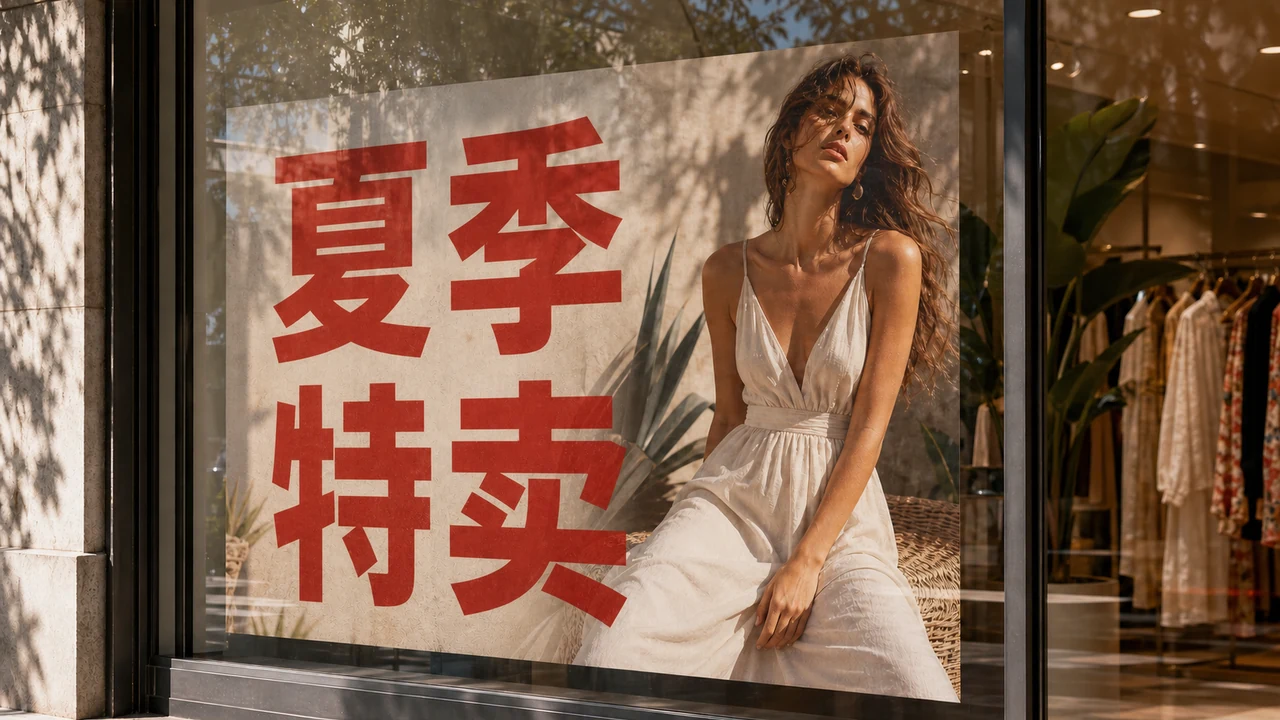
Google Translate also includes a feature that lets you import an existing still photo directly from your device's photo gallery. When you select a picture of a restaurant menu or a packaging box, the app scans the saved pixels and overlays translated text blocks over the image. This behavior leads many users to believe they have finally unlocked a built-in method for generating a translated picture file.
However, importing a gallery photo into the app is still fundamentally a reading and inspection mode rather than a design export tool. The interface places interactive translation chips and text-selection highlights over your image, allowing you to tap words, listen to pronunciation, or copy text to your clipboard. The software treats your picture as an interactive document canvas, not as a graphic template waiting for export.
If you search the interface for a button to save the newly rendered graphic, you will find options to copy text or share raw snippets, but no clean image exporter. The application does not export a freshly flattened graphic where original letterforms are seamlessly removed and re-rendered with production-grade typography. You are still interacting with a viewing utility built to help a human read, not an asset builder built to produce clean creative files.
The Gap: Why People Seek a Saved Image File
The gap between what users expect and what an AR viewfinder delivers explains why so many people search online for how to save camera translations. When you need to decipher a single informational sign on a street corner, a quick glance through a mobile viewfinder is often all you require. But real-world business and personal workflows regularly demand something permanent that you can archive, attach, or send to someone else.
Consider receiving a technical specification sheet from an overseas vendor, a foreign product packaging layout, or an instructional graphic with safety notices. You cannot hand your smartphone to a client or email an ephemeral viewfinder stream to a remote colleague. In these common situations, you need a finalized graphic asset that preserves the layout, typography, and original background clarity without user interface clutter.
When people attempt to use camera overlays for professional communication, the shortcomings quickly become obvious. Lettering often jitters across multiple lines, contrast adjustments can smear neighboring artwork, and critical technical terms may become partially occluded. Searchers typing camera translation queries into search engines are frequently looking for a durable artifact, only to discover that viewfinder tools cannot produce one.
A Different Tool Class: Still-Image Inpainting in the Browser
Bridging this divide requires stepping away from transient camera viewfinders and turning to a completely different class of software: still-image inpainting tools operating in a web browser. Rather than projecting temporary typography over a live camera sensor, an inpainting engine works directly on the raster data of an uploaded image file. It analyzes the visual structure beneath the text, erasing original foreign characters while reconstructing the underlying colors, gradients, and textures.
Once the background is reconstructed, the engine formats and renders the translated copy directly into the pixel grid. The resulting output is a brand-new, standalone graphic file that you can download, store, print, or share across professional channels. It replaces the ephemeral nature of mobile augmented reality with permanent, publication-ready visual output.
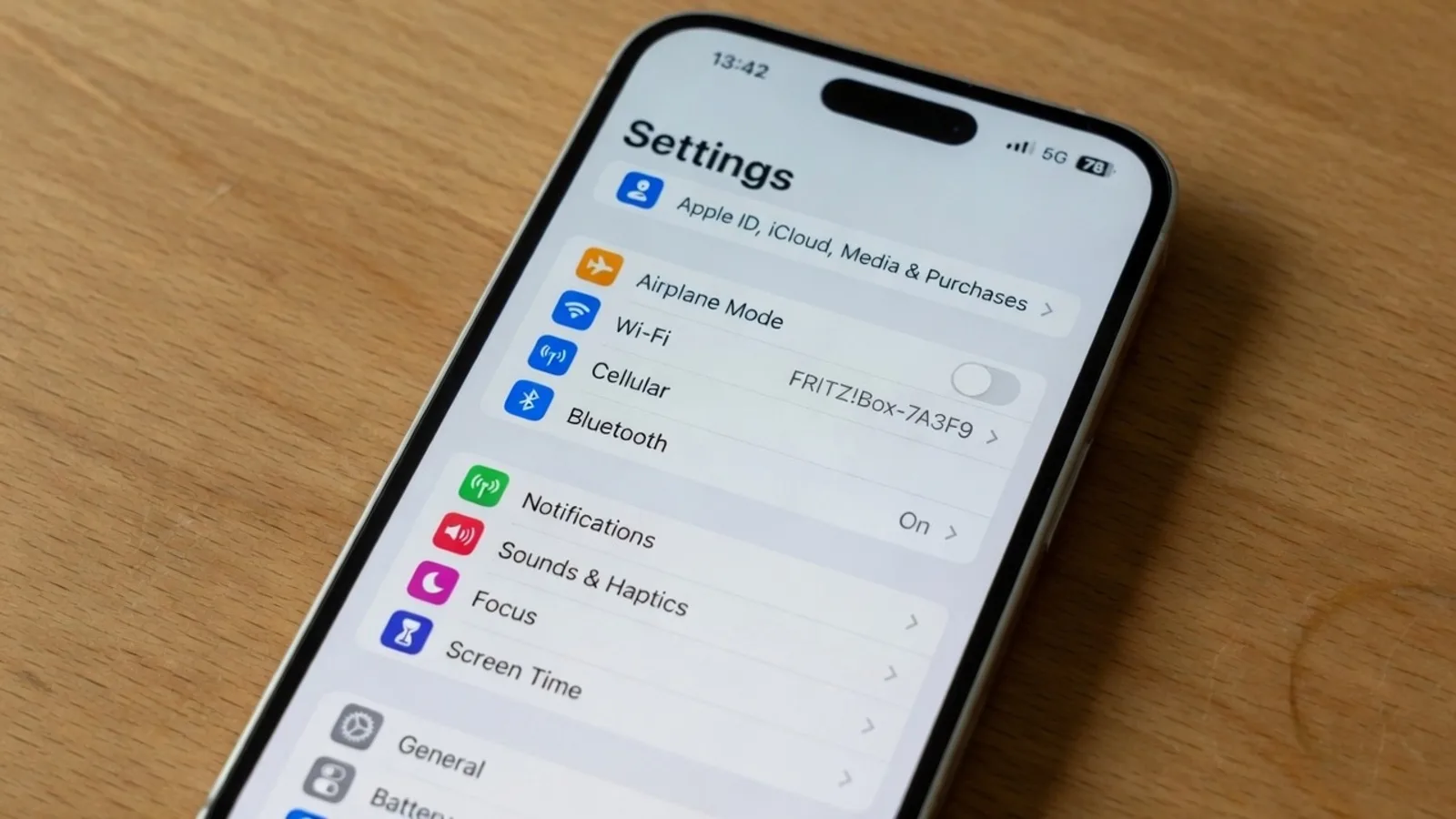
If you are looking for this kind of workflow, specialized web platforms provide the dedicated inpainting pipeline that live camera apps deliberately omit. For an overview of how dedicated web-based processing contrasts with handheld mobile overlays, you can explore the dedicated Google Translate Camera hub. When your workflow involves graphic assets such as infographics, product packaging stills, or international marketing collateral, utilizing a tool to Translate Text in Image ensures background textures remain intact while text is replaced cleanly. Similarly, when you capture digital interfaces, mobile app screens, or software settings, running them through a dedicated Screenshot Translator prevents system icons from warping while preserving UI readability.
On platforms like ReWords, detection and suggestions are free, guests get one suggestion per job, and generating a painted file uses trial credits after login. It is helpful to remember that an inpainting lock represents a detected line of text rather than an editable Photoshop layer. This distinction ensures the system treats your image as a unified composition, focusing on seamless raster blending rather than loose interface overlays.
The Bottom Line
Google Translate Camera remains a brilliant triumph of mobile engineering, turning your smartphone screen into an instant linguistic lens for the physical world around you. It excels at answering immediate questions on the street, translating unfamiliar menus on the fly, and decoding foreign notices in real time. But it is fundamentally a live augmented reality viewfinder, not an image editor or a graphic production studio.
When your goal is simply to understand what a street sign says right now, point your phone camera and let the live overlay do its job. When your goal is to generate, archive, or distribute a clean, translated image file that looks professionally typeset, you need an inpainting tool built specifically for still graphics. Recognizing the difference between a temporary visual overlay and a permanent graphic file ensures you always choose the right tool for the task.