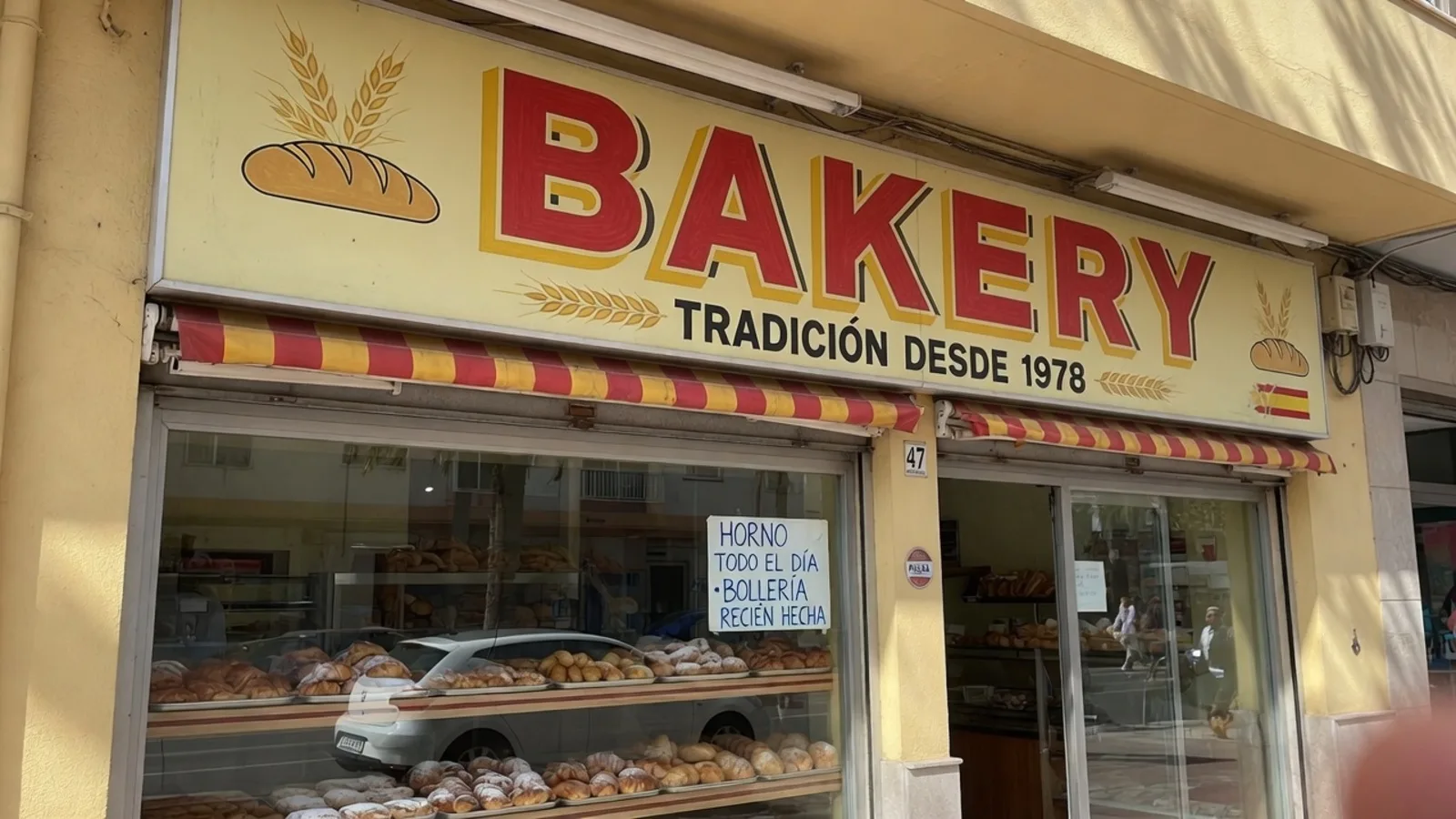
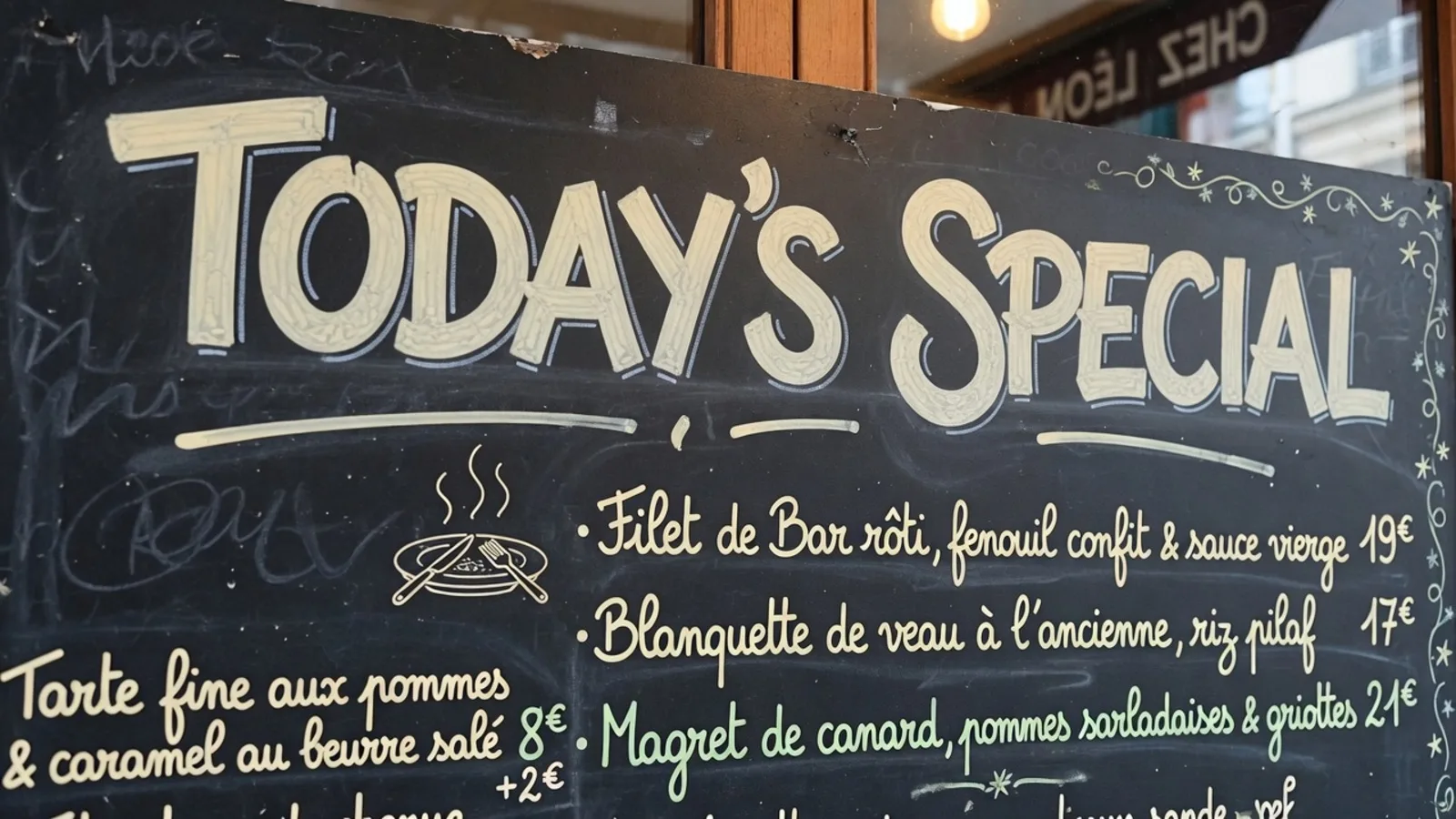
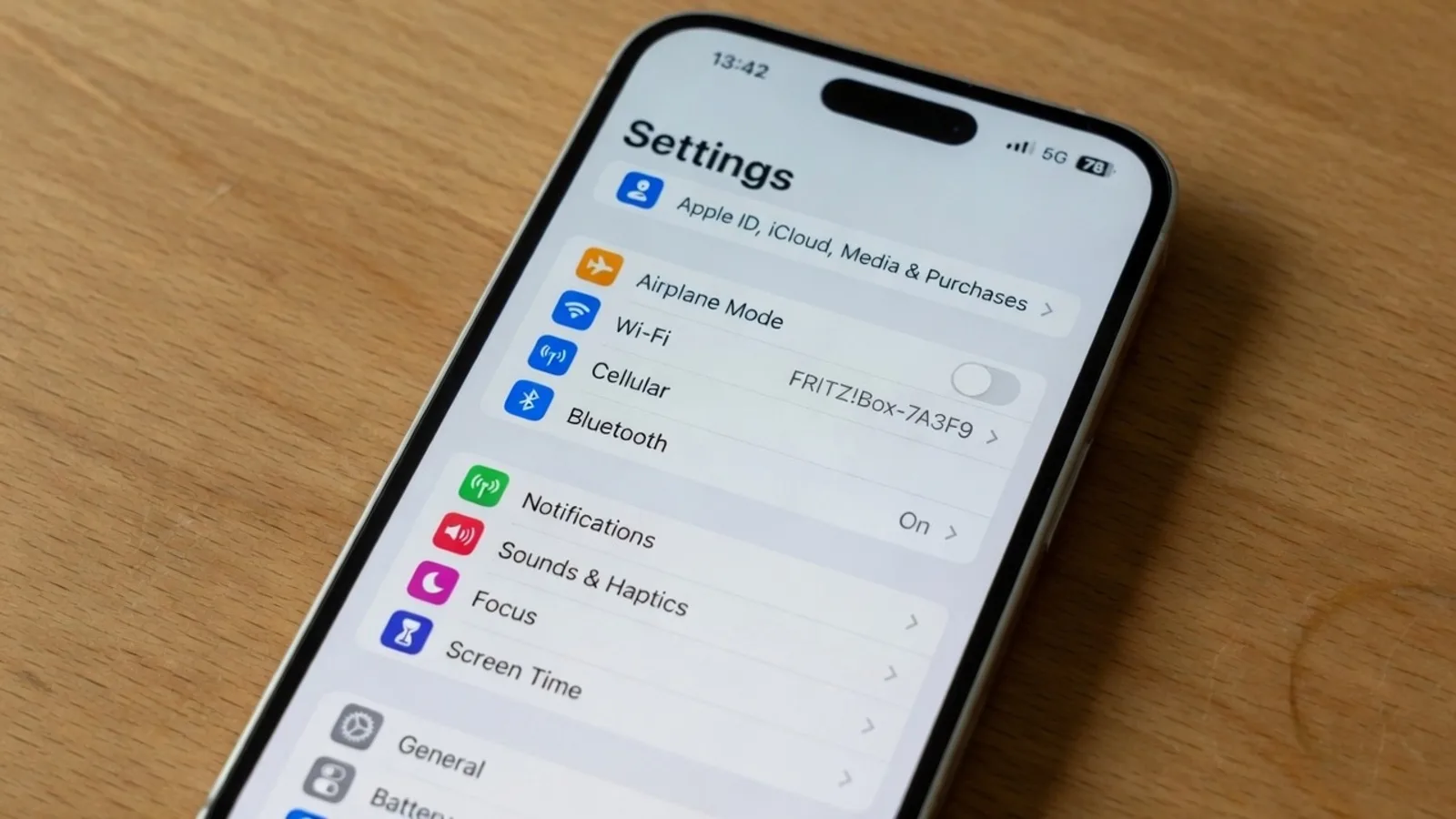
You open an exported PNG schematic from an overseas equipment supplier, and your eye immediately catches a bright red plate stamped with ACHTUNG across a critical valve assembly. You do not speak German, so you instinctively trigger a screen clipping shortcut to grab the letters, paste them into a scratchpad, and wait for an external translation window to make sense of the word. The raw translation spits back CAUTION, but now your screen is split between an orphaned word processor and an unreadable diagram.
I see this exact friction repeat itself whenever someone tries to parse foreign media during technical research or everyday documentation. The central problem of this workflow is the assumption that translating an image requires extracting raw characters into your operating system clipboard. When you translate image to English without retyping, the objective is not to harvest text strings for a separate document, but to preserve visual meaning directly where the message lives.
Most people treat optical character recognition as the universal solution for picture-based text simply because manual typing feels so tedious. Retyping foreign diacritics or unfamiliar scripts by hand is undeniably painful, yet dumping extracted letters into a notepad introduces an entirely different kind of cognitive overhead. Moving past that habit requires understanding why a detached clipboard buffer breaks the relationship between design and information.
Translate Text in Image
Auto-translate baked-in words and repaint visuals with our free online image translator.
The Anatomy of the Clipboard Detour
The conventional pipeline for handling text in images relies heavily on an intermediate staging area managed by your operating system. You capture a rectangular region, feed it to an optical recognizer, push the recognized string into memory, and paste it into a web translation box. Each step in this handoff divorces the vocabulary from the visual context that gave it clarity in the original graphic.
When an optical engine strips characters from a visual surface, it discards coordinate data, spatial orientation, typographic hierarchy, and surrounding design cues. What arrived as an urgent header over a high-pressure pipe becomes just another line of plain text in a generic text window. You gain the English translation, but you lose the immediate spatial connection that told you where danger actually existed.
This clipboard detour forces your brain to become an ad-hoc typesetting engine. You read the translated sentence in your browser or text editor, look back at the original image, and mentally reconstruct which English clause corresponds to which foreign label. If a complex technical drawing contains numerous distinct labels, this constant eye-shifting quickly becomes as exhausting as typing the characters yourself.
Optical Extraction Versus In-Place Visual Continuity
Traditional optical character recognition was engineered to digitize paper ledgers, printed books, and flat office documentation into searchable strings. It views graphics as unnecessary visual noise surrounding the characters, prioritizing extraction above all else. In contrast, an image translator to English treats the underlying visual composition as the essential product that must remain intact.
Instead of dumping text onto your clipboard, true in-place replacement erases the foreign characters and reconstructs the background texture underneath them. When you utilize Translate Text in Image, the platform applies still-file inpainting directly across the target graphic rather than producing detached text snippets. The resulting output retains the geometry, color harmony, and visual cadence of the original asset.
Consider how much information travels through graphic positioning rather than vocabulary alone. A warning label printed in bold condensed lettering across an industrial chassis carries authority because of its scale, placement, and contrast against the painted metal. Stripping those letters into a sterile white text document flattens the hierarchy and strips away the visual urgency of the message.
Why Text Files Fail Technical and Everyday Graphics
Consider a localized infographic, a software interface screenshot, or a wiring diagram covered in foreign terminology. If you extract every phrase into an external list, you end up with a numbered catalog of English words that requires manual cross-referencing against the visual art. Anyone reviewing your work must juggle separate files to understand the diagram.
Retyping words by hand might seem like a way to maintain precision, but it introduces frequent spelling mistakes when dealing with languages you cannot read fluently. An unfamiliar accent mark or a misread glyph can alter the translation completely, leading to misunderstandings in critical operational manuals. At the same time, manual transcription wastes focus on mechanical keystrokes instead of substantive analysis.
When you keep the translation embedded within the image canvas, the graphic remains completely self-contained. You can drop the translated file into a presentation slide, send it across a team chat, or archive it in a repository without writing companion notes. The diagram explains itself because the English phrasing occupies the exact coordinates where the original words once functioned.
The Difference Between Live Viewfinders and Static Files
Many people confuse in-place translation with the augmented reality features found on modern smartphones. A service such as Google Translate Camera offers impressive real-time viewing by projecting digital text over a live mobile camera feed. However, that technology serves an ephemeral purpose designed for travelers reading street signs through a viewfinder, rather than professionals handling durable still assets.
A live camera overlay does not repair the canvas behind the words or generate a clean, exportable digital file. It flickers with hand movement, changes perspective continuously, and disappears the moment you point the lens in another direction. When you need to document an engineering part or localize marketing collateral, you require a static PNG, JPG, or WebP graphic that holds its structure permanently.
Still image inpainting handles the challenging work that a live camera projection avoids. The system must assess the pixels surrounding the original glyphs, synthesize matching textures across the erased patch, and position English wording with balanced margins. This produces a finalized visual asset where CAUTION appears naturally embedded on the equipment plate, looking as though it were manufactured that way.
Bypassing the Burden of Manual Graphic Software
Before automated inpainting pipelines emerged, achieving in-place translation required opening heavy desktop image manipulation software. You had to select clone stamp tools, painstakingly paint out foreign characters, create separate text boxes, and hunt through font menus for matching typefaces. That laborious process meant that only high-priority marketing campaigns ever received visual translation, while internal documentation remained untranslated.
The modern alternative streamlines visual replacement without forcing you to master graphic design suites. Detection and English suggestions cost no credits, allowing you to preview phrasing before committing to a final image render. Guests receive one suggestion per job to inspect the detected text, while trial credits become accessible after logging in.
If you want to explore the step-by-step rendering process in detail, you can check out the guide on how to Translate Image to English. Generating your final still export spends 10, 20, or 30 credits for 1K, 2K, or 4K resolutions respectively. Within this workspace, activating Lock freezes a detected line rather than a Photoshop layer.
Managing Expectations Around Automated Lettering
While in-place translation eliminates clipboard clutter, you must understand the practical boundaries of visual text replacement. The rendered lettering represents a best-effort approximation based on geometric analysis, rather than a lossless vector reconstruction using original proprietary font files. Background textures are synthesized intelligently, but subtle gradients or complex photographic grains may display minor stylistic variations.
Automated visual generation also does not confer trademark permissions or formal legal clearance for copyrighted artwork. The system acts as a functional tool to facilitate comprehension and rapid layout adjustment across still graphic formats. As the user reviewing and distributing the resulting graphic, you maintain full ownership and final editorial responsibility for the chosen wording.
Because you own the final wording, you should always review detected phrases on safety warnings or sensitive contracts. Automated suggestions offer a sensible starting baseline, but human oversight ensures technical terminology matches industry conventions. Balancing automated inpainting with your domain expertise produces assets that are both visually clean and factually dependable.
Why Visual Integrity Changes How You Work
Eliminating the need to retype or copy text fundamentally alters how quickly you can absorb international materials. When foreign packaging, diagrams, or instructional graphics retain their visual structure in English, you spend your time evaluating the actual subject matter. You stop acting as a human bridge between disjointed software windows and focus entirely on the information at hand.
Consider how much smoother team collaboration becomes when everyone reviews an identical visual asset. Sharing a translated PNG schematic ensures every engineer, inspector, and project manager sees the same component pointers and caution blocks. Nobody has to consult an auxiliary spreadsheet to decipher what a specific label means in a foreign language.
This shift away from detached text extraction mirrors broader evolutions in visual communication. Modern workflows prioritize speed, clarity, and holistic presentation over fragmented data collection. When your tools respect the layout of the original graphic, translating foreign media becomes as natural as reading a native English document.
The Bottom Line
Translating an image to English without retyping is not about finding faster ways to copy characters into an operating system clipboard. It is about preserving the vital visual relationship between text, layout, and meaning directly inside your still graphic files. When you replace foreign phrases in place, you eliminate transcription errors and keep your diagrams immediately usable.
By retiring the clipboard detour, you protect visual context and transform raw foreign assets into polished English graphics. You keep your focus where it belongs—on understanding the message rather than managing disconnected notes.