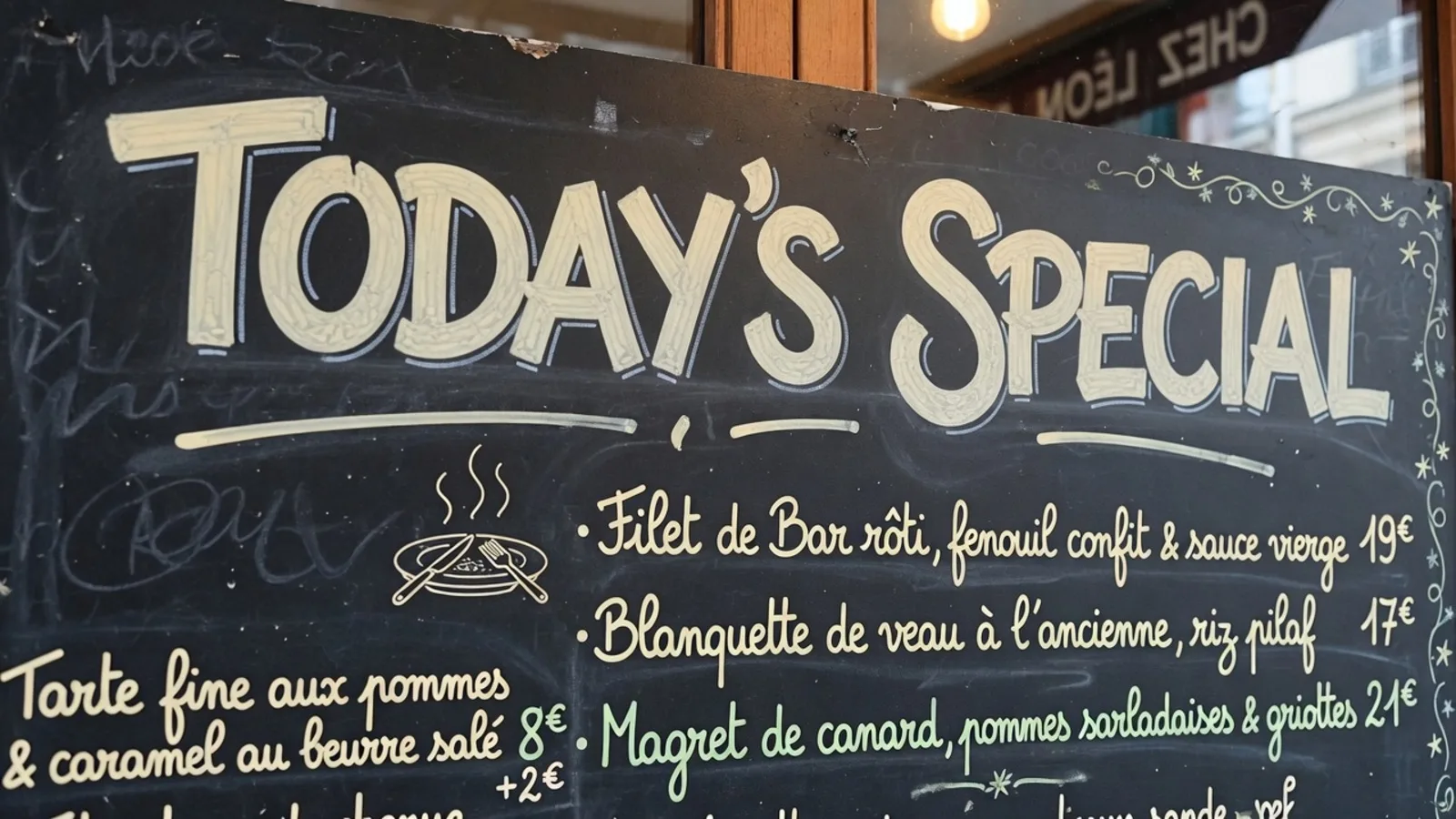
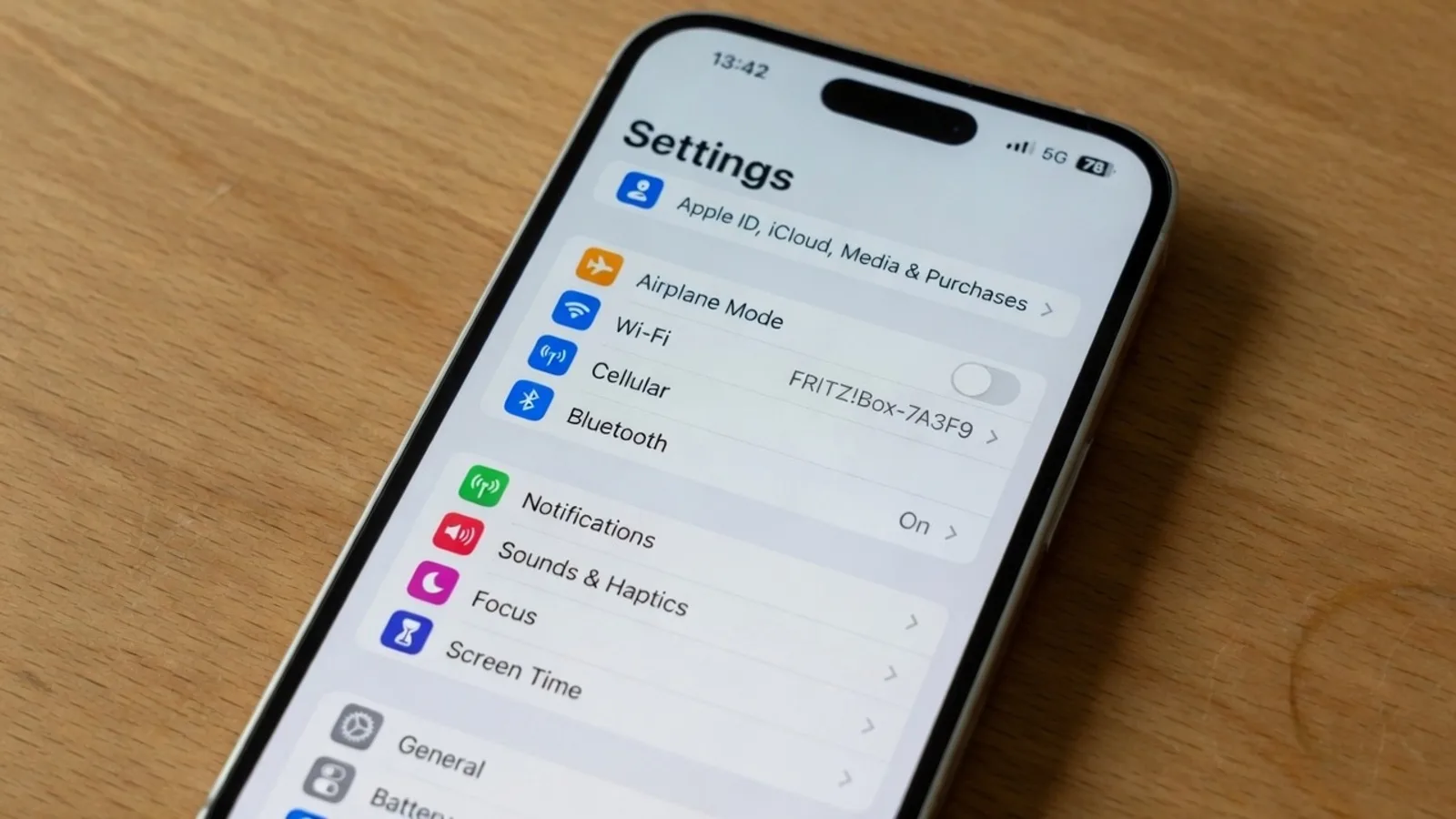
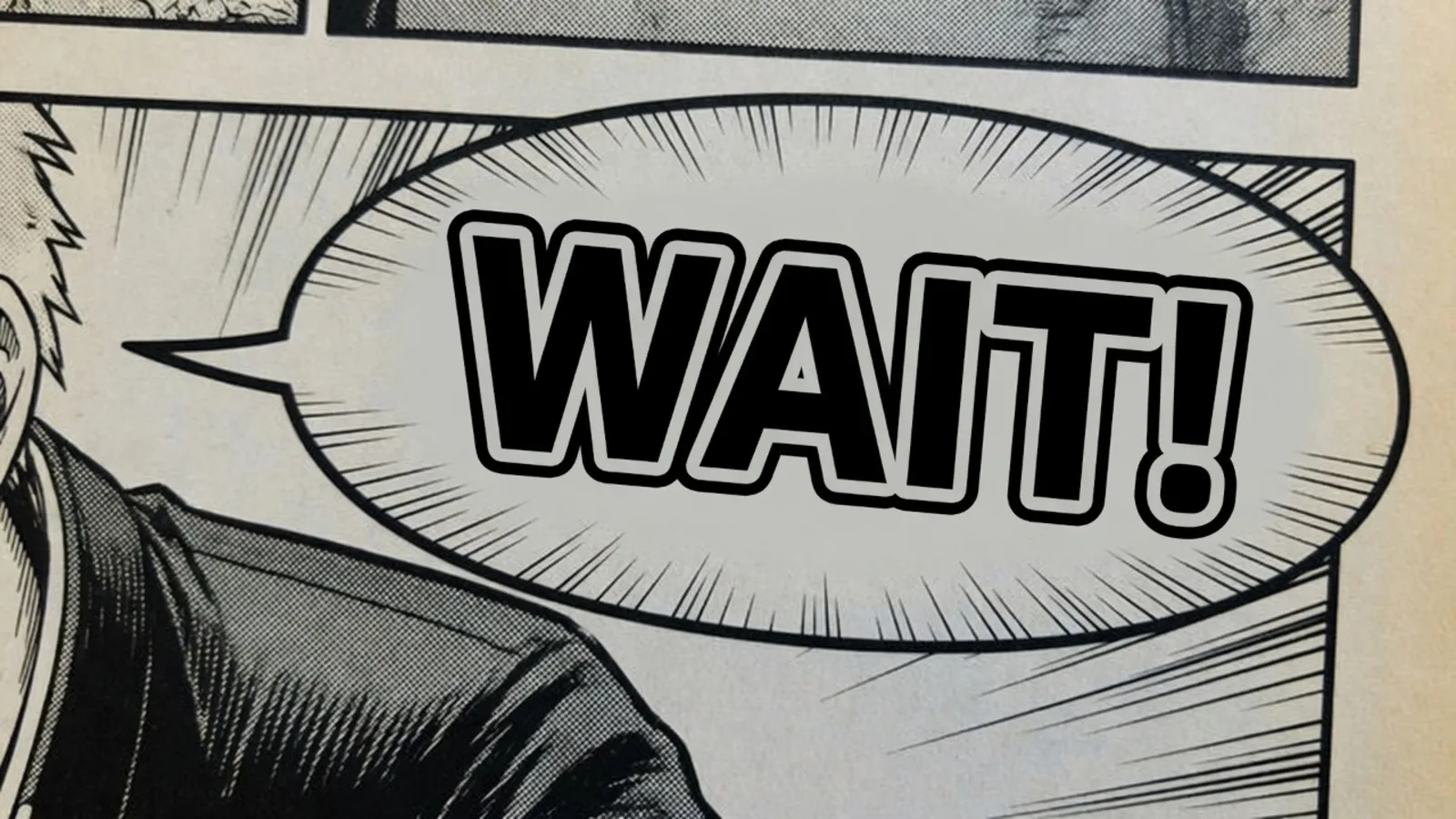
Picture standing in front of a rustic chalkboard sidewalk sign outside a cafe, where handwritten daily specials appear in cursive script. You might only want to transcribe those dish names into travel notes, or you might need a clean graphic asset for a promotional flyer. Both goals begin with the same photograph, yet they demand fundamentally different processing methods.
I see teams stumble over this technical fork repeatedly, treating every picture challenge as text extraction when what they actually need is visual reconstruction. Deciding whether to extract plain characters or repaint translated phrases directly onto an image depends on whether your deliverable is structured data or a finished visual composition. Recognizing this difference prevents you from wasting hours performing redundant layout surgery inside desktop graphic suites.
Translate Text in Image
Auto-translate baked-in words and repaint visuals with our free online image translator.
The Core Distinction: Raw Strings Versus Repainted Pixels
Optical character recognition is built to separate linguistic information from its visual medium. The algorithm scans pixel grids to map character edges, infers Unicode code points, and outputs plain text to your clipboard. Throughout this process, the original bitmap remains untouched, preserving background textures, grain, and original lettering without alteration.
When your immediate objective is collecting information for spreadsheets, databases, or research notes, character extraction represents the cleanest route. With Picture to Text, you obtain editable character rows without modifying image pixels or spending generation credits. That workflow leaves graphic presentation entirely to you, meaning any subsequent visual design must be assembled manually in external software.
In-place image translation approaches the canvas from the opposite philosophy by treating the visual layout as the primary deliverable. Instead of harvesting characters for a text document, the system removes source lettering and synthesizes translated text directly within the original environment. The objective is to deliver a coherent visual asset where translated wording replaces foreign text naturally in place.
This functional split alters how you manage downstream editing. If you rely on character extraction to produce a visual sign, you must open an editor like Photoshop, Figma, Canva, or GIMP, manually mask out existing lettering, and rebuild typography from scratch. In-place visual replacement automates that background repair and typographic synthesis on the image canvas directly.
How Text Extraction Operates and Where Its Scope Ends
Traditional optical character recognition pipelines treat visual elements like shadows, textures, viewing angles, and stylistic flourishes as interference. The recognition engine isolates high-contrast stroke patterns to identify letters, then discards spatial context once the string is generated. After producing raw characters, the tool has completed its intended task and provides zero assistance for graphic recreation.
This focused scope makes character extraction clean, lightweight, and entirely non-destructive. Because the tool synthesizes no replacement pixels, your source file retains its exact compression attributes without generational distortion. You receive pure strings that paste effortlessly into translation memories, word processors, or databases without visual baggage.
Friction occurs when teams expect raw text extraction to resolve graphic layout requirements. Copying a foreign sentence into a translation box produces translated words, but those words have no awareness of physical sign boundaries or aesthetic style. Restoring that text to a printable image demands manual font selection, careful line-wrap adjustments, and laborious texture cloning across the background.
The Mechanics of In-Place Image Translation
In-place translation combines optical recognition, multilingual translation, and visual inpainting into a single workflow. When you want to Translate Text in Image, the platform processes static PNG, JPG, and WebP graphics rather than live camera feeds. The engine identifies text regions across the static image and presents suggested translations in your chosen target language.
You are never trapped by automated machine guesses because you can review every phrase before pixels are modified. You can refine awkward vocabulary, adjust wording to fit your audience, or choose to Lock a specific detected line to keep its wording unchanged. Locking applies strictly to that detected line of text rather than functioning as an image layer lock inside Photoshop.
Guest visitors can request suggested translations once per task to evaluate phrasing before committing to production. Creating an account provides trial credits so you can test rendered outputs on actual design assets. Text detection and suggestion previews consume zero credits, allowing you to review phrasing without financial commitment. Credits are deducted only when you click Generate: 10 credits for 1K, 20 credits for 2K, and 30 credits for 4K renders.
When you confirm phrasing and initiate generation, the system removes the source lettering and repaints the translated text across the graphic. The visual repainting process is not lossless, does not load original proprietary font files, and never serves as a certified or notarized translation. Instead, the renderer strives to match the weight, slant, shading, and texture of the original script within the surrounding scene.
Because you hold complete editorial control over detected strings, you remain fully responsible for all vocabulary selections in the final output. The platform maintains no unlimited free generation tier and provides no batch API for automated high-volume rendering. Each generated asset represents a deliberate visual transformation where human editorial review guides machine synthesis.
Side-by-Side Comparison of Output and Effort
Choosing between extraction and visual translation depends on the artifact your project requires at completion. Text extraction produces clean clipboard strings, while in-place image translation outputs a fully rendered bitmap file. That distinction determines whether your subsequent work takes place in text documents or graphic production environments.
| Dimension | OCR / Text Extraction | In-Place Visual Translation |
|---|---|---|
| Primary Output Artifact | Plain text strings or clipboard lines | Newly rendered raster graphic (PNG, JPG, WebP) |
| Source Image Pixels | Completely untouched and unchanged | Old text wiped and repainted with target glyphs |
| Subsequent Design Work | Required if building a visual asset | Unnecessary for standard localized layouts |
| Generation Credit Cost | Zero generation credits consumed | Consumes credits per render (1K=10, 2K=20, 4K=30) |
As outlined in the comparison above, your choice directly influences your production timeline and resource allocation. If you need a promotional image ready for immediate publishing, in-place translation eliminates repetitive background masking and typesetting steps. Conversely, if your goal is logging recipe ingredients or building a terminology database, running visual synthesis would be an unnecessary operation.
The operational cost model mirrors this functional separation. Inspecting text boundaries and requesting suggested translations consume zero credits because no graphical synthesis occurs during analysis. Credit deduction takes place solely when you trigger the generative renderer to paint new glyphs, balance ambient lighting, and rebuild background textures across the canvas.
Typographic Reflow and Spatial Constraints
Translating written phrasing between languages inevitably introduces text expansion or contraction. A concise two-word expression in one language often expands into four or five words when rendered in another. When you manually paste translated strings into a graphic layout, you frequently find that target words overflow their original containers or clutter adjacent design elements.
In-place translation addresses these dimensional challenges during generative synthesis. The system dynamically adjusts character spacing, proportional scaling, and line breaks so translated wording fits naturally within original spatial boundaries. While the engine adapts typography to harmonize with surrounding design cues, it cannot alter the fixed physical geometry of the underlying image.
This physical constraint highlights why reviewing translation suggestions prior to generation remains essential. If a proposed phrase appears too lengthy to rest comfortably within a narrow ribbon or decorative banner, you can edit it into a more concise equivalent. Locking that edited string guarantees that your tailored text remains fixed while the engine focuses on synthesizing appropriate visual textures.
Selecting the Right Pipeline for Your Project
Your decision should follow the end use of your translated asset. When your ultimate goal is an English graphic ready for publication, copying foreign strings only gives you an intermediate puzzle piece. If you need that foreign chalkboard to look like an authentic English graphic without manual typesetting, navigating through Translate Image to English handles the localized render directly.
On the other hand, if your project involves compiling reference materials, analyzing legal agreements, or archiving invoices, you should keep your process inside extraction pipelines. Generating new graphic files for dense documentation screenshots creates unnecessary visual overhead without improving data utility. In those scenarios, plain text strings copied into markdown documents or spreadsheets provide superior functional value.
I recommend assessing your core objective before initiating any translation task. Determine whether your audience needs to view a clean, self-contained visual asset or whether your workflow merely requires raw semantic information. Answering that single question immediately clarifies whether you should extract character strings or repaint the graphic canvas.
The Bottom Line
Optical text extraction and in-place image translation serve distinct purposes within digital publishing. Character extraction harvests text while leaving source pixels unaltered, making it ideal for archiving, data analysis, and multi-layered manual design projects. In-place visual translation reconstructs the image directly, painting localized phrases into the existing visual scene so you avoid tedious manual typesetting.
Neither method replaces certified professional translation for binding legal documents, and visual repainting does not provide exact vector reconstruction or proprietary font files. However, matching your specific requirement to the correct technical pathway eliminates wasted effort across desktop photo editors and preserves production momentum. Choose extraction when you require editable data, and choose in-place visual translation when you need a finished graphic asset.
Sources
Discussions on optical character recognition methods Technical analysis of image text replacement workflows Comparative review of graphic layout reconstruction techniques Tesseract OCR guide on improving recognition quality Encyclopedic reference on bilingual dictionary mapping W3C internationalization standards for typography and line breaking